
Top 10 Concrete5 to WordPress Migration Companies
Concrete5, now known as Concrete CMS, is a flexible content management system. It gives website owners tools for managing pages, content blocks, themes, files, users, and custom website features.
But business needs change.
A website may need easier content editing, more plugin choices, better marketing tools, a larger developer ecosystem, or a CMS that the internal marketing team already knows.
This is where Concrete5 to WordPress Migration becomes useful.
Moving from Concrete5 to WordPress is not just about copying text from one CMS to another. Your pages, images, URLs, metadata, forms, templates, custom blocks, navigation, integrations, and SEO value may all need attention.
Concrete CMS itself recommends backing up both the database and important files before major technical changes. Its documentation also notes that custom code and compatibility need special attention. (Concrete CMS)
WordPress provides its own official guidance for importing content from other publishing systems. The exact migration method depends on the source system and the structure of the website.
Below are 10 Concrete5 to WordPress Migration Companies to consider in 2026 if you want professional help planning and completing the move.
Best Concrete5 to WordPress Migration Companies in 2026
The companies covered in this guide are:
- CMSTOWP
- EbizON Digital
- MassMedia Advertising
- 465-Media
- Sandbox Studio
- StellaPop
- Cletto
- Innotechfy
- Code Creator Technology
- Team Advertiser
This list combines migration-focused providers with WordPress, web development, design, and technology companies. Not every company publicly promotes a dedicated Concrete5 to WordPress migration service, so businesses should verify direct Concrete CMS migration experience before hiring.
What Should a Concrete5 to WordPress Migration Include?
A proper migration begins before anyone starts moving pages.
The first job is understanding what exists on the Concrete5 website. A small brochure website may have a simple structure, while an older business website may contain hundreds of pages, custom blocks, forms, integrations, user accounts, files, and years of SEO history.
Concrete CMS provides a migration tool for different versions of the platform, including versions 5.7 through 8.x and 9.x+. This is useful evidence of how version differences can affect the way Concrete content is handled. (Concrete CMS Migration Tool)
A migration plan should normally review:
- Existing pages and page hierarchy
- Images, PDFs, and other media
- Custom Concrete5 blocks
- Forms and submissions
- Blog or news content
- Page titles and metadata
- Existing URLs
- Internal links
- Navigation and menus
- Custom functionality
- Third-party integrations
- Analytics and tracking
- WordPress theme requirements
- Plugin requirements
- Redirects and SEO
The goal should not be to simply make the WordPress website “look right.” It should also work correctly behind the scenes.
1. CMSTOWP
Focused Concrete5 to WordPress Migration for Content, URLs, and Custom Website Features
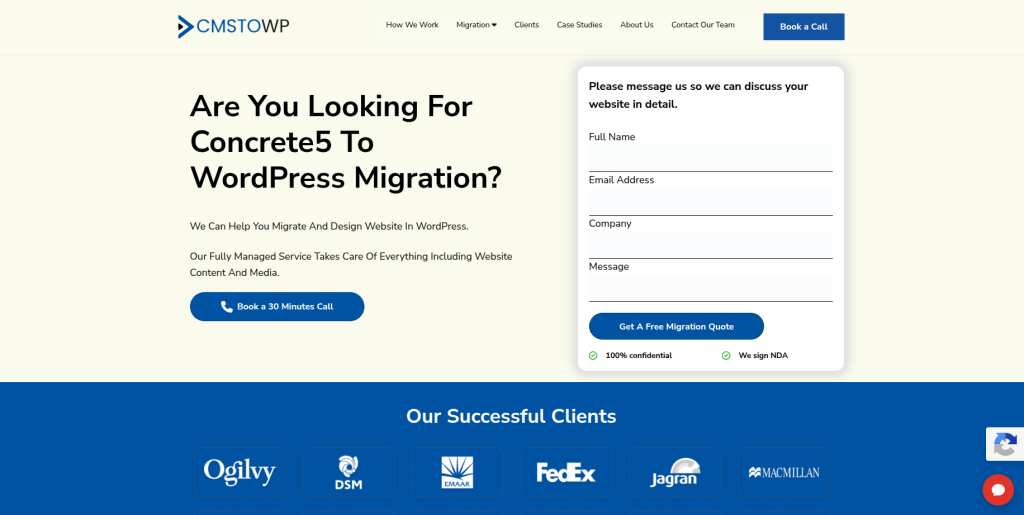
CMSTOWP is a natural company to consider when the main goal is moving an existing CMS website to WordPress. A Concrete5 website can contain page layouts, content blocks, images, forms, metadata, files, and custom functionality that need to be reviewed before migration. A migration-focused process can help identify what should be transferred directly and what needs to be rebuilt in WordPress. It also gives businesses a chance to clean up old content and website structure before launch. This makes CMSTOWP relevant for businesses that want the CMS migration itself to remain the main focus of the project.
- CMS migration focus: Built around moving websites from existing platforms to WordPress.
- Content transfer planning: Pages, media, metadata, navigation, and important content can be mapped before migration.
- WordPress setup: The new website can be structured around easier WordPress content management.
- SEO migration planning: Existing URLs, metadata, internal links, and redirects can be reviewed before launch.
- Best suited for: Businesses looking for a specialized Concrete5 to WordPress website migration partner.
Before beginning the move, businesses can review CMSTOWP’s professional Concrete5 to WordPress migration service for business websites to understand how a focused CMS migration can be approached.
2. EbizON Digital
End-to-End Concrete CMS Migration With Custom WordPress Development Support
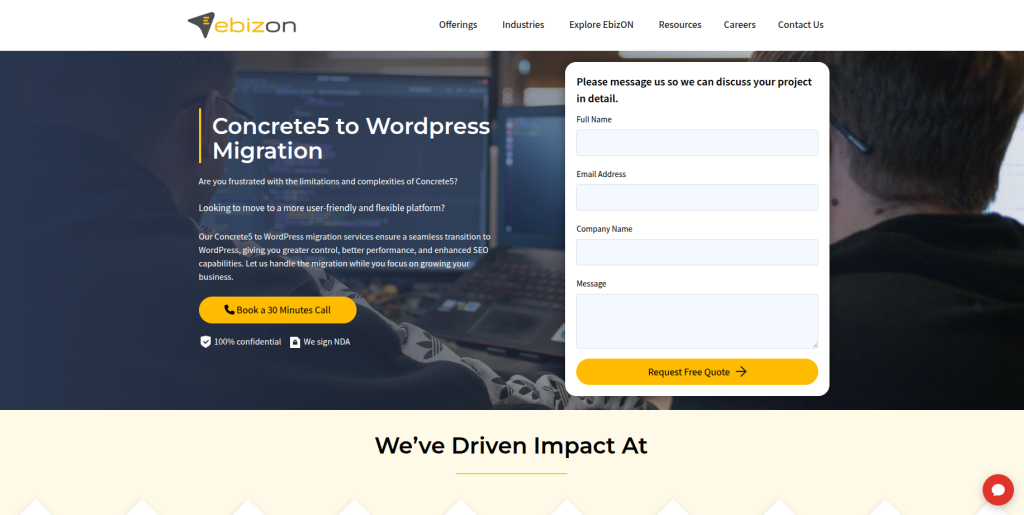
EbizON Digital can be considered when a Concrete5 migration includes more than transferring pages into WordPress. Some websites contain custom templates, forms, integrations, unique content structures, or business features that need development work on the new platform. In these situations, the migration may become a combination of content transfer, WordPress development, redesign, integration, SEO preservation, and QA. This broader technical approach can be useful for established business websites. It is especially relevant when the new WordPress website needs to improve on the existing Concrete5 setup rather than simply copy it.
- End-to-end migration: Useful when migration, development, and website improvements need to happen together.
- Custom WordPress development: Relevant for Concrete5 sites with features that need to be rebuilt.
- Integration support: Helpful when the website connects with business or marketing systems.
- Testing and launch: Important website functions can be checked before and after launch.
- Best suited for: Businesses with custom Concrete5 to WordPress migration and development requirements.
3. MassMedia Advertising
A Digital Agency Option to Evaluate for Concrete5 Website Modernization
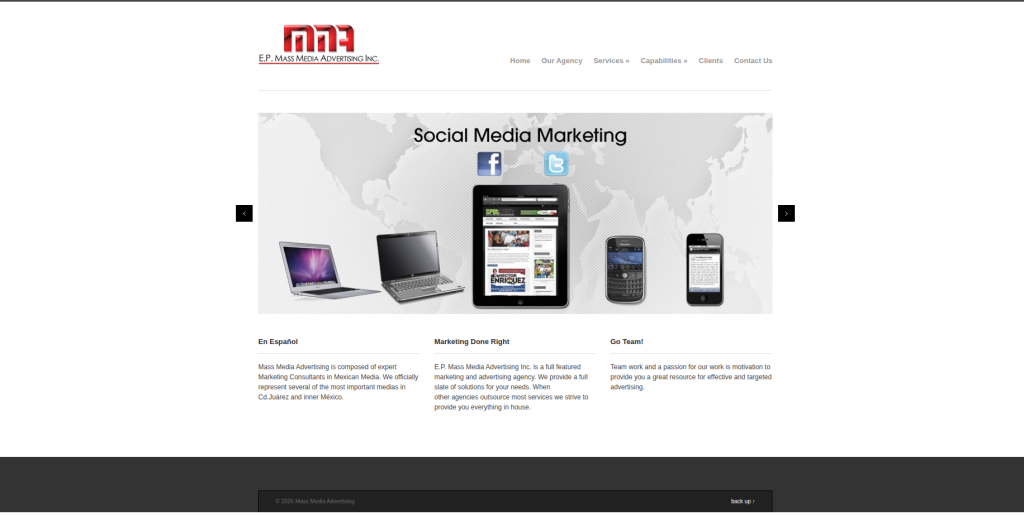
MassMedia Advertising is included as one of the companies to evaluate when planning a move from Concrete5 to WordPress. For this type of project, businesses should focus on the company’s website development process and ask for examples of CMS migration work that is similar to their own site. The migration may involve content, design, SEO, redirects, forms, and custom functionality. A discovery process should identify which Concrete5 features can be recreated with WordPress and which need a different solution. Direct Concrete5 migration experience should be confirmed before the project starts.
- Website modernization: Consider the company when migration is part of a larger website refresh.
- Content planning: Ask how existing Concrete5 pages and media would be transferred.
- WordPress capability: Request recent WordPress projects with similar requirements.
- Migration proof: Ask for examples of CMS-to-WordPress projects and Concrete5 experience.
- Best suited for: Businesses comparing website modernization and Concrete CMS migration providers.
4. 465-Media
WordPress-Focused Development and Ongoing Support for CMS Migration Projects
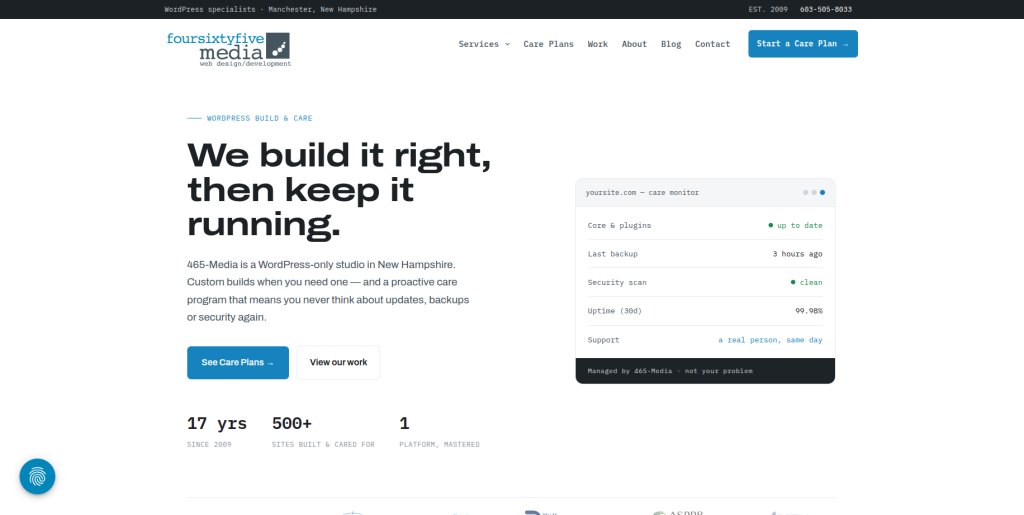
465-Media stands out because its current website describes the company as a WordPress-only studio. It publicly promotes custom WordPress development as well as ongoing care covering updates, backups, security, and support. That WordPress focus can be useful when the goal is to move away from Concrete5 and establish a WordPress website that will be maintained after launch. Its portfolio also shows work involving information architecture and Gutenberg-based page structures. Direct Concrete5 migration experience should still be confirmed before choosing the company for this specific source platform.
- WordPress specialization: The company publicly positions its work around WordPress.
- Custom development: Useful when the new website requires more than a standard theme setup.
- Ongoing care: Maintenance, backups, security, and technical support can matter after migration.
- Content structure: Relevant for websites that need flexible Gutenberg-based editing after the move.
- Best suited for: Businesses wanting WordPress development plus long-term website care after migration.
5. Sandbox Studio
A Web Development Partner to Assess for Custom Concrete5 Migration Needs

Sandbox Studio is another company from the selected list to consider during the vendor research process. The most important step is confirming how its development experience matches your existing Concrete5 website and planned WordPress setup. Older Concrete websites can contain custom templates, blocks, files, forms, and functionality that cannot simply be copied into WordPress. Ask the team to review these items before providing a final scope. A technical audit and migration plan should come before the final development estimate.
- Technical discovery: Ask for a review of the existing Concrete5 website before migration.
- Content mapping: Confirm how pages, media, navigation, and content structures will move.
- Custom features: Identify Concrete5 functionality that needs to be rebuilt in WordPress.
- Experience to verify: Request relevant WordPress and CMS migration examples.
- Best suited for: Businesses willing to validate technical Concrete5 migration experience during discovery.
6. StellaPop
Website Design and WordPress Modernization for a Better Post-Migration Experience
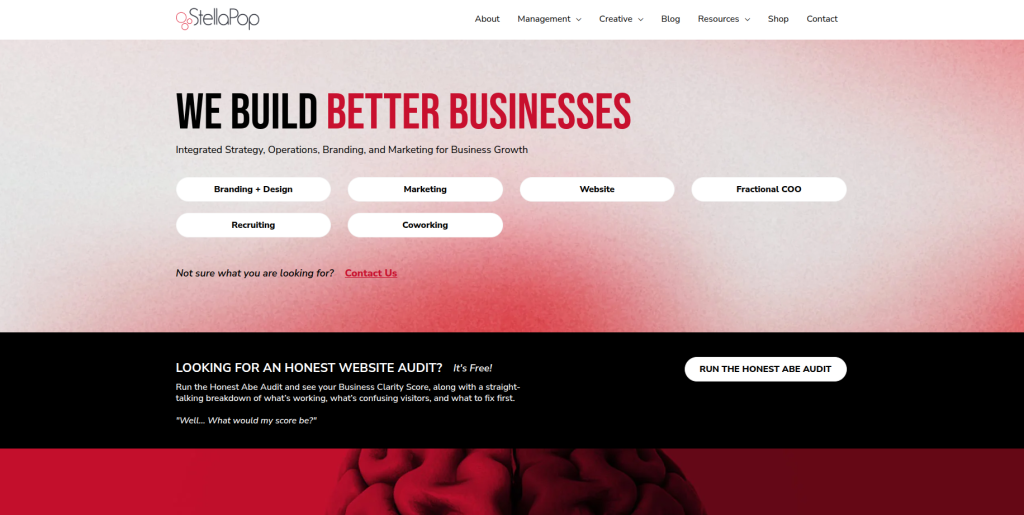
StellaPop publicly offers website design, website development, website management, hosting, mobile optimization, and SEO services. That mix can be relevant when a Concrete5 migration is also being used as an opportunity to improve design and user experience. Its website emphasizes intuitive navigation, usability, and building websites around business and customer needs. For a migration project, businesses should confirm the technical approach for extracting Concrete5 content and rebuilding any custom functions in WordPress. Direct Concrete5 migration experience should also be checked during vendor evaluation.
- Website development: Useful when the WordPress website needs to be rebuilt rather than simply imported.
- Design improvement: Relevant for businesses that want a visual refresh during migration.
- SEO services: Helpful when organic search needs to be considered as part of the website move.
- Ongoing website management: Can support the site after the WordPress launch.
- Best suited for: Brands combining Concrete5 migration with website design and UX improvements.
7. Cletto
Website Design and Technology Support for a Modern WordPress Rebuild
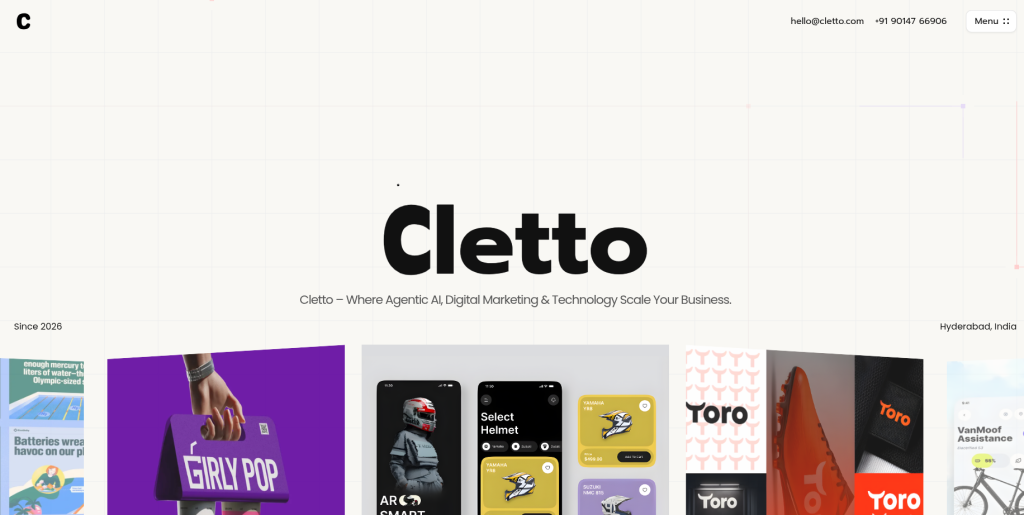
Cletto currently describes its services around AI, digital marketing, technology, and website design. Its website design offering focuses on modern and responsive experiences, which can make it worth evaluating when the move from Concrete5 also includes a website redesign. For migration work, however, design is only one part of the job. Businesses should ask how existing Concrete5 content, URLs, media, forms, metadata, and custom functionality would be handled. Direct WordPress and Concrete5 migration examples should be requested before selecting the company.
- Website design: Relevant when the migration includes a fresh website experience.
- Responsive design: Useful for businesses replacing an older Concrete5 frontend.
- Technology services: May help when the website is part of a wider digital project.
- Migration experience to verify: Ask specifically for WordPress and Concrete CMS migration examples.
- Best suited for: Businesses considering Concrete5 migration as part of a broader website redesign.
8. Innotechfy
Technical Modernization for Concrete5 Websites With Custom Integrations
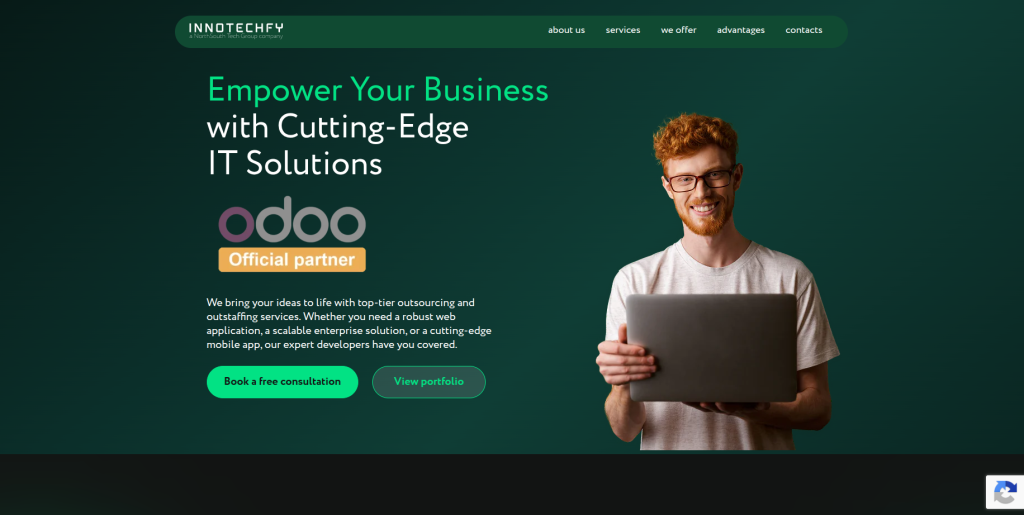
Innotechfy publicly offers web and mobile application development, API and system integration, IT consulting, and legacy system modernization. Those capabilities can be useful for a complicated Concrete5 website that connects with other applications or contains older custom technology. Its legacy modernization service is particularly relevant when the existing site needs more than a simple content transfer. A business should still verify the company’s WordPress depth and direct Concrete5 migration experience. This option makes more sense when technical modernization is an important part of the project.
- Legacy modernization: Relevant for businesses moving away from an older or highly customized setup.
- Web development: Useful when new functionality needs to be developed around the migrated website.
- API integration: Important for sites connected to external business systems.
- Technical consulting: Can help define the future architecture before development begins.
- Best suited for: Businesses with integration-heavy or technically complex Concrete5 migration requirements.
9. Code Creator Technology
Custom WordPress and CMS Development for Feature-Heavy Website Migrations
Code Creator Technology publicly lists web development, ecommerce development, CMS development, custom development, and API integration among its services. Its published process covers requirement analysis, planning, development, testing, and final delivery. This structured approach is relevant when a Concrete5 website contains custom functionality that needs to be understood before it is recreated on WordPress. The company also works with PHP and other web technologies, which can be useful when dealing with custom web systems. Businesses should still ask for direct Concrete5-to-WordPress examples before making a final choice.
- CMS development: Relevant when the project involves moving between different content management systems.
- Custom development: Helpful when existing Concrete5 functionality needs to be recreated.
- API integration: Useful for websites connected with external software or data.
- Testing process: Its public process includes testing and QA before final delivery.
- Best suited for: Businesses needing custom CMS development alongside a Concrete5 to WordPress move.
10. Team Advertiser
WordPress Development With Digital Marketing Support After Migration
Team Advertiser combines web development, design, SEO, and digital marketing capabilities. Its current team information includes both a lead full-stack developer and a WordPress developer, while its portfolio presents web development and creative projects. This can be useful for businesses that want development and marketing support around the new website. For a Concrete5 migration, the team should explain how it will transfer content, preserve URLs, rebuild features, and test the finished WordPress site. Businesses should confirm direct Concrete5 experience before including it in a final vendor shortlist.
- WordPress capability: The company’s public team information includes WordPress development expertise.
- Full-stack development: Helpful if the migration includes custom technical requirements.
- SEO support: Relevant when organic visibility needs attention during the move.
- Digital marketing: Can support the website after migration and launch.
- Best suited for: Businesses wanting WordPress development with broader digital marketing support.
Why Move From Concrete5 to WordPress?
Concrete5 is still an active CMS. In fact, Concrete CMS released version 9.5.4 on September 8, 2026. A move to WordPress should therefore be based on business requirements rather than an assumption that Concrete CMS no longer exists.
For some businesses, WordPress may simply fit the team better.
Common reasons for considering a move include:
- Easier access to WordPress developers
- Familiar editing experience for marketing teams
- Large plugin ecosystem
- More theme and design options
- Easier integration with marketing tools
- More choices for SEO plugins
- Flexible content publishing
- Easier blog management
- Large WordPress support ecosystem
- Future website development needs
The right question is not “Which CMS is better for everyone?”
It is “Which CMS is better for how our team needs to manage and grow this website?”
What Data Should Be Moved From Concrete5 to WordPress?
The migration scope should be written down before development starts.
Concrete CMS stores more than the text visitors see on a page. Its documentation covers pages, blocks, files, themes, add-ons, users, and custom development. This means a site audit is important before anyone starts moving content. (Concrete CMS Documentation)
Your migration checklist may include:
- Pages
- Page titles
- Body content
- Images
- PDFs and downloads
- Blog posts
- News articles
- Forms
- Navigation
- Metadata
- Custom page templates
- Custom blocks
- User information
- Internal links
- Analytics code
- Schema markup
- Integrations
- Existing URLs
- Redirects
Not every item will transfer automatically.
A custom Concrete5 block, for example, may need to become a Gutenberg block, plugin feature, custom field setup, or custom WordPress development.
How to Protect SEO During Concrete5 to WordPress Migration
SEO should be planned before the new WordPress site goes live.
Changing the CMS can also change URL structures, navigation, page templates, metadata, internal links, and website performance. If those changes are not managed properly, search engines may have difficulty understanding where old content moved.
Google’s official guide to site moves with URL changes recommends mapping old URLs to new destinations, using permanent server-side redirects such as 301 or 308 redirects, updating internal links, submitting the new sitemap, and monitoring the move.
Before migration, export or crawl the existing website and create a list of important URLs.
Then check:
- Which URLs will stay the same?
- Which URLs will change?
- Which pages are being removed?
- Which pages already receive organic traffic?
- Which pages have external backlinks?
- Which pages need 301 redirects?
- Are titles and descriptions being retained?
- Are canonical tags correct?
- Are internal links updated?
- Is the new XML sitemap correct?
Google also provides specific guidance on redirects and Google Search, which is useful when planning the redirect map.
A CMS migration is not the time to forget about old URLs.
How to Choose the Right Concrete5 to WordPress Migration Company
1. Ask About Concrete5 Experience
Do not assume that every WordPress developer understands Concrete5.
Ask whether the company has worked with Concrete CMS before. Find out which versions it has handled and whether it understands blocks, page types, themes, files, custom packages, and other Concrete features.
2. Request a Website Audit
The migration company should inspect the current website before giving you a detailed migration plan.
Concrete CMS recommends database and file backups before major changes, and its documentation shows that custom code can affect technical work.
The audit should identify content, templates, custom functions, integrations, SEO requirements, and potential migration problems.
3. Ask How Content Will Be Mapped
WordPress and Concrete5 do not organize every piece of content in the same way.
Ask where each content type will go.
For example:
- Concrete5 pages to WordPress pages
- News content to WordPress posts
- Custom blocks to Gutenberg blocks or custom fields
- Forms to a WordPress form solution
- Files to the WordPress Media Library
- Custom functionality to plugins or custom code
WordPress’s content importing documentation explains that content can be imported from other publishing systems, but procedures vary depending on the source platform.
4. Review the SEO Migration Plan
Ask for an old-to-new URL map before launch.
The company should also explain how it will handle metadata, internal links, canonicals, XML sitemaps, redirects, image URLs, analytics, and search-engine verification.
If a vendor’s SEO migration plan consists only of “install an SEO plugin,” ask more questions.
5. Check the Testing Process
A website that looks correct can still have hidden problems.
Test:
- Navigation
- Forms
- Search
- Images
- Downloads
- Internal links
- Redirects
- Mobile layouts
- Browser compatibility
- Page speed
- Analytics
- Conversion tracking
- Custom functionality
- User logins, if applicable
Testing should happen on staging before launch.
6. Ask About Post-Launch Support
Some migration issues only appear after real visitors begin using the new website.
Ask how long post-launch support lasts and what is covered.
The team should monitor important redirects, broken links, forms, analytics, Search Console, website errors, and other critical functions after launch.
Common Concrete5 to WordPress Migration Mistakes
Moving Content Without Auditing It
Old websites often contain pages nobody needs anymore.
Migrating every old page can carry years of clutter into the new WordPress website. Review content first and decide what should be moved, updated, merged, or removed.
Forgetting Custom Blocks
A Concrete5 website may rely on custom blocks for important features.
Those features need to be documented and matched with a WordPress solution before launch.
Changing Every URL
You do not need to change a URL simply because the CMS changed.
Where practical, keeping important URLs consistent can make migration simpler. When URLs must change, map them carefully and use appropriate redirects.
Ignoring Forms
Forms can generate leads, support requests, applications, and other important business actions.
Every form should be recreated and tested before launch.
Launching Without a Backup
Keep a complete copy of the old website and database.
Concrete CMS itself recommends backups before significant technical changes.
Skipping Post-Launch Checks
The first migration review should not be the last.
Crawl the new website after launch, test redirects, review Search Console, check analytics, and watch important landing pages for unexpected changes.
When Should You Consider EbizON Digital for Concrete5 Migration?
Some migrations become development projects very quickly.
If your Concrete5 site contains custom templates, integrations, special forms, unique functionality, or a larger redesign requirement, a broader development team can make sense.
Businesses with these requirements can explore EbizON Digital’s custom Concrete5 to WordPress migration and development services when comparing approaches for a more involved CMS move.
Notice that this link appears later in the guide rather than directly inside the EbizON company section. This allows internal links to sit where they make sense to the reader instead of appearing in exactly the same place in every company profile.
Concrete5 to WordPress Migration Checklist
Before launch, make sure your migration team has reviewed:
- Complete Concrete5 backup
- Website crawl
- Page inventory
- Content inventory
- Media inventory
- Custom block inventory
- Forms
- Users
- Integrations
- Tracking scripts
- WordPress installation
- Theme setup
- Plugin setup
- Content migration
- Image migration
- Metadata
- URL mapping
- 301 redirects
- Internal links
- Mobile testing
- Form testing
- Speed testing
- Analytics
- Search Console
- XML sitemap
- Post-launch crawl
- Backup of the new WordPress website
This checklist will not cover every custom website, but it gives businesses a strong starting point.
FAQs
1. What is Concrete5 to WordPress Migration?
Concrete5 to WordPress Migration is the process of moving a website from Concrete5, now called Concrete CMS, to WordPress. The project can include pages, images, files, blog content, forms, metadata, navigation, URLs, custom functionality, integrations, and SEO settings.
2. Is Concrete5 the same as Concrete CMS?
Yes. Concrete5 was renamed Concrete CMS. You may still see the name Concrete5 used for older versions, older websites, migration searches, and existing technical documentation.
3. Can all Concrete5 pages be migrated to WordPress?
Most standard page content can usually be moved or recreated, but the exact method depends on the website. Custom blocks, templates, forms, packages, and integrations may need separate WordPress solutions or custom development.
4. Can I migrate from Concrete5 to WordPress without losing SEO?
A carefully planned migration can reduce SEO risk, but no company can responsibly promise that rankings will never change. Keep important URLs where practical, map changed URLs, use appropriate redirects, retain valuable content and metadata, update internal links, and monitor the site after launch.
5. Do I need 301 redirects when moving from Concrete5 to WordPress?
You normally need redirects when an old URL will no longer exist at the same address. Each important old page should point to the most relevant new destination instead of sending every old URL to the homepage.
6. Can custom Concrete5 blocks be moved to WordPress?
They usually cannot simply be copied as-is. The functionality may need to be recreated using Gutenberg blocks, custom fields, a WordPress plugin, a page builder, or custom WordPress development.
7. How long does a Concrete5 to WordPress migration take?
It depends on the number of pages, files, custom blocks, integrations, forms, users, design changes, and SEO requirements. A small brochure site is very different from a large custom Concrete5 website. The current website should be audited before a reliable timeline is agreed.
8. Should I redesign my website during the migration?
You can. Migration can be a useful time to improve an old design because the templates may already need to be rebuilt for WordPress. However, combining migration with a complete redesign increases project scope, so both parts should be planned carefully.
9. What should I test after migrating to WordPress?
Check pages, images, downloads, menus, internal links, forms, redirects, mobile layouts, search, analytics, conversion tracking, metadata, XML sitemaps, page speed, plugins, and any custom functionality. Also crawl the website for broken links and unexpected errors.
10. How do I compare Concrete5 to WordPress migration companies?
Compare relevant migration experience, WordPress knowledge, Concrete5 understanding, data and content mapping, custom development ability, SEO migration planning, testing, communication, launch procedures, and post-launch support. Ask each company to explain exactly how it would migrate your specific website rather than choosing only on price.
Conclusion
Moving from Concrete5 to WordPress can give a business a different content-management environment, access to the WordPress ecosystem, and more options for future website development.
But the CMS switch needs planning.
Your existing pages, media, custom blocks, forms, URLs, metadata, integrations, and SEO history all have value. The migration company should understand what needs to move, what needs to be rebuilt, and what should remain unchanged.
Start by auditing your existing Concrete5 website. Then compare the 10 companies based on the actual requirements of your project.
For migration-focused projects, CMSTOWP is worth evaluating. EbizON Digital can be considered when the project also needs broader WordPress development. The other eight companies bring different combinations of WordPress, web development, design, integration, modernization, and digital expertise.
Most importantly, ask for proof that matches your project.
A clear migration plan, URL map, testing process, backup strategy, and post-launch support plan will tell you far more than a generic promise to “move your website safely.”