
Top 10 DotNetNuke to WordPress Migration Companies
Moving an old website to a new CMS can feel like moving a house. You want to take everything important with you, but you do not want to carry old problems into your new home.
That is exactly why DotNetNuke to WordPress Migration needs proper planning.
DotNetNuke, now commonly known as DNN, is an open-source CMS built around the Microsoft ecosystem. The platform can support websites, portals, intranets, custom modules, user roles, files, themes, and other advanced features. You can learn more about the platform through the official DNN Platform documentation.
WordPress takes a different approach. It has a large ecosystem of themes, plugins, developers, SEO tools, and content management options. For businesses that want easier content updates and a flexible website, moving to WordPress can make sense.
But migration is not simply about copying text from DNN and pasting it into WordPress.
Pages, images, files, URLs, metadata, forms, users, modules, navigation, redirects, integrations, and custom features may all need attention.
This guide covers the Top 10 DotNetNuke to WordPress Migration Companies to consider in 2026. The list includes migration-focused providers as well as web development companies that may be worth evaluating for WordPress rebuild and migration work.
Why Businesses Move From DotNetNuke to WordPress
DNN is still an active open-source CMS. Its official project describes DNN as a CMS in the Microsoft ecosystem, with features such as multisite support, file management, localization, themes, REST APIs, security roles, protected content, and custom modules.
That is important because moving away from DNN is not always a simple content export.
A business may decide to migrate because its website team wants an easier editing experience, a larger plugin ecosystem, easier access to WordPress developers, or a fresh website design.
WordPress can also make everyday content work simpler for marketing teams.
Pages, blogs, landing pages, media, menus, and other website content can be managed from one familiar CMS.
However, the business case should come first. Do not migrate just because WordPress is popular. Move when the new CMS gives your team a clear business, technical, marketing, or operational benefit.
Why DotNetNuke to WordPress Migration Needs Careful Planning
DNN and WordPress are different systems.
A DNN website may contain custom modules, special page templates, user permissions, forms, databases, files, third-party integrations, and functionality that does not have a direct WordPress equivalent.
That means the migration team first needs to understand what exists.
Content can often be transferred or rebuilt. Custom DNN modules may need to be replaced with WordPress plugins or recreated through custom development.
The team should also understand your current URL structure.
If important URLs change during migration, redirects need to be planned before the new site goes live. This helps visitors and search engines find the right replacement pages.
The official WordPress website migration documentation also recommends backing up website files and databases when moving a WordPress installation.
For a DNN to WordPress project, keeping a safe copy of the existing site is equally sensible.
What Should Be Included in a DNN to WordPress Migration?
Before selecting a migration company, make a complete list of what your current DNN website contains.
This may include:
- Website pages
- Blog posts or news
- Images and documents
- Page titles and descriptions
- Navigation menus
- Forms
- User accounts
- Member-only areas
- Custom modules
- Search functionality
- Downloadable files
- URL structures
- Redirects
- Analytics tracking
- CRM integrations
- Third-party APIs
- Custom databases
Some of these items can be migrated directly. Others may need to be rebuilt.
This is why a migration audit should happen before the final scope is agreed.
Top 10 DotNetNuke to WordPress Migration Companies in 2026
The companies covered in this guide are:
- CMSTOWP
- EbizON Digital
- DJC Graphic Designs
- MM Digital Tech Marketing
- Happy Dog Web Productions
- Absolute Veritas
- Mostli
- AS Technolabs
- Revibe Digital
- Unlimit Digital
The first two have been included because they directly fit the migration services being evaluated in this guide. For the other companies, businesses should verify direct DNN migration experience, technical scope, and relevant project examples before hiring.
1. CMSTOWP
A Focused Choice for Moving Complex DotNetNuke Websites to WordPress
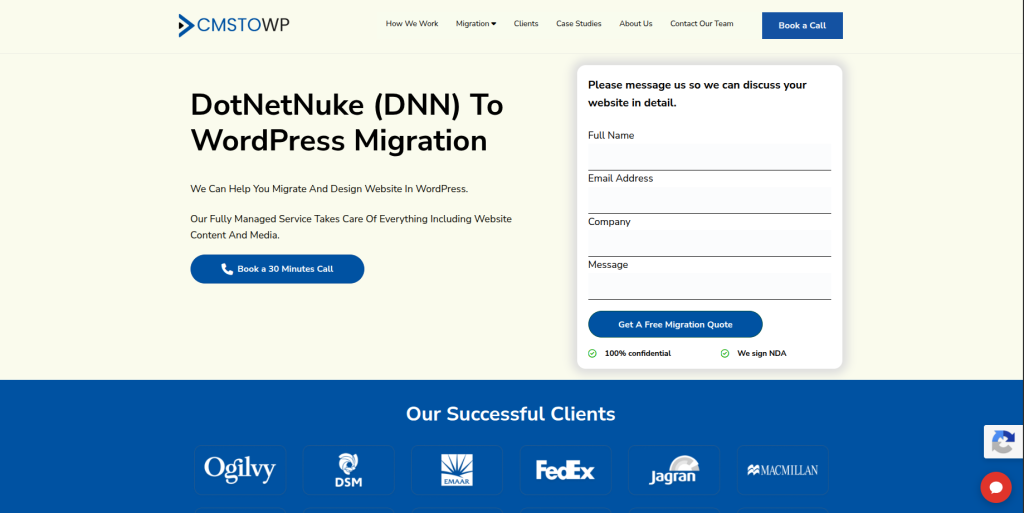
CMSTOWP is worth considering when the main goal is moving an existing CMS website into WordPress rather than starting from zero. A DNN migration can involve pages, media, URLs, metadata, forms, menus, and custom functionality, so the old site should be reviewed before anything is transferred. The new WordPress structure also needs to make sense for visitors and website editors. SEO-sensitive pages and URLs need special care during the process. This makes a migration-focused approach useful for businesses with an established DNN website.
- CMS migration focus: Useful when moving an established website from an older or different CMS into WordPress.
- Content transfer planning: Pages, images, documents, metadata, and other important content can be mapped before migration.
- SEO migration support: Important URLs and redirects can be identified before the WordPress site goes live.
- WordPress setup: The project can include structuring the new WordPress website around current business needs.
- Best suited for: Businesses looking for a focused DNN website to WordPress migration process.
A migration should also consider what happens to content that has built search visibility over time. Businesses planning a complete move can review this structured DotNetNuke website to WordPress migration service for established business websites when defining the project scope.
2. EbizON Digital
Broader DNN to WordPress Migration Support for Custom Business Websites
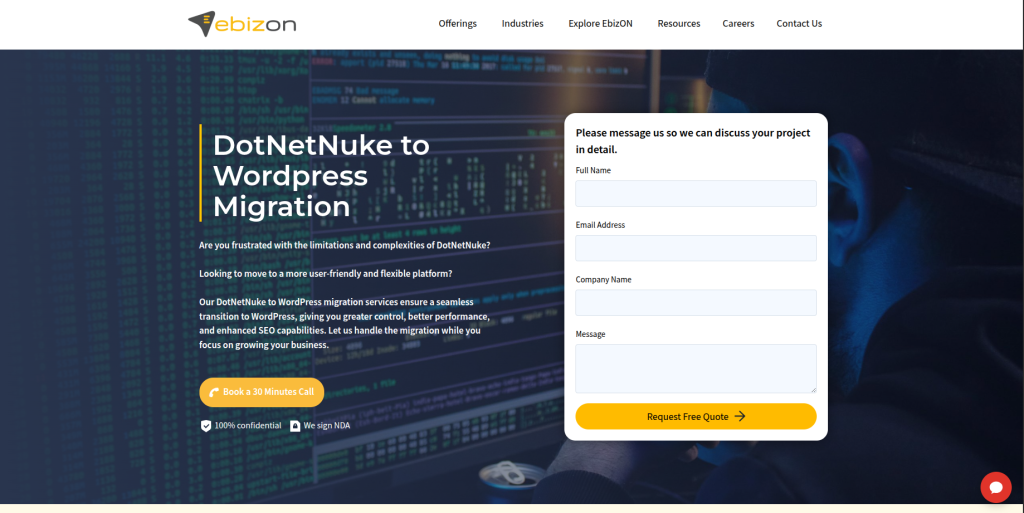
EbizON Digital can be considered when a DotNetNuke migration is also a larger website development project. Some DNN websites have custom modules, integrations, member areas, forms, or business workflows that cannot simply be copied into WordPress. In these cases, the migration team may need to rebuild functionality as well as move content. This makes broader development experience useful for technically complex websites. Businesses should define which features must be migrated, replaced, redesigned, or removed before development begins.
- End-to-end migration planning: Useful when migration includes both content transfer and a WordPress rebuild.
- Custom development: Relevant when old DNN modules need new WordPress functionality.
- Integration support: Helpful for websites connected with CRM, APIs, forms, databases, or other systems.
- Website modernization: The migration can also be used to improve templates, navigation, mobile usability, and content structure.
- Best suited for: Businesses with custom DotNetNuke websites that need WordPress development alongside migration.
3. DJC Graphic Designs
Website Redesign Support for Businesses Moving From DNN to WordPress
DJC Graphic Designs is more strongly positioned around website design and redesign than dedicated DotNetNuke migration based on its public website. This can still make it worth evaluating when a DNN move is also a visual website refresh. Older DNN websites may have dated layouts, confusing navigation, or pages that do not work well on mobile devices. Moving to WordPress can provide a good time to address those issues. Direct DNN migration experience should be checked before the company is selected for the technical migration itself.
- Website redesign: Relevant when the new WordPress website needs a major visual update.
- Small business focus: Can be considered by smaller organizations looking for direct website support.
- Responsive design: Useful when improving how an older DNN website works across devices.
- Migration experience to verify: Ask specifically for DNN, CMS migration, and WordPress migration examples.
- Best suited for: Businesses combining CMS migration with a WordPress website redesign.
4. MM Digital Tech Marketing
WordPress and Marketing Support for DNN Websites That Need a Fresh Start

MM Digital Tech Marketing publicly offers website development, ecommerce website work, SEO, PPC, social media, and other digital marketing services. That wider marketing mix may be useful when a DNN migration is part of a larger plan to improve the website’s online performance. A migration project still needs technical skills beyond general digital marketing, especially if the DNN site contains custom modules or complex data. Businesses should therefore ask how the team would handle the source DNN website and map it into WordPress. Direct DotNetNuke migration examples should be checked during the selection process.
- Website development: Relevant for building or rebuilding the destination website.
- SEO knowledge: Useful when search visibility needs attention during a CMS change.
- Digital marketing support: Can help when the new website is part of a larger marketing plan.
- DNN expertise to verify: Ask how the team handles DNN content, modules, URLs, and custom functionality.
- Best suited for: Businesses wanting WordPress development plus digital marketing support after migration.
5. Happy Dog Web Productions
Custom Development Support for DNN Websites With Complex Functionality
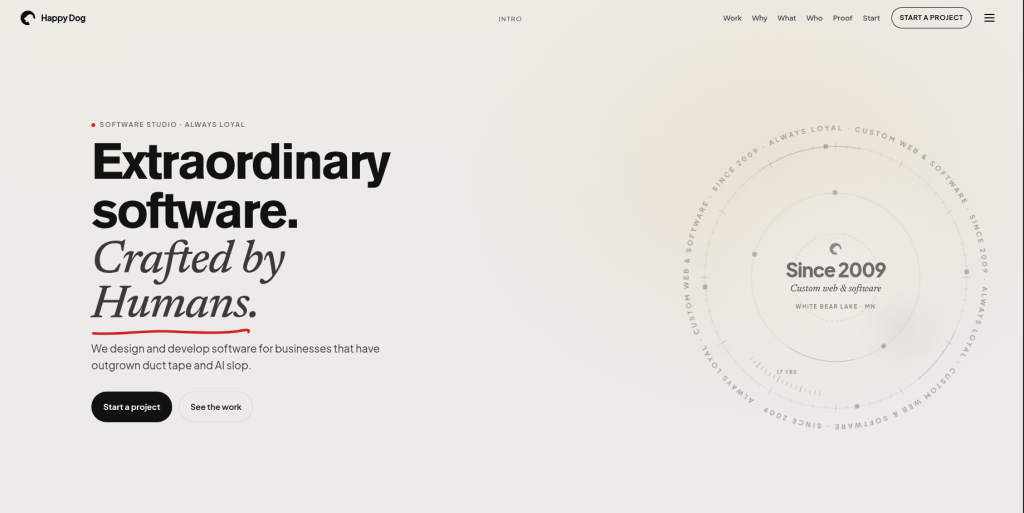
Happy Dog Web Productions positions itself around custom web and software development and has been operating since 2009. That type of development background can be useful when an old DNN website contains more than standard pages and images. Custom systems, business workflows, databases, integrations, or unusual modules may need to be understood before a WordPress replacement is planned. The important question is whether each DNN function should be rebuilt, replaced, simplified, or removed. Businesses should still verify direct DNN and WordPress migration experience before selecting the company.
- Custom software capability: Relevant for websites with business-specific functionality.
- Web development: Useful when the destination requires more than a standard WordPress theme.
- Integration planning: Worth considering when the current DNN site connects with other systems.
- Migration experience to verify: Request examples involving WordPress and legacy CMS migrations.
- Best suited for: Organizations with custom DNN functionality that needs technical redevelopment.
Businesses with a highly customized website should avoid assuming every DNN module needs to be recreated exactly. Sometimes a simpler WordPress solution can meet the same business goal with less long-term maintenance.
6. Absolute Veritas
A Technical Provider to Evaluate for Custom Website Migration Requirements
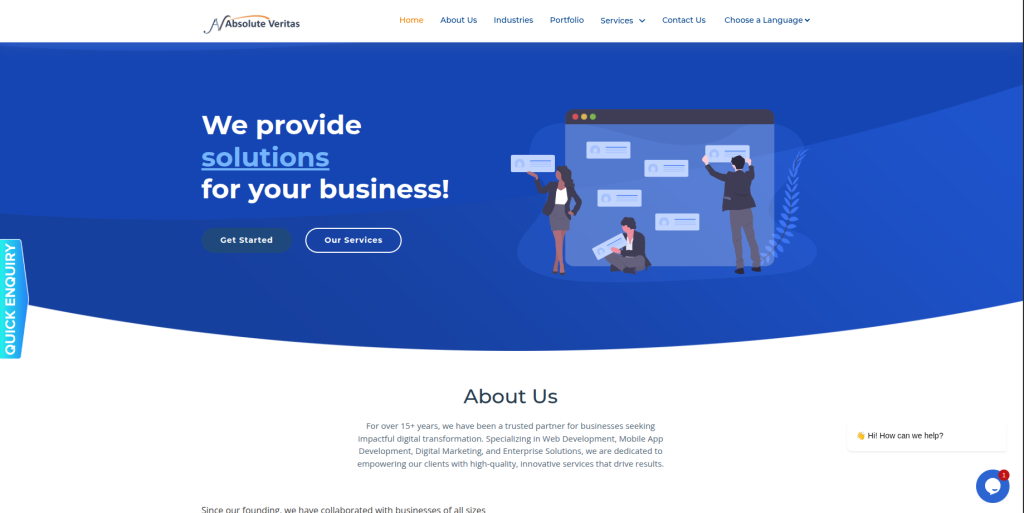
Absolute Veritas has public information covering technology, web application work, testing, IT compliance, and related technical areas, although DotNetNuke migration is not clearly presented as a core public service. That means businesses should evaluate this company through a technical discovery process rather than assume DNN expertise. A useful first step would be showing the team the existing website, custom modules, database requirements, integrations, and expected WordPress features. The team should then explain what can be migrated and what needs redevelopment. Relevant DNN and WordPress project examples should be requested before making a final decision.
- Technical development: Potentially relevant when a migration includes custom application work.
- Testing awareness: Useful because migration QA should cover more than page appearance.
- Web application skills: Can matter when an old DNN site contains custom functionality.
- Experience to verify: Confirm direct WordPress development and DotNetNuke migration capability.
- Best suited for: Businesses prepared to conduct a detailed technical assessment before selecting a migration provider.
7. Mostli
Design and CMS Modernization for Brands Reworking Their Digital Experience
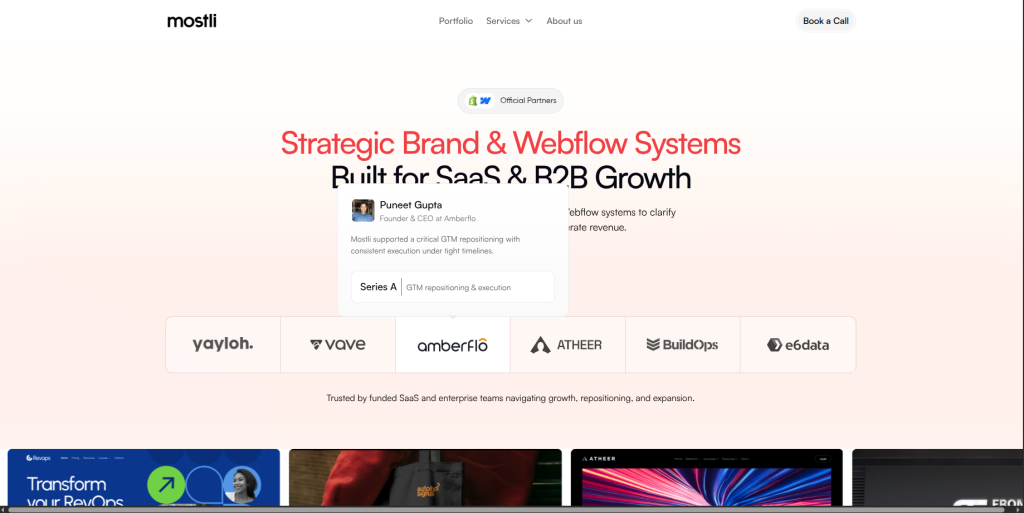
Mostli publicly focuses on brand, website, Webflow, Framer, CMS architecture, ecommerce, SEO, and UX work, especially for SaaS and B2B businesses. Its public positioning is therefore broader than dedicated DNN to WordPress migration. The company may be worth evaluating when the migration is part of a larger brand and website transformation. However, businesses specifically moving to WordPress should confirm the exact destination platform capabilities and migration approach first. Direct DotNetNuke migration experience should also be verified before the project is awarded.
- Website strategy: Useful when the migration includes rethinking website structure and customer journeys.
- UX capabilities: Relevant for improving how visitors move through an older business website.
- CMS architecture: Helpful when planning a more scalable content structure.
- WordPress and DNN fit to verify: Confirm both the intended WordPress build and legacy DNN migration capabilities.
- Best suited for: B2B or SaaS brands considering CMS migration as part of a wider website transformation.
8. AS Technolabs
WordPress Development Support for Rebuilding Features From an Older DNN Website
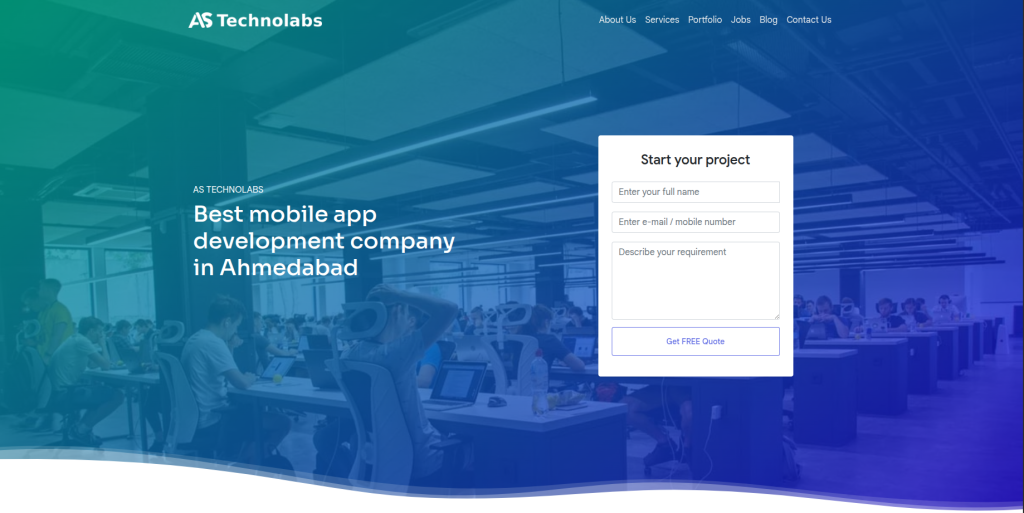
AS Technolabs publicly lists web development, PHP development, WordPress development, ecommerce, React, Angular, and other development capabilities. WordPress experience is directly relevant when creating the destination side of a DNN migration. The harder part is understanding how existing DotNetNuke content and functionality should be transferred or rebuilt. A technical review should therefore happen before the project is priced. Businesses should ask for direct CMS migration examples and confirm how the team would test URLs, content, forms, mobile layouts, and custom functionality.
- WordPress development: Directly relevant to building the destination website.
- Web development: Useful when the migration requires new templates or custom features.
- Broader technical stack: Potentially useful for API and custom development requirements.
- DNN experience to verify: Ask for relevant DotNetNuke or legacy CMS migration examples.
- Best suited for: Businesses that need WordPress development and custom coding during a DNN migration.
9. Revibe Digital
WordPress Migration and Ongoing Support for Content-Heavy Business Websites
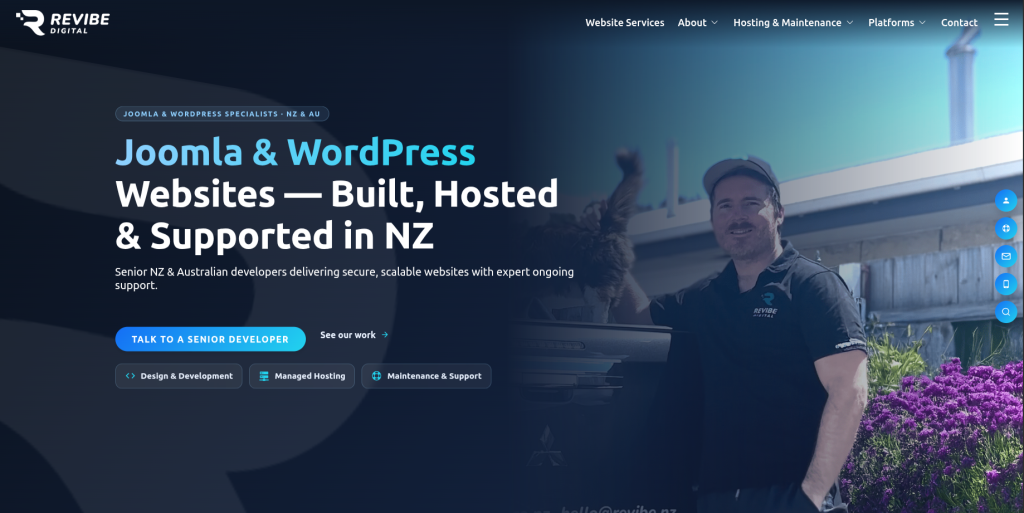
Revibe Digital publicly works with WordPress, Joomla, Laravel, Magento, and Shopify and says it builds, migrates, and maintains websites across supported platforms. It also highlights more than 15 years of experience and ongoing website support. This makes the company relevant to evaluate when migration is not expected to end on launch day. Its public platform list does not establish specific DotNetNuke expertise, so that experience should still be checked directly. Businesses should also ask how DNN-specific content, modules, user permissions, and URLs would be handled.
- WordPress development: Relevant for creating and maintaining the destination website.
- Migration experience: The company publicly includes migration among its broader platform services.
- Ongoing maintenance: Useful for businesses that want technical support after launch.
- DNN expertise to verify: Ask for DotNetNuke migration examples and the proposed extraction process.
- Best suited for: Businesses seeking WordPress migration combined with ongoing website support.
Before launch, WordPress recommends keeping backups during migration work. Its official guidance also explains that moving websites and changing URLs requires careful handling of files, databases, URLs, and permalinks. The official WordPress guidance for safely migrating website files and URLs is useful when reviewing a provider’s migration plan.
10. Unlimit Digital
Web Development and SEO Support for DNN to WordPress Redesign Projects
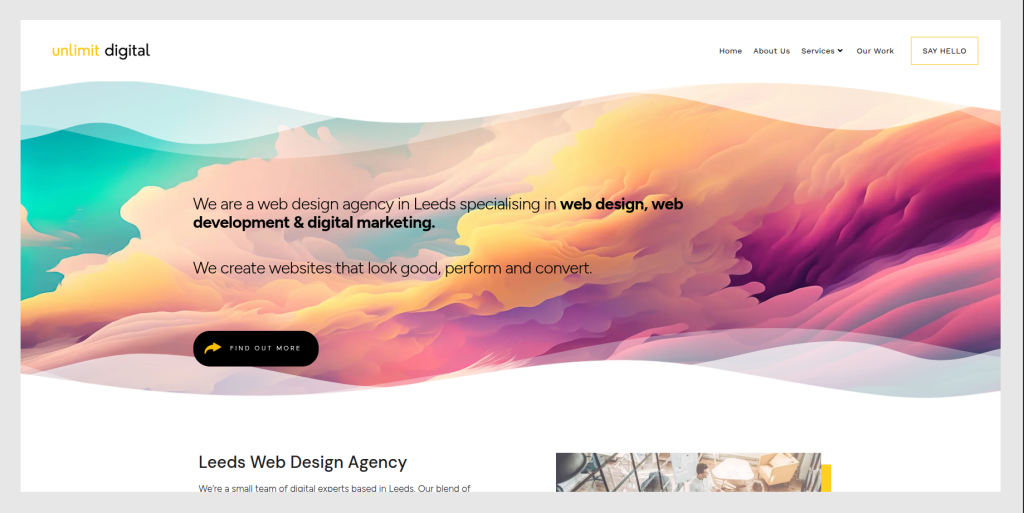
Unlimit Digital publicly provides web design, web development, ecommerce design, UX/UI, SEO, PPC, content creation, and conversion services. That combination may be useful when moving from DNN to WordPress is part of a wider website improvement project. SEO capability is especially relevant because changing a CMS can affect URLs, page structure, internal links, and search visibility. Still, broad web development experience should not automatically be treated as DotNetNuke migration expertise. Businesses should ask for direct examples and a clear technical migration plan before making a decision.
- Web development: Relevant for building a new website around updated business requirements.
- UX and design: Useful when the migration also includes a website redesign.
- SEO services: Helpful when protecting organic visibility is part of the migration scope.
- DNN experience to verify: Request specific legacy CMS or DotNetNuke migration examples.
- Best suited for: Businesses combining DNN to WordPress migration with design, SEO, and website improvement.
How to Choose a DotNetNuke to WordPress Migration Company
The right migration company is not always the company with the biggest team or the lowest quote.
Start with your existing DNN website.
Ask each company to review it before giving you a final migration plan.
A strong discovery process should answer five basic questions:
- What content needs to move?
- What functionality needs to be rebuilt?
- Which URLs must stay the same or redirect?
- What should be improved during the move?
- How will everything be tested before launch?
If a provider gives you a fixed migration quote without asking about modules, integrations, users, URLs, forms, or custom functionality, ask more questions.
Check Their DNN Experience
DotNetNuke has its own architecture.
The official DNN project describes features such as custom modules, themes, file management, security roles, protected content, localization, APIs, and multisite capabilities.
Your migration company should therefore understand that a DNN site may contain much more than normal website pages.
Ask the provider:
- Have you migrated DNN or DotNetNuke websites before?
- Which DNN versions have you worked with?
- How will you extract page content?
- How will custom modules be handled?
- What happens to users and permissions?
- Can existing functionality be recreated in WordPress?
- How will you test the new website?
Do not be afraid to ask technical questions.
A good migration company should be able to explain the answers in simple language.
Protect SEO During the DNN to WordPress Migration
SEO should be discussed before development starts, not one day before launch.
Your old DNN website may have pages that already rank in Google. Some pages may also have backlinks from other websites.
If those URLs disappear, both users and search engines may hit broken pages.
Create an inventory of important URLs before migration.
Then decide whether each page will:
- Keep the same URL
- Move to a new URL
- Merge into another page
- Be removed
- Need a redirect
The new website should also preserve important titles, descriptions, headings, content, internal links, images, and other useful page information where appropriate.
If URLs change, the migration team should create and test redirects.
Plan Content Migration Before Design
A common mistake is designing the new website first and thinking about content later.
Do the opposite.
First understand what content you have.
Then decide what the new WordPress website needs.
Your existing DNN website may contain hundreds or thousands of pages. Some could be useful. Others may be outdated, duplicated, thin, or no longer relevant.
Migration is a good time to clean this up.
Create four simple groups:
- Migrate
- Rewrite
- Merge
- Remove
This keeps unnecessary content from being carried into the new website.
Handle Custom DNN Modules Carefully
Custom modules are often one of the hardest parts of a DNN migration.
A module may control forms, directories, calculators, member areas, search tools, events, downloads, or other business features.
There may not be a one-click WordPress replacement.
For each module, ask:
What business job does this feature perform?
Then decide whether that job can be handled by:
- WordPress core functionality
- A trusted WordPress plugin
- A third-party service
- Custom WordPress development
- A simpler process
Do not rebuild old technology just because it already exists.
Migration gives you a chance to remove technical baggage.
Build the New WordPress Site in a Safe Environment
The new website should normally be built and tested away from the live DNN website.
Your existing site can continue serving customers while the WordPress site is prepared.
This gives the team time to test:
- Pages
- Images
- Navigation
- Forms
- Search
- Mobile layouts
- User accounts
- Integrations
- Analytics
- Redirects
- Page speed
- Custom functionality
WordPress learning resources also stress the importance of creating backups before website migration work. You can review the WordPress migration and backup guidance for moving websites safely when creating your own launch checklist.
Test the New Website Before Launch
Do not approve a migration by checking only the homepage.
Test real user journeys.
Can someone find a service?
Can they submit a form?
Can they search the website?
Can logged-in users access the right areas?
Do links work?
Do old URLs reach the correct new pages?
Does everything work on a phone?
Also compare the old DNN site with the new WordPress site.
Check page counts, important files, metadata, forms, integrations, and analytics.
Small mistakes are much easier to fix before launch.
What to Check After the DNN to WordPress Migration
Migration work continues after the new website goes live.
During the first days and weeks, watch for:
- Broken URLs
- Missing images
- Form errors
- Redirect problems
- Tracking issues
- Missing pages
- Mobile layout problems
- Search errors
- Slow pages
- Plugin conflicts
- Integration failures
- Unexpected drops in organic traffic
Keep the old DNN environment or a complete backup available until you are confident the new website contains everything required.
This gives your team a reference point if something is found later.
How Much Does DotNetNuke to WordPress Migration Cost?
There is no useful single price for every DNN migration.
A 50-page brochure website is very different from a large DNN portal with thousands of pages, custom modules, users, integrations, and protected content.
Cost can depend on:
- Number of pages
- Number of files and images
- DNN version
- Custom modules
- User accounts
- Forms
- Third-party integrations
- WordPress design requirements
- Custom development
- SEO migration
- Redirect volume
- Testing requirements
Ask for a discovery or audit before accepting a final migration estimate.
A cheap migration can become expensive if important functionality is discovered halfway through the project.
How Long Does a DNN to WordPress Migration Take?
The timeline also depends on complexity.
A small website with standard content may move much faster than a portal with custom functionality.
The project usually needs time for:
- Discovery
- Content audit
- Data mapping
- WordPress setup
- Design and templates
- Content migration
- Custom development
- SEO mapping
- Testing
- Launch
- Post-launch checks
Do not rush the final testing stage simply to meet an artificial launch date.
A few extra days of testing can save weeks of fixing problems after launch.
Why WordPress Can Be a Good Destination for DNN Websites
WordPress gives businesses a flexible content management environment with a large ecosystem around it.
It can work especially well when marketing teams need to create and edit content regularly.
WordPress also provides built-in tools for importing content from supported systems and formats. The official WordPress content importing documentation explains the platform’s standard import options.
A DNN migration may require custom extraction and transformation rather than a standard WordPress importer, but the destination CMS gives developers several ways to structure the imported content.
The bigger benefit is often what happens after migration.
Your team should be able to manage the new website without needing a developer for every small content change.
Conclusion
A DotNetNuke to WordPress Migration can give an older website a fresh technical foundation, but the move needs more than copying pages.
DNN can contain custom modules, user permissions, themes, files, integrations, APIs, and other features. Each one needs to be reviewed before migration.
The right provider should help you understand what will be moved, what will be rebuilt, what can be removed, and how the new WordPress website will be tested.
CMSTOWP is particularly relevant when the project is centered around CMS migration. Businesses with broader development requirements can also evaluate EbizON Digital, especially when custom functionality and website redevelopment are part of the project.
For organizations whose migration includes a larger WordPress rebuild, EbizON’s custom DotNetNuke to WordPress migration support for complex business websites is another option to review during vendor selection.
For the other companies in this list, compare their public web capabilities with your actual DNN requirements and ask for direct migration examples before signing a contract.
The best migration plan is the one that protects what already works while giving your team a simpler website to manage and grow.
FAQs About DotNetNuke to WordPress Migration
1. What is DotNetNuke to WordPress Migration?
DotNetNuke to WordPress Migration is the process of moving a website from DNN, formerly known as DotNetNuke, to WordPress. The work may include pages, images, documents, URLs, metadata, users, forms, menus, custom features, and integrations. The exact scope depends on how the existing DNN website was built.
2. Is DotNetNuke the same as DNN?
Yes. DotNetNuke became known as DNN. The open-source DNN Platform is still maintained by its community. The official project describes it as a CMS built around the Microsoft ecosystem.
3. Can all DNN content be moved to WordPress?
Most standard content can usually be transferred or recreated, but the method depends on how the DNN website stores its information. Custom modules and unusual database structures may require custom migration work. A technical audit should be completed before promising that everything can be moved automatically.
4. Can custom DotNetNuke modules work in WordPress?
DNN modules cannot normally be expected to run directly inside WordPress because the platforms use different technologies and architectures. The business functionality may instead be replaced with a WordPress plugin, third-party tool, or custom WordPress development.
5. Will DNN to WordPress migration affect SEO?
It can if URLs, content, metadata, internal links, redirects, or indexability are handled badly. Important old URLs should be mapped before launch. Where URLs change, suitable redirects should be created and tested. Search performance should also be watched after launch.
6. How long does DotNetNuke to WordPress migration take?
It depends on the website. A small content website can be much easier than a large DNN portal with custom modules, user accounts, forms, integrations, and thousands of pages. Discovery should happen before a reliable timeline is provided.
7. Can we redesign the website while moving from DNN to WordPress?
Yes. Many businesses use migration as a chance to modernize the design, navigation, page templates, mobile experience, and content structure. However, combining redesign and migration increases project scope, so content, development, SEO, and testing responsibilities should be clearly defined.
8. Should old DNN URLs be kept after migration?
Keeping valuable URLs can reduce unnecessary migration risk when it is practical. If a URL must change, it should normally be mapped to the most relevant new destination. Avoid sending every removed page to the homepage.
9. What should I ask a DNN to WordPress migration company before hiring?
Ask about DNN experience, WordPress development, content extraction, custom modules, users, SEO, URL mapping, redirects, integrations, staging, testing, backups, launch support, and post-migration maintenance. Also request examples of projects with similar technical complexity.
10. What should I check after moving from DotNetNuke to WordPress?
Check important pages, images, files, menus, forms, search, redirects, metadata, mobile layouts, analytics, integrations, user accounts, page speed, and custom features. Continue monitoring the site after launch because some issues only appear when real users begin using the new WordPress website.