
Top 10 Optimizely CMS to WordPress Migration Companies
Moving a website from one CMS to another can sound easy.
Move the pages. Copy the images. Build the design. Point the domain to the new website.
But an Optimizely CMS to WordPress Migration can be much more complicated.
Optimizely CMS can contain pages, reusable blocks, media, structured content types, personalization, APIs, custom integrations, and different content relationships. Optimizely currently supports both PaaS and SaaS approaches, which means the migration method can also depend on how the existing website was built.
When moving to WordPress, all this information needs a new home.
The migration team must decide how Optimizely content types map to WordPress pages, posts, custom post types, taxonomies, custom fields, media, templates, and plugins.
SEO also needs attention. If important URLs change, Google recommends preparing a URL map, testing the new site, setting redirects, submitting the new sitemap, and monitoring the move. Google also recommends keeping redirects in place for as long as possible, generally at least one year.
Below are the Top 10 Optimizely CMS to WordPress Migration Companies in 2026 to consider when planning a move.
Best Optimizely CMS to WordPress Migration Companies in 2026
The companies covered in this guide are:
- CMSTOWP
- EbizON Digital
- Infusion Analysts
- Singedge Studio
- 3Techno
- Web Techno Experts
- DigiOpera
- Nolwa
- Laura Florey
- FJNR
CMSTOWP and EbizON Digital are included for their direct migration-focused offerings. For the other companies, businesses should verify recent WordPress work, Optimizely experience, migration methodology, project capacity, and relevant case studies before hiring.
What Makes Optimizely to WordPress Migration Different?
Optimizely is not simply a collection of normal web pages.
Its official developer resources describe content types such as pages, blocks, media, and folders. Content can contain text, rich text, images, references, content areas, collections, and structured relationships. Optimizely also supports APIs and headless content delivery through Optimizely Graph.
That means migration starts with content mapping, not copying.
For example:
- An Optimizely page may become a WordPress page.
- A reusable Optimizely block may become a Gutenberg block, pattern, or custom block.
- Structured content may need custom post types.
- Categories may become WordPress taxonomies.
- Custom properties may become custom fields.
- Media must move into the WordPress Media Library or another planned media setup.
- Optimizely integrations may need WordPress plugins, APIs, or custom development.
This is why the migration company should audit the existing website before giving a final migration plan.
How We Selected These Optimizely CMS to WordPress Migration Companies
We looked at the areas that matter most when moving a business website from a structured CMS to WordPress.
These include:
- CMS migration knowledge
- WordPress development experience
- Content mapping
- Page and media migration
- Custom development
- SEO preservation
- URL mapping and redirects
- Design recreation
- Integration planning
- Testing and QA
- Performance
- Post-launch support
Not every company publicly positions itself as a dedicated Optimizely migration specialist. For that reason, companies should be evaluated on documented experience and direct answers during technical discovery.
1. CMSTOWP
Focused Optimizely CMS to WordPress Migration for Content-Heavy Business Websites
CMSTOWP is a migration-focused option for businesses that want to move an existing Optimizely website to WordPress without treating the project like a simple redesign. A proper migration can include pages, blog content, images, documents, metadata, URLs, forms, and structured content. The new WordPress setup also needs to make sense for the people who will manage the website after launch. SEO and redirects should be planned before the old website is replaced. This makes CMSTOWP worth considering when the CMS migration itself is the main project.
- Migration-focused approach: Built around moving websites from existing CMS platforms to WordPress.
- Content transfer planning: Pages, media, metadata, documents, and structured content can be mapped before migration.
- WordPress setup: The destination website can be structured around easier WordPress content management.
- SEO preservation: URL mapping, redirects, metadata, and important organic pages should be included in planning.
- Best suited for: Businesses looking for a focused Optimizely CMS to WordPress migration partner.
A company planning a large content move can explore this structured Optimizely to WordPress migration service for business websites when comparing migration approaches.
2. EbizON Digital
End-to-End Optimizely to WordPress Migration With Custom Development Support
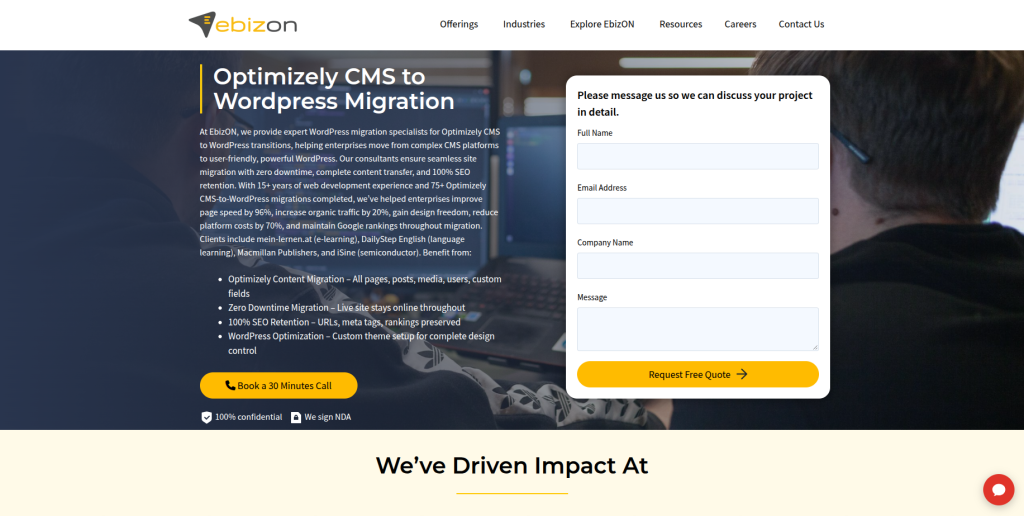
EbizON Digital is worth considering when the project includes both CMS migration and wider website development. An Optimizely website may contain custom components, integrations, forms, templates, content relationships, or business-specific features that cannot simply be copied into WordPress. These features need to be reviewed and then recreated, replaced, or improved. This broader development approach can be useful for businesses that want to modernize the website while changing CMS platforms. It is especially relevant when migration, design, integrations, and long-term WordPress support need to be handled together.
- End-to-end migration: Suitable when content migration and WordPress redevelopment are part of the same project.
- Custom development: Useful when existing Optimizely functionality needs a WordPress replacement.
- Integration planning: Relevant for websites connected with CRM, marketing, analytics, search, or business systems.
- WordPress development: Supports projects requiring more than a basic CMS installation.
- Best suited for: Businesses with complex Optimizely to WordPress migration and development requirements.
Before finalizing the technical scope, businesses can review EbizON’s custom Optimizely CMS to WordPress migration support for complex websites to understand the type of migration work that can be planned.
3. Infusion Analysts
A Technical Development Option to Evaluate for Complex CMS Migration Projects
Infusion Analysts is one of the companies to evaluate when building a shortlist for a CMS migration project. For an Optimizely website, the first discussion should focus on the current architecture rather than only the new WordPress design. Businesses should explain their content types, custom features, integrations, forms, media, search requirements, and publishing workflows. The company should then explain how these items would work after moving to WordPress. Direct Optimizely migration experience should be verified before the project starts.
- Technical discovery: Ask for a complete review of the existing CMS and website structure.
- WordPress capability: Verify recent WordPress development work of similar size and complexity.
- Content mapping: Ask how Optimizely content types and fields would map into WordPress.
- Experience to verify: Request direct Optimizely migration examples or closely related enterprise CMS migrations.
- Best suited for: Businesses comparing technical development partners for a custom CMS migration.
4. Singedge Studio
A Design-Led Option for Optimizely Websites Moving to a New WordPress Experience
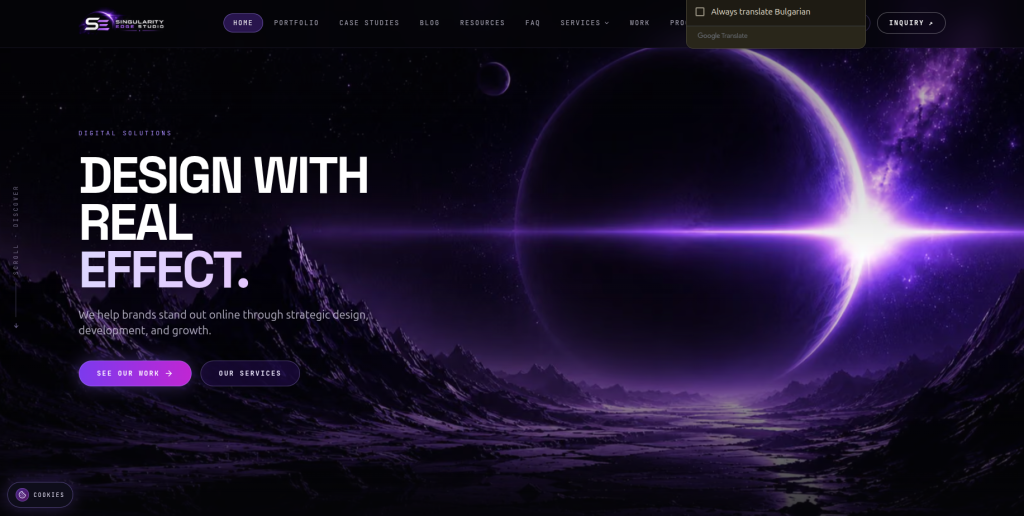
Singedge Studio can be evaluated when a CMS migration also includes a major website refresh. Moving away from Optimizely gives businesses a chance to review old layouts, navigation, content presentation, and mobile usability. However, design should not hide the technical work involved in migration. The team should be able to explain how existing content will move into the new WordPress structure without unnecessary manual work or lost information. Businesses should verify both WordPress capability and direct CMS migration experience before choosing this option.
- Website redesign: Relevant when the migration includes a new visual experience.
- WordPress implementation: Confirm how approved designs will be converted into manageable WordPress templates.
- Content structure: Make sure existing Optimizely content can fit the proposed WordPress architecture.
- Migration verification: Request recent examples involving large content moves or CMS replacement.
- Best suited for: Brands combining Optimizely migration with a WordPress website redesign.
5. 3Techno
A Development Partner to Assess for Custom Optimizely Content Migration
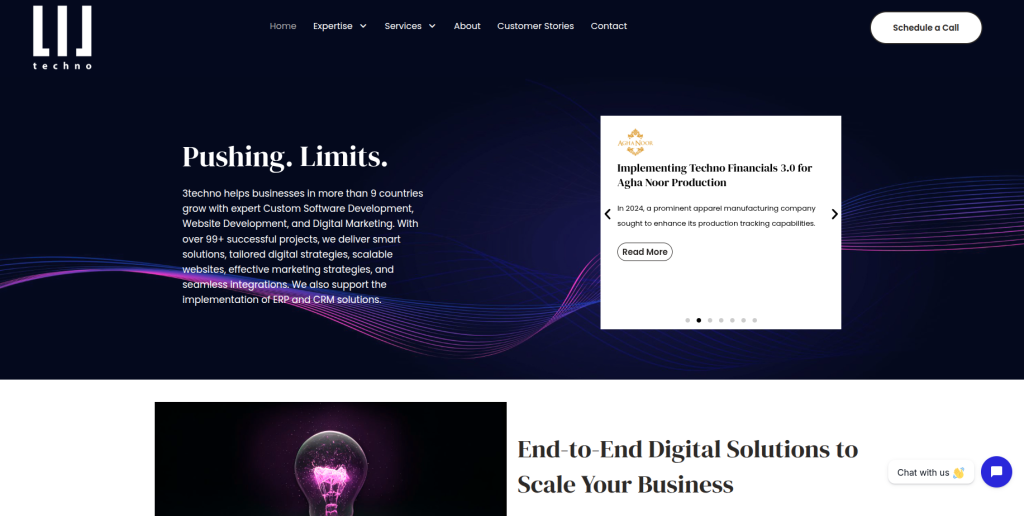
3Techno is another provider to assess when an Optimizely migration needs technical development support. The evaluation should begin with a content and functionality inventory of the existing website. Businesses should identify pages, media, forms, integrations, custom components, search functionality, and special publishing requirements before asking for a quote. The proposed WordPress solution should explain what will use standard WordPress features and what needs custom development. Direct Optimizely-to-WordPress examples should be requested where available.
- Technical assessment: Review the existing Optimizely implementation before development starts.
- WordPress architecture: Confirm how content types, templates, and custom features will be structured.
- Custom functionality: Ask how special Optimizely features would be recreated in WordPress.
- Testing process: Look for staging, migration validation, browser testing, and launch QA.
- Best suited for: Businesses needing a development-led Optimizely CMS migration approach.
6. Web Techno Experts
A WordPress Development Option for Structured CMS Content Transfer
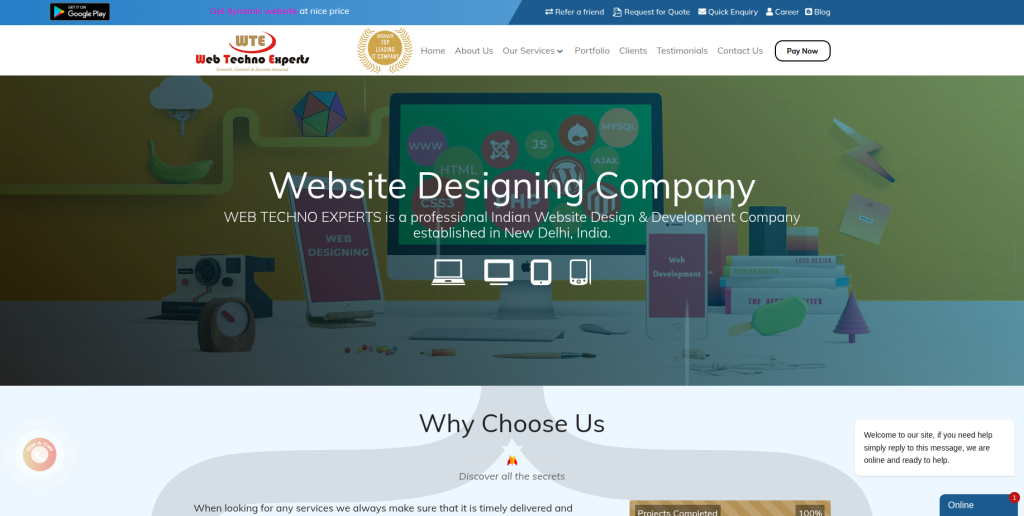
Web Techno Experts can be included in the evaluation when WordPress development is a major part of the migration. A business moving from Optimizely should first create a clear list of content and features that need to survive the move. The migration team should then map those requirements into a WordPress content model instead of simply recreating every page manually. This is particularly important for websites with large amounts of repeated or structured content. Relevant Optimizely and enterprise CMS migration examples should be verified during vendor selection.
- WordPress development: Verify experience building maintainable WordPress websites.
- Structured content: Ask how reusable Optimizely content will be modeled after migration.
- Media migration: Confirm the approach for images, documents, videos, and media references.
- SEO checks: Ensure redirects, metadata, internal links, and indexability are included.
- Best suited for: Businesses comparing WordPress developers for structured CMS migration work.
7. DigiOpera
A Digital Development Partner to Review for Optimizely Website Modernization
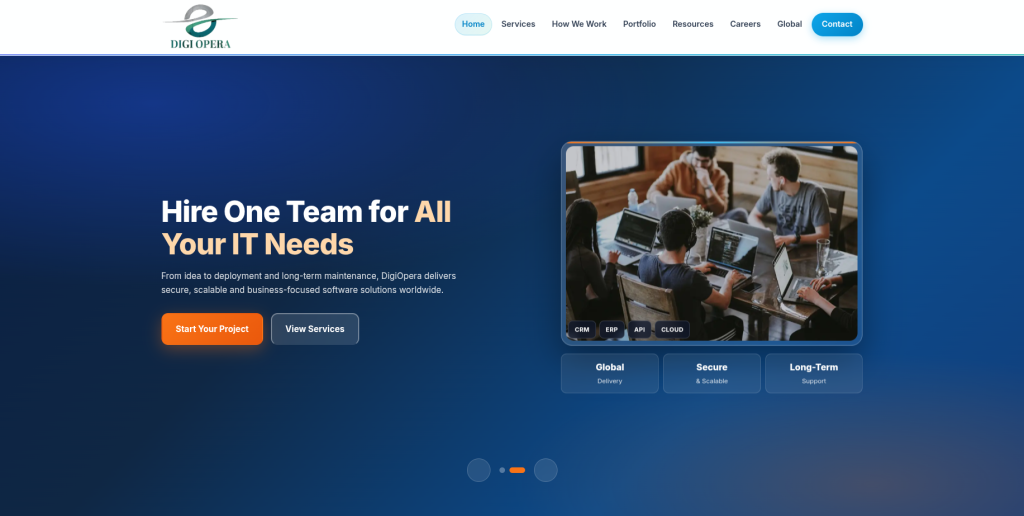
DigiOpera can be considered when the goal is not only moving content but also improving the website after migration. This may include cleaner navigation, simpler templates, better mobile layouts, improved page speed, or easier content editing. The migration should still begin with a detailed audit of what currently exists in Optimizely. Removing or changing old features without understanding their purpose can create problems for users and internal teams. Businesses should ask for WordPress and CMS migration evidence before placing DigiOpera on the final shortlist.
- Website modernization: Relevant when the move includes broader website improvements.
- Content migration planning: Existing Optimizely pages and assets should be inventoried before migration.
- WordPress usability: The new CMS should make common editing tasks easier for internal teams.
- Experience to verify: Request similar WordPress migrations and details of the migration process.
- Best suited for: Companies combining CMS migration with broader website modernization.
8. Nolwa
A Flexible Development Option to Qualify for WordPress CMS Migration
Nolwa is another company businesses can qualify when planning a move from Optimizely to WordPress. The most important step is to make the requirements specific before comparing proposals. A small marketing website has very different migration needs from a multilingual corporate website with custom content types and third-party integrations. Ask how the team would extract content, rebuild templates, move media, preserve URLs, and test the finished website. Direct experience with Optimizely should be confirmed rather than assumed.
- Project discovery: Start with a complete list of pages, features, integrations, and content types.
- WordPress setup: Verify the team’s approach to themes, blocks, plugins, and custom development.
- Migration method: Ask whether content will be automated, manually migrated, or handled through a mixed approach.
- Experience to verify: Request relevant Optimizely or complex CMS migration examples.
- Best suited for: Businesses evaluating a flexible WordPress CMS migration development partner.
9. Laura Florey
A Hands-On Option to Consider for Smaller Optimizely to WordPress Projects
Laura Florey may be worth considering for businesses that prefer a smaller or more direct working relationship during a website project. This approach can suit a smaller Optimizely website where the content structure and technical requirements are manageable. However, businesses should check whether one provider can cover content migration, WordPress development, SEO, QA, accessibility, integrations, and launch support. Larger Optimizely implementations can require several different technical skills. Project capacity and direct migration experience should therefore be checked before work begins.
- Direct collaboration: May suit businesses that prefer a closer working relationship.
- WordPress capability: Verify recent WordPress projects with similar requirements.
- Project capacity: Confirm who handles development, content, SEO, QA, and launch tasks.
- Migration experience: Ask for examples of CMS migrations with similar content complexity.
- Best suited for: Smaller businesses considering a hands-on Optimizely to WordPress migration approach.
10. FJNR
A Web Development Option to Evaluate for WordPress Migration and Rebuild Projects
FJNR completes the list of companies to evaluate for an Optimizely-to-WordPress project. Businesses should compare its capabilities against the exact size and complexity of their current website. Discovery should cover content types, page volumes, media, custom functionality, forms, integrations, SEO, analytics, multilingual content, and publishing workflows. A good proposal should clearly separate migration work from redesign and new development. Direct Optimizely experience and relevant WordPress migration examples should be requested before making the final choice.
- Migration discovery: Review the current website before agreeing on scope and cost.
- WordPress development: Confirm the proposed approach for templates, blocks, plugins, and custom features.
- SEO planning: URL mapping, redirects, metadata, and internal links should be covered.
- Launch support: Ask about staging, testing, deployment, and post-launch issue resolution.
- Best suited for: Businesses evaluating a WordPress migration and website rebuild partner.
What Should Be Migrated From Optimizely CMS to WordPress?
Every Optimizely website is different.
A simple website might have a few hundred pages and images. A larger website may contain thousands of pages, reusable blocks, custom content types, multilingual content, documents, forms, personalization rules, APIs, and third-party integrations.
Optimizely’s official documentation describes a structured content model built around content types and properties. It also supports media assets, content references, collections, APIs, and other features.
Before migration, build an inventory covering:
- Pages
- Blog posts and articles
- Content blocks
- Images
- Videos
- PDFs and documents
- Content types
- Custom properties
- Categories and tags
- Authors
- Forms
- Search
- Languages
- Metadata
- Canonical URLs
- Redirects
- Structured data
- Internal links
- User roles
- Integrations
- Analytics and tracking
WordPress provides import tools for several types of content and publishing systems, but its official documentation also makes clear that import procedures vary depending on the source system. A custom Optimizely migration may therefore require exports, scripts, APIs, database work, or other migration methods rather than a simple one-click import.
How Optimizely Content Can Map to WordPress
Content mapping is one of the most important parts of the project.
Imagine your Optimizely website has 5,000 pieces of content. Moving those pieces without deciding where they belong in WordPress is like moving an office without labeling the boxes.
A basic mapping might look like this:
| Optimizely Content | Possible WordPress Destination |
|---|---|
| Standard pages | WordPress Pages |
| News or articles | Posts or custom post types |
| Reusable blocks | Gutenberg blocks or patterns |
| Structured content types | Custom post types |
| Categories | Categories or custom taxonomies |
| Custom properties | Custom fields |
| Images and documents | Media Library |
| Forms | WordPress form solution |
| Templates | Theme or block templates |
| Search | WordPress search or external search solution |
| Personalization | Plugin, external platform, or custom solution |
| API integrations | Plugins, APIs, or custom development |
This is only an example.
The right architecture depends on how the Optimizely website is built and how the WordPress website will be managed after launch.
Why SEO Planning Matters During Optimizely Migration
SEO can become one of the biggest risks during a CMS migration.
The old website may have pages that have ranked in Google for years. Other websites may link to those URLs. Search engines may already understand the relationship between your pages.
If URLs suddenly disappear, that history can be disrupted.
Google’s official guidance for planning a website migration when URLs are changing recommends mapping old URLs to new URLs, testing the new website, setting server-side redirects, submitting the new sitemap, and monitoring the move.
Your SEO migration checklist should include:
- Old URL inventory
- New URL mapping
- 301 redirects
- Page titles
- Meta descriptions
- H1 headings
- Canonical tags
- Indexability
- Internal links
- Image alt text
- Structured data
- XML sitemap
- Robots directives
- Google Search Console
- Analytics
- High-value backlinks
Do not wait until launch day to think about redirects.
Build the redirect map while the new website is being developed.
How to Choose an Optimizely CMS to WordPress Migration Company
The best way to compare migration companies is to give each provider the same requirements.
Start with the existing website.
Tell them approximately how many pages, posts, media files, languages, forms, content types, integrations, and custom features you have.
Then ask these questions.
1. Have You Migrated Optimizely Websites Before?
This is the simplest starting point.
Ask for examples.
If the company cannot provide a public case study because of an NDA, ask them to explain the technical migration process they used without naming the client.
Listen for specific answers about content types, blocks, media, URLs, APIs, redirects, and testing.
2. How Will You Map Optimizely Content Into WordPress?
This question can quickly show whether the company has thought beyond copying pages.
Ask what will happen to:
- Pages
- Blocks
- Custom content types
- Media
- Categories
- Custom fields
- Forms
- Multilingual content
- Search
- Personalization
- Integrations
The answer should explain how editors will manage this information in WordPress after migration.
3. How Will You Protect SEO?
The company should have a clear process for URLs and redirects.
Google says site moves with URL changes should include a mapping between old and new URLs and permanent server-side redirects such as 301 or 308 redirects.
Ask the company who owns the redirect map and who checks it after launch.
4. Will You Use Automated or Manual Migration?
The answer may be both.
Automation can be useful when thousands of similar content records need to move.
Manual migration can make sense for special landing pages, unusual layouts, or content that needs cleanup.
The company should choose the method based on the content rather than forcing everything through one approach.
5. How Will You Test the WordPress Website?
A migration should have a staging environment.
The team should check:
- Content accuracy
- Images
- Documents
- Navigation
- Forms
- Search
- Mobile pages
- Browser compatibility
- Page speed
- Redirects
- Metadata
- Analytics
- Integrations
- User roles
WordPress itself recommends modern hosting requirements including PHP 8.3 or greater, MariaDB 10.11 or MySQL 8.0 or greater, and HTTPS support. Your development and hosting plan should account for the current WordPress environment rather than copying an old server setup.
Common Optimizely to WordPress Migration Mistakes
Migrating Pages Without Understanding Content Types
A page that looks simple on the front end may contain several reusable Optimizely blocks behind the scenes.
If those relationships are ignored, editors may end up with difficult pages that are hard to update.
Forgetting Media and Documents
Images are obvious.
PDFs, downloadable documents, videos, image references, and old file URLs are easier to miss.
Include them in the migration inventory.
Changing Every URL
There is often no need to change every URL just because the CMS changed.
Keeping useful URLs the same can reduce migration complexity.
When URLs must change, map them carefully.
Rebuilding Everything With Plugins
WordPress has a large plugin ecosystem, but installing a plugin for every old Optimizely feature can create a difficult website to maintain.
Decide what WordPress already handles, what needs a trusted plugin, and what genuinely requires custom development.
Skipping Post-Launch Checks
A successful launch is not the end of migration.
Check the website again after search engines and real users begin accessing it.
Optimizely CMS vs WordPress: What Changes After Migration?
Optimizely and WordPress can both manage website content, but they approach content management differently.
Optimizely offers structured content management, editorial tools, asset management, personalization, APIs, and headless capabilities. Its current platform includes both PaaS and SaaS models.
WordPress uses PHP with a MySQL or MariaDB database and provides an ecosystem built around themes, plugins, blocks, custom post types, taxonomies, and custom development. Current WordPress.org requirements recommend PHP 8.3+, MariaDB 10.11+ or MySQL 8.0+, and HTTPS.
The point of migration should not be to prove that one CMS is always better than another.
It should be to create a website that fits your team’s current budget, skills, content workflow, marketing plans, integration requirements, and future development needs.
Optimizely to WordPress Migration Checklist
Before launch, make sure your team has reviewed:
- Complete Optimizely content inventory
- Content type mapping
- WordPress content architecture
- Page migration
- Blog and article migration
- Media migration
- Document migration
- Forms
- Search
- Multilingual content
- Custom functionality
- Third-party integrations
- User roles
- SEO metadata
- Old-to-new URL map
- 301 redirects
- Internal links
- Canonical tags
- Structured data
- XML sitemap
- Analytics
- Tag Manager
- Search Console
- Mobile testing
- Browser testing
- Accessibility
- Performance
- Security
- Backups
- Final content freeze
- Launch plan
- Post-launch monitoring
FAQs
1. What is Optimizely CMS to WordPress Migration?
Optimizely CMS to WordPress Migration is the process of moving website content, media, URLs, design, and required functionality from Optimizely CMS into WordPress. Depending on the website, this can also involve content types, blocks, forms, multilingual content, custom integrations, SEO metadata, search, and other features.
2. Can Optimizely content be migrated to WordPress?
Yes, but the migration method depends on how the Optimizely website is built. Optimizely can use structured content types, blocks, properties, media, APIs, and content relationships. These elements need to be mapped into suitable WordPress structures before the content is transferred.
3. Can we migrate from Optimizely to WordPress without losing SEO?
SEO risk can be reduced with careful planning, but no migration company should promise that rankings can never move. Keep valuable URLs where practical, map changed URLs, use proper redirects, preserve important metadata and content, update internal links, submit the new sitemap, and monitor Google Search Console after launch. Google notes that some search visibility fluctuation can occur temporarily during a site move.
4. What Optimizely data should be migrated?
The scope may include pages, articles, content blocks, images, PDFs, videos, categories, metadata, custom fields, forms, multilingual content, author information, URLs, and selected configuration data. Custom functionality and integrations usually need separate review because they may need to be rebuilt rather than migrated directly.
5. How long does Optimizely to WordPress migration take?
The timeline depends on website size and complexity. A smaller marketing website may require much less work than an enterprise Optimizely implementation with thousands of pages, multiple languages, integrations, custom content types, and personalization. A technical audit should happen before a reliable timeline is agreed.
6. Can Optimizely blocks be migrated to WordPress?
They can often be recreated or mapped, but there is not always a direct one-to-one match. Depending on the content, an Optimizely block may become a Gutenberg block, block pattern, custom block, custom post type, or another reusable WordPress component.
7. Do we need 301 redirects when migrating from Optimizely?
You need redirects when old URLs change or disappear and a relevant replacement exists. Google recommends permanent server-side redirects for site moves involving URL changes and says redirects should generally be kept for at least one year.
8. Can the Optimizely website design also be moved to WordPress?
Yes, the visual design can usually be recreated in WordPress, but it is generally a rebuild rather than a direct theme transfer. The new site can closely match the existing design or use the migration as an opportunity for a redesign.
9. Can Optimizely integrations be recreated in WordPress?
Many can, but each integration should be reviewed separately. Some may have existing WordPress plugins, while others may require APIs or custom development. CRM, marketing automation, search, forms, analytics, identity, personalization, and business-system integrations should all be documented during discovery.
10. What should I look for in an Optimizely to WordPress migration company?
Look for CMS migration experience, strong WordPress development skills, content mapping, SEO migration planning, redirect management, custom development, integration experience, QA, staging, and post-launch support. Most importantly, ask the company to explain exactly how your existing Optimizely content and functionality will work in WordPress.
Conclusion
An Optimizely CMS to WordPress Migration should not begin with copying pages.
It should begin with understanding the website.
Optimizely can contain structured content, reusable blocks, media, custom properties, integrations, personalization, and different delivery models. Those pieces need to be mapped carefully before WordPress development starts.
SEO needs the same care.
Build a complete URL inventory, preserve important URLs where possible, map URLs that must change, implement redirects, test the new website, and monitor performance after launch. Google’s site-move documentation specifically recommends preparing and testing the new site before the move and monitoring the migration afterward.
The 10 companies above give you different types of providers to investigate. CMSTOWP is particularly relevant when the main requirement is a focused CMS migration, while EbizON Digital can be considered when the move also involves broader WordPress development, integrations, or website modernization.
For every other provider, ask for direct evidence of relevant Optimizely and WordPress work before signing the project.
A good migration should leave you with more than a working WordPress website.
It should leave you with clean content, working URLs, an easier editing experience, preserved SEO foundations, tested functionality, and a website your team can manage for years.