
Top 10 Cascade CMS to WordPress Migration Companies
Cascade CMS is widely used for managing structured websites, especially sites with many pages, files, templates, and different content owners. It gives teams tools for creating, organizing, reviewing, and publishing website content.
But business needs change.
A team may want an easier editing experience, a bigger plugin ecosystem, more control over development, simpler marketing workflows, or a website that is easier to manage outside a specialized CMS environment.
That is when Cascade CMS to WordPress Migration becomes worth looking at.
Moving from Cascade CMS to WordPress is not a simple copy-and-paste job. Cascade pages can combine templates, content fields, metadata, scripts, blocks, formats, and different outputs. Its official documentation also shows that sites can contain pages, files, folders, permissions, workflows, and other structured assets.
The good news is that Cascade CMS provides ways to inventory and export information. Its Content Inventory Report can list pages, files, blocks, and links and export the results as CSV, while Cascade can also output content in formats such as JSON when configured for that purpose.
WordPress can then receive content through its import tools or through a custom migration process. WordPress’s official documentation explains that content can be imported from WordPress and other publishing systems, while WP-CLI also supports programmatic content imports.
Below are the Top 10 Cascade CMS to WordPress Migration Companies in 2026 to consider when you want to move your website while protecting content, URLs, SEO value, media, and important website functionality.
Best Cascade CMS to WordPress Migration Companies in 2026
The companies to consider are:
- CMSTOWP: Best for focused Cascade CMS to WordPress migration and structured content transfer
- EbizON: Best for complex Cascade migration with custom WordPress development
- Delectolab: Best to evaluate for custom web development and redesign requirements
- Underscore Design: Best for WordPress development and design-led website rebuilding
- US Websites: Best to evaluate for WordPress website development and migration support
- Zumedia: Best for website redesign, UX, SEO, and content-focused projects
- ExtremHex: Best for full-service web development, CMS work, and technical SEO
- AB Advisoring: Best for website development, SEO, and digital support
- Tutto Siti Web: Best to evaluate for WordPress website development requirements
- Refresh Perspective: Best to evaluate for website redesign and WordPress migration support
This list places CMSTOWP and EbizON first because they directly match the Cascade CMS to WordPress migration topic. Competitor company links are intentionally not included.
For companies where public information does not clearly confirm Cascade-specific migration experience, that experience should be checked before hiring.
How We Selected These Cascade CMS to WordPress Migration Companies
A Cascade CMS migration can involve much more than moving text from one editor into another.
A typical website may contain hundreds or thousands of pages, images, PDFs, metadata fields, structured content types, internal links, forms, redirects, templates, scripts, user permissions, and analytics tags.
That means the migration partner needs to understand both content and technical website structure.
We considered areas such as:
- Cascade CMS migration understanding
- WordPress development capability
- Structured content migration
- Page and media transfer
- SEO preservation
- URL mapping and redirect planning
- Template rebuilding
- Custom WordPress functionality
- Accessibility and mobile testing
- Post-launch support
Cascade CMS’s documentation shows why discovery is important. A Cascade Site can contain both content and administrative properties, and its publishing system can work with folders, pages, files, different outputs, and multiple destinations.
1. CMSTOWP
Best for Structured Cascade CMS to WordPress Content Migration
CMSTOWP is a strong option for organizations that want a focused move from Cascade CMS to WordPress. A Cascade website may contain many page types, documents, images, metadata fields, URLs, and structured content relationships that need to be reviewed before migration. CMSTOWP is relevant when the main goal is moving that information into a cleaner WordPress setup without treating the project as a completely new website. The migration should also cover testing, URL mapping, media checks, and important SEO elements. This makes CMSTOWP a practical starting point for businesses and organizations that want migration expertise first.
- CMS migration focus: Suitable for organizations specifically moving from one CMS to another.
- Structured content transfer: Pages, content fields, images, files, and metadata can be mapped into WordPress.
- WordPress setup: The new website structure can be planned around easier content management.
- SEO migration: Important URLs, metadata, internal links, and redirects should be included in the migration plan.
- Best suited for: Organizations seeking a specialist for moving a large Cascade CMS website into WordPress.
Organizations planning a structured website move can review CMSTOWP’s complete Cascade CMS to WordPress migration service for content-rich websites before defining the final migration scope.
2. EbizON
Best for Complex Cascade Migrations With Custom WordPress Development
EbizON is worth considering when moving away from Cascade CMS involves more than transferring content. Large websites may include custom page types, integrations, search functions, forms, accessibility requirements, analytics, APIs, or design components that need to be rebuilt inside WordPress. In these cases, the migration becomes a development project as well as a content project. A good plan should decide which Cascade features will be migrated, rebuilt, replaced, or removed before work begins. This approach can suit businesses, institutions, and larger organizations with more complicated websites.
- End-to-end migration: Useful when content migration and WordPress development need to happen together.
- Custom development: Relevant for specialized functionality that needs to be rebuilt on WordPress.
- Integration support: Suitable for websites connected to CRM, APIs, analytics, search tools, or other systems.
- Website modernization: The move can also improve templates, performance, and user experience.
- Best suited for: Organizations with custom Cascade CMS to WordPress development and migration needs.
For websites with more complex technical requirements, EbizON provides a custom Cascade CMS to WordPress migration solution for larger organizations that can be reviewed during the vendor selection process.
3. Delectolab
Best to Evaluate for Custom Web Development During a Cascade CMS Move
Delectolab is one of the companies to evaluate if your Cascade migration also includes broader web development work. The first step should be checking whether the team has direct experience working with structured CMS migrations rather than only new website builds. Cascade websites may contain complex templates, reusable content, metadata, images, documents, and custom publishing logic. Before shortlisting Delectolab, ask how the team would inventory the existing site and map its content into WordPress. Relevant WordPress and CMS migration examples should be requested before making the final choice.
- Technical discovery: Ask how the existing Cascade website would be reviewed before development starts.
- Content mapping: Confirm the plan for pages, metadata, images, PDFs, and reusable content.
- WordPress development: Request recent examples that match the size and complexity of your website.
- Migration testing: Look for staging, content QA, responsive checks, and redirect testing.
- Best suited for: Businesses prepared to verify Cascade migration expertise before choosing a development partner.
4. Underscore Design
Best for WordPress Development and Design-Led Website Rebuilding

Underscore Design has clear public experience with WordPress and website development. The company says it has worked with WordPress since 2004 and provides website design and development services from concept through delivery. This makes it a relevant option when moving away from Cascade CMS also involves improving the site’s design and content experience. However, WordPress experience is not the same as confirmed Cascade migration experience. Organizations should ask for direct examples of large CMS migrations and structured-content work before making a final decision.
- WordPress experience: The company publicly states that it has developed with WordPress since 2004.
- Website development: Relevant when the new WordPress website also needs design and development work.
- Content management knowledge: Useful for projects where editors need a simpler publishing experience.
- Experience to verify: Ask for direct Cascade CMS or comparable enterprise CMS migration examples.
- Best suited for: Organizations combining a Cascade CMS migration with a WordPress website redesign.
5. US Websites
Best to Assess for WordPress Website Development and Migration Support
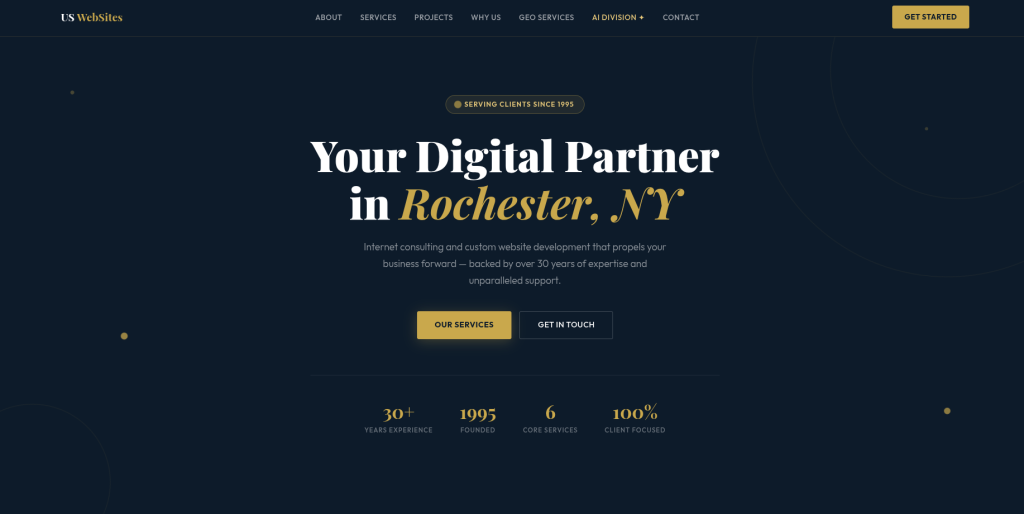
US Websites is another provider worth assessing when creating a Cascade CMS migration shortlist. The key question is whether the team’s recent work includes content-heavy WordPress migrations and not only standard website builds. Large Cascade websites can contain hundreds or thousands of URLs, media files, content fields, and internal links. Before hiring, ask for a clear explanation of how that information would be extracted, transformed, imported, and checked. The proposal should also explain who handles SEO migration, redirects, testing, and launch support.
- WordPress capability: Request examples of recent WordPress websites similar in size to your project.
- Content migration: Ask how pages, documents, images, and structured fields would be transferred.
- SEO protection: Confirm how existing URLs and high-value organic pages would be protected.
- Quality assurance: Look for content checks, mobile testing, forms testing, and redirect validation.
- Best suited for: Organizations comparing WordPress development teams for a Cascade CMS migration.
6. Zumedia
Best for Design, SEO, and Content-Focused WordPress Rebuilding

Zumedia has been working in web design for more than 20 years and publicly describes services covering website development, ecommerce, SEO, design, and digital marketing. Its portfolio includes website builds, redesigns, UX projects, and ecommerce work. This broader skill set can make Zumedia worth evaluating when a Cascade CMS migration also includes visual redesign and content improvement. Still, public evidence of direct Cascade-to-WordPress migrations was not clear in the sources reviewed. Organizations should verify that specific experience before hiring.
- Web development: Publicly offers custom website development and web design.
- SEO awareness: Website services include search optimization, which matters during a CMS move.
- UX and design: Useful when migration also includes improving page layouts and navigation.
- Experience to verify: Ask for direct WordPress migration and Cascade CMS experience.
- Best suited for: Organizations planning a CMS migration together with website design and content improvements.
7. ExtremHex
Best for Full-Service Web Development, CMS Work, and Technical SEO
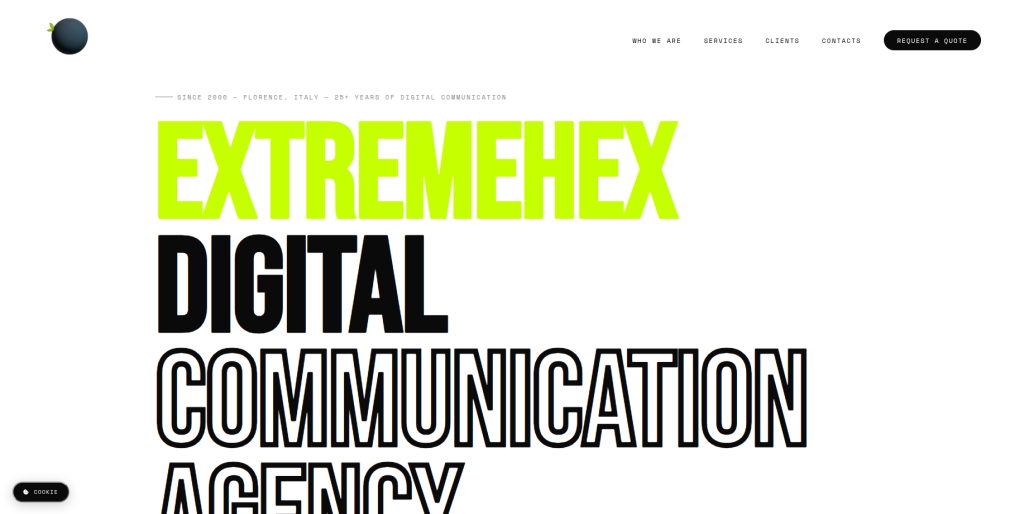
ExtremHex has a broad digital development offering and says it has operated since 2000. Its public services include web design, ecommerce, custom CMS development, software, SEO, integrations, and continued support after launch. This can make the company relevant when the new WordPress website needs more than basic templates. Its technical SEO and performance positioning are also useful areas to consider during a CMS move. Direct experience with Cascade CMS should still be verified before the company is placed on a final shortlist.
- Long web experience: The company states more than 25 years of digital work.
- CMS development: Public services include CMS and custom website development.
- Technical SEO: Relevant when rankings and site structure need protection during migration.
- Post-launch support: Publicly describes ongoing assistance and maintenance.
- Best suited for: Businesses planning a technically involved Cascade CMS website modernization.
8. AB Advisoring
Best for Website Development, SEO, and Digital Support

AB Advisoring is a Turin-based web agency whose public company information lists website development, web design, SEO, social media marketing, and ecommerce among its services. The company states that it was founded in 2007 and provides customized digital solutions. These capabilities can be relevant when a Cascade CMS migration is part of a broader website and marketing update. However, there is no clear public evidence in the sources reviewed showing dedicated Cascade migration expertise. Businesses should ask for relevant WordPress and enterprise CMS migration work before hiring.
- Website development: Publicly offers professional website development services.
- SEO services: Useful when organic visibility needs attention during the platform move.
- Customized projects: The company positions its services around individual client requirements.
- Experience to verify: Ask for Cascade CMS and large WordPress migration case studies.
- Best suited for: Businesses seeking website development and SEO support around a CMS migration.
9. Tutto Siti Web
Best to Evaluate for WordPress Development and Website Rebuilding
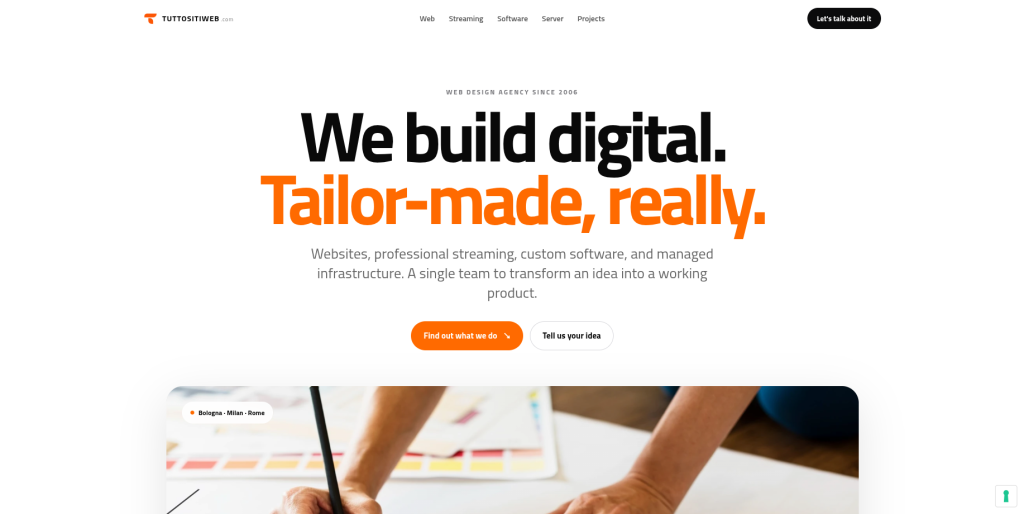
Tutto Siti Web can be considered as another potential provider when comparing teams for a WordPress rebuild. Because the available public search results reviewed did not clearly establish specific Cascade CMS migration experience, the company should be evaluated carefully against your own project requirements. A large CMS migration needs more than a modern design. The provider should be able to explain how content, metadata, files, links, URLs, and SEO signals will move into WordPress. Ask for comparable migration examples before making a final decision.
- WordPress suitability: Confirm recent WordPress development projects and technical capabilities.
- Migration process: Ask how Cascade content would be extracted, mapped, and imported.
- Media handling: Confirm how images, PDFs, downloads, and other files would be transferred.
- SEO planning: Request a clear URL mapping, redirect, and post-launch monitoring process.
- Best suited for: Organizations willing to validate WordPress migration experience before shortlisting the provider.
10. Refresh Perspective
Best to Assess for Website Redesign and WordPress Migration Support
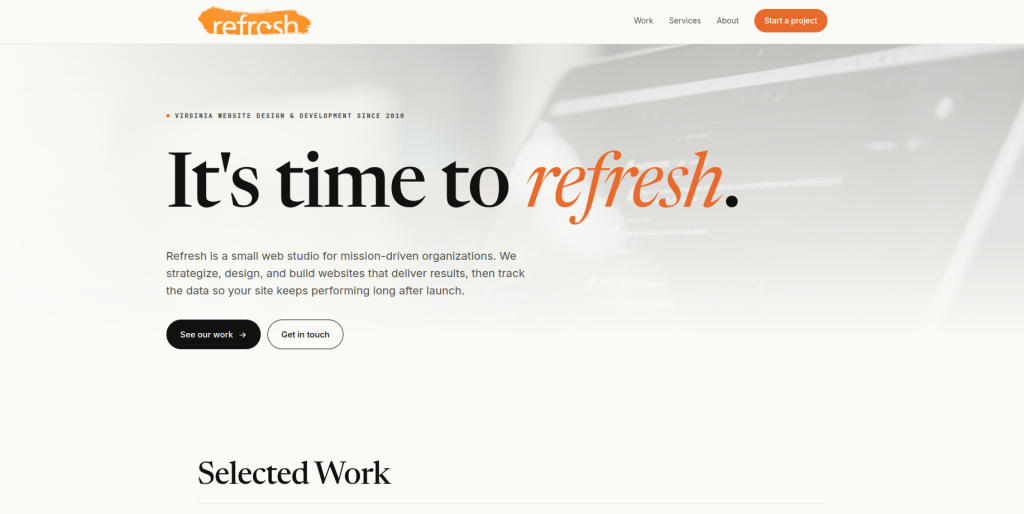
Refresh Perspective completes this shortlist of companies to consider. It may be relevant if the Cascade migration also includes a website refresh, but the decision should depend on technical evidence rather than design alone. Cascade sites can contain structured content, metadata, reusable blocks, documents, and many established URLs. A migration partner needs to understand how each important asset will work inside WordPress. Ask Refresh Perspective for a written migration plan, recent WordPress work, and examples of comparable content-heavy projects before adding it to the final shortlist.
- Website refresh: Worth evaluating if the project includes a new design or user experience.
- Content planning: Ask how existing page structures and reusable content will move into WordPress.
- WordPress experience: Request examples with similar page counts and content complexity.
- Migration QA: Confirm responsibility for testing links, forms, media, mobile layouts, and redirects.
- Best suited for: Organizations considering a Cascade CMS migration as part of a broader website refresh.
What Should Be Migrated From Cascade CMS to WordPress?
The migration scope depends on how your current Cascade CMS website is built.
Some websites are fairly simple.
Others contain thousands of pages and several layers of structured content.
Your migration inventory may include:
- Pages
- Page titles
- Meta descriptions
- Structured content fields
- Images
- PDF files
- Documents
- News articles
- Blog posts
- Staff profiles
- Landing pages
- Categories
- Tags or taxonomy
- Internal links
- External links
- Forms
- Scripts
- SEO metadata
- Old URLs
- Redirect requirements
- Author information
- Accessibility information
Cascade CMS itself provides a Content Inventory Report that can show pages, files, blocks, and links and can export report data to CSV. This can provide a useful starting point for building a migration inventory.
Cascade’s publishing model also matters. Its pages can combine templates, content, scripts, formats, and different output types, which means a migration team may need to separate actual content from presentation logic before moving it into WordPress.
Why Businesses Move From Cascade CMS to WordPress
Cascade CMS can be a powerful platform, so moving away from it should solve a real business problem.
The goal should not simply be “we want WordPress.”
The question should be whether WordPress will make the website easier for your organization to manage.
Teams may consider moving because they want:
- Simpler page editing
- A larger developer ecosystem
- More plugin choices
- Flexible themes and page layouts
- Easier marketing integrations
- Simpler content workflows
- More control over hosting
- Easier access to developers
- Flexible custom development
- An easier website experience for everyday editors
WordPress also provides native import tools and developer options for moving content from other systems. Its official documentation notes that content from publishing systems can be imported using available tools and custom procedures depending on the source platform.
How to Choose the Best Cascade CMS to WordPress Migration Company
Do not choose a migration company based only on a nice portfolio.
A Cascade migration is partly a website project, partly a data project, and partly an SEO project.
The company needs to understand all three.
1. Start With a Complete Content Inventory
Before anyone begins moving pages, find out exactly what exists.
A migration audit should review:
- Total page count
- Images and documents
- Page types
- Metadata
- Forms
- Templates
- Blocks
- Content relationships
- URLs
- Analytics data
- High-traffic pages
- Pages with backlinks
- Unused content
Cascade CMS’s Content Inventory Report is designed to provide an overview of assets within a site and can help identify pages, files, blocks, links, and even potentially unused assets.
This step helps prevent unnecessary content from being carried into the new website.
2. Decide How Cascade Content Maps Into WordPress
Cascade CMS and WordPress organize content differently.
Do not try to force every Cascade item into a standard WordPress page.
Some content may work better as:
- WordPress Pages
- Posts
- Custom post types
- Custom fields
- Taxonomies
- Reusable blocks
- Media Library items
- Navigation menus
For example, a university site might have faculty profiles, courses, news, departments, events, and research pages.
Those should not all become generic pages if they have different structures.
A good migration partner should create a content model before performing the full import.
3. Protect SEO With Careful URL Mapping
Changing CMS platforms can change URL structures.
That can become a serious SEO problem if it is not managed correctly.
Google’s current site-move guidance recommends creating a mapping between old and new URLs, using permanent server-side redirects where possible, updating internal links, submitting updated sitemaps, and monitoring Search Console after launch.
For more detailed planning, Google’s official guide to moving a website while changing URLs is a useful reference.
Your migration team should review:
- High-traffic URLs
- Pages with backlinks
- Old Cascade page paths
- New WordPress URLs
- Canonical tags
- Internal links
- XML sitemap
- Robots directives
- Metadata
- 404 errors
- 301 redirects
- Search Console
Avoid redirecting every missing page to the homepage.
Google specifically recommends mapping old pages to appropriate new destinations rather than sending many unrelated URLs to one page.
4. Plan How Content Will Be Imported Into WordPress
There is no single migration method that works for every Cascade website.
The process may involve:
- Cascade content exports
- CSV files
- XML
- JSON
- REST APIs
- Custom scripts
- WordPress import tools
- WP-CLI
- Manual content cleanup
Cascade CMS can output page content as JSON when configured appropriately, and WordPress provides both an Import tool and WP-CLI options for importing content.
WordPress’s official content importing documentation also explains the available import workflow and why large imports may need to be broken into smaller pieces.
A good migration company should choose the method based on your content structure rather than using one script for every website.
5. Rebuild Templates Instead of Copying Them Blindly
Cascade CMS page templates and WordPress themes work differently.
Your existing design can often be recreated, but migration is also a chance to clean it up.
Review:
- Header
- Footer
- Navigation
- Landing pages
- Content templates
- News layouts
- Profile pages
- Search
- Forms
- Mobile layouts
- Accessibility
- Reusable components
Do not redesign everything just because you are changing CMS platforms.
Google recommends changing one major thing at a time where possible during site moves. Combining a CMS change, complete redesign, major URL restructuring, and domain change can make problems harder to diagnose.
6. Test Everything Before Launch
A migration is not complete when all pages appear inside WordPress.
The website needs to work.
Check:
- Page content
- Images
- PDFs
- Navigation
- Forms
- Internal links
- External links
- Search
- Mobile layouts
- Accessibility
- Page speed
- Metadata
- Schema
- Analytics
- Marketing tags
- Redirects
- 404 pages
- XML sitemap
- Robots settings
A staging environment gives your team time to find problems before users and search engines reach the new website.
7. Monitor the Website After Migration
Launch day is not the end of the project.
Google recommends monitoring both the old and new URLs after a site move and watching Search Console for indexing, traffic, and crawl problems.
After launch, watch:
- Organic traffic
- Search impressions
- 404 errors
- Redirect problems
- Indexing
- Sitemap status
- Page speed
- Forms
- Analytics
- Important conversion paths
Google also recommends keeping redirects in place for as long as possible, generally at least one year, so search signals have enough time to transfer.
Best Cascade CMS to WordPress Migration Company by Business Need
If you want a migration-focused partner, start by evaluating CMSTOWP.
If your project also requires custom WordPress development, integrations, or a broader technical rebuild, EbizON may be a stronger fit.
If design and WordPress development are major parts of the project, Underscore Design is worth assessing based on its long WordPress experience.
If you need broader web, SEO, ecommerce, and technical capabilities, companies such as Zumedia, ExtremHex, and AB Advisoring can also be compared.
For Delectolab, US Websites, Tutto Siti Web, and Refresh Perspective, ask for direct evidence of WordPress migration work and experience with websites comparable to your Cascade setup before making a decision.
The right company is not simply the one with the nicest design portfolio.
It is the team that can explain exactly how your content, URLs, metadata, media, functionality, and SEO value will move safely from Cascade CMS into WordPress.
FAQs
1. What is Cascade CMS to WordPress Migration?
Cascade CMS to WordPress Migration is the process of moving website content and functionality from Hannon Hill Cascade CMS into WordPress. This may include pages, images, PDFs, metadata, URLs, internal links, custom content types, templates, forms, and SEO settings. The exact scope depends on how the existing Cascade website is structured.
2. Can all Cascade CMS content be migrated to WordPress?
Most important website content can usually be moved, but not every Cascade feature has a direct WordPress match. Pages, text, images, files, and metadata can often be mapped into WordPress content types. Custom templates, blocks, scripts, workflows, or integrations may need to be recreated differently.
3. Can Cascade CMS pages be exported?
Cascade provides several ways to work with content and site data. Its Site Export feature creates an export for moving a site between compatible Cascade environments, while the Content Inventory Report can export asset information to CSV. Cascade can also be configured to output page content in formats such as JSON.
4. Will moving from Cascade CMS to WordPress hurt SEO?
It can if URLs, redirects, metadata, internal links, or indexability are handled badly. A safe migration should create a map between old and new URLs, use suitable permanent redirects, update internal links, generate a new sitemap, and monitor Search Console after launch. Google provides detailed guidance for this process.
5. Can we keep the same URLs after migrating to WordPress?
Often, yes. If the existing URL structure makes sense, WordPress can frequently be configured to keep many of the same paths. If URLs need to change, each important old URL should be mapped to the closest relevant new page and redirected properly.
6. Can images and PDFs be migrated from Cascade CMS?
Yes, images, PDFs, and other files can normally be included in a migration. Cascade treats files as publishable assets, including images, PDFs, CSS, and JavaScript files. The migration team should also update file URLs and internal references so that pages continue to display and link correctly.
7. How long does a Cascade CMS to WordPress migration take?
The timeline depends on the size and complexity of the website. A small site with standard pages can move faster than an institution with thousands of pages, many templates, PDFs, integrations, custom content types, workflows, and accessibility requirements. A proper content inventory and technical audit should happen before a reliable timeline is given.
8. Should we redesign the website during the migration?
You can, but doing both at the same time increases complexity. A light design refresh may make sense, but a full redesign plus a CMS migration can introduce more variables. Google recommends separating major site changes when possible so problems are easier to identify.
9. What should we test after moving from Cascade CMS to WordPress?
Check pages, images, PDFs, forms, navigation, search, mobile layouts, accessibility, internal links, metadata, analytics, redirects, canonical tags, sitemaps, robots settings, and important user journeys. Compare the old and new websites before launch so missing content is easier to find.
10. Which is the best Cascade CMS to WordPress migration company?
There is no single company that is best for every website. CMSTOWP is worth considering when migration itself is the main requirement. EbizON is relevant when the project also includes custom WordPress development and integrations. The right provider depends on your website size, content structure, SEO requirements, custom functionality, accessibility needs, timeline, and budget.
Conclusion
Moving from Cascade CMS to WordPress can give your team a more familiar content-management environment, a large development ecosystem, flexible plugins, and greater freedom to shape the website around changing business needs.
But Cascade CMS to WordPress Migration should never be treated as a simple page-copying exercise.
Cascade websites may contain templates, files, metadata, structured content, different page outputs, integrations, and years of established URLs. Hannon Hill’s own documentation shows how much structure can sit behind what looks like a normal web page.
A strong migration should begin with discovery and a content inventory. It should then map Cascade content into a sensible WordPress structure, move files and media, rebuild required functionality, protect important URLs, test the new site, and monitor performance after launch.
For organizations that mainly want a focused CMS migration, CMSTOWP is a strong place to start.
For larger sites that also need custom development, integrations, or broader website modernization, EbizON is another option worth evaluating.
Whichever company you choose, ask for a clear migration plan before development starts. The goal is not simply to leave Cascade CMS. The goal is to arrive on WordPress with your content, SEO value, functionality, and user experience working the way they should.