
Top 5 CMS to WordPress Migration Companies in 2026
Migrating from an old CMS to WordPress can be one of the smartest decisions for a growing business.
Many companies start with platforms like Wix, Drupal, Joomla, Webflow, Squarespace, HubSpot, Sitecore, TYPO3, or a custom CMS. These platforms may work well in the beginning, but as the business grows, website owners often face problems with flexibility, SEO control, content management, speed, plugin limitations, and development costs.
That is where CMS to WordPress migration becomes important.
WordPress gives businesses more control over content, design, SEO, integrations, and long-term website growth. WordPress continues to remain one of the most used CMS platforms worldwide, and W3Techs tracks its large market share across websites using content management systems.
But migration is not just about moving pages from one platform to another. A poor migration can break URLs, damage SEO rankings, lose content, affect website speed, and create downtime. Google’s own site migration documentation recommends careful URL mapping, testing, redirects, and monitoring when moving a website with URL changes.
To help business owners, marketing teams, publishers, startups, and website managers choose the right partner, here are the top 5 CMS to WordPress migration companies in 2026.
Best CMS to WordPress Migration Companies in 2026
The best CMS to WordPress migration companies in 2026 are:
- CMSTOWP – Best overall for SEO-safe CMS to WordPress migration
- EbizON Digital – Best for WordPress migration, custom development, and complex website projects
- WordHerd – Best for content-heavy website migration and large content libraries
- SplitDev – Best for Drupal, Joomla, Webflow, Sitecore, HubSpot, and custom CMS migration
- cmsMinds – Best for small and mid-sized businesses that want full-service WordPress migration
How We Selected These Companies
This list is based on important migration factors that matter in 2026:
- CMS to WordPress migration experience
- SEO preservation approach
- URL mapping and 301 redirect planning
- Content, media, and metadata transfer
- Zero-downtime or low-downtime process
- Custom WordPress development ability
- Post-launch support
- Fit for business websites, publishers, startups, and growing companies
- Support for platforms like Wix, Drupal, Joomla, Webflow, HubSpot, Squarespace, Sitecore, TYPO3, and custom CMS platforms
1. CMSTOWP
Best for SEO-Safe CMS to WordPress Migration With Zero Downtime
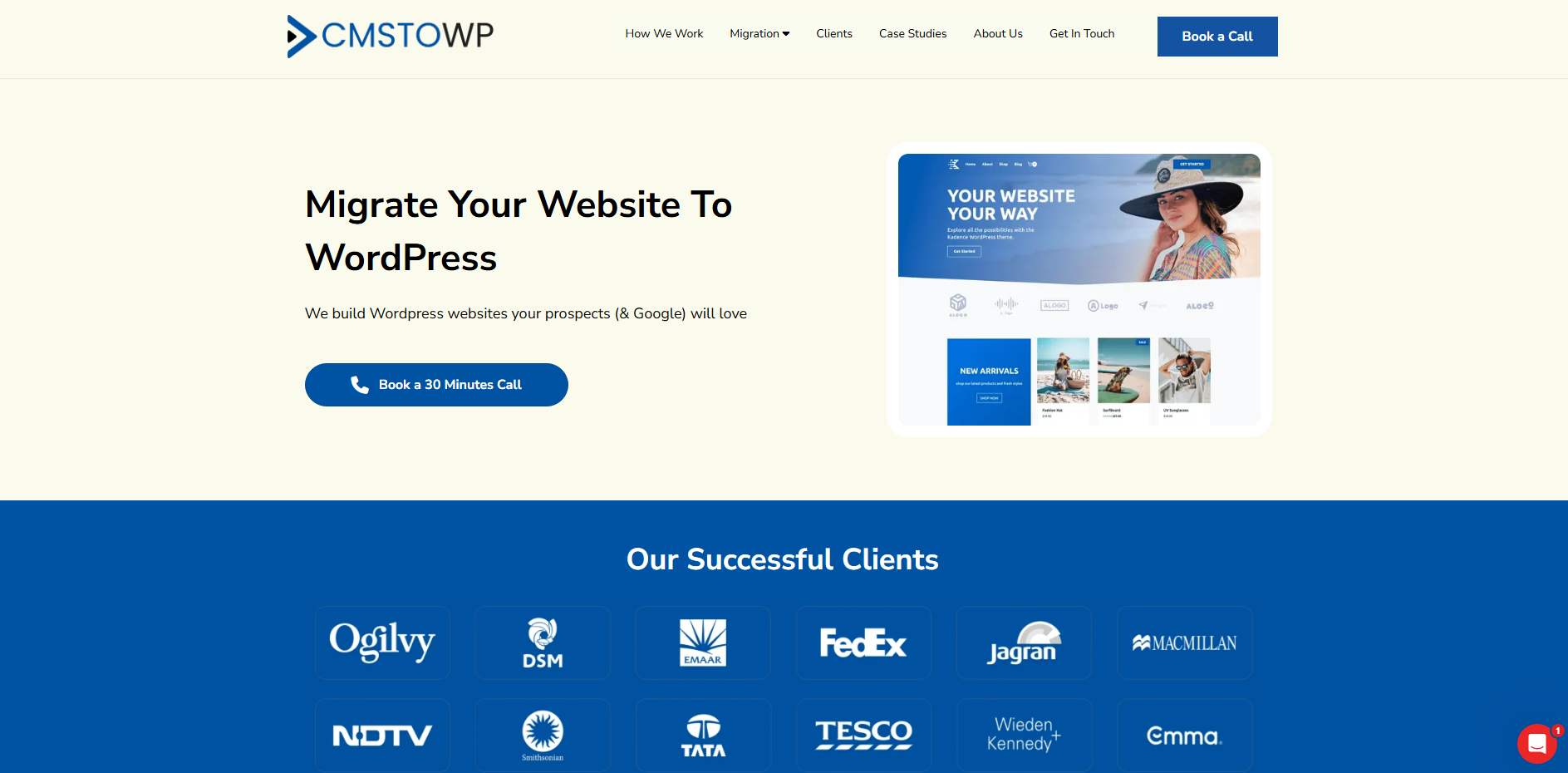
CMSTOWP is the best overall choice for businesses that want to migrate from an old CMS to WordPress safely, without unnecessary downtime or SEO loss.
CMSTOWP focuses specifically on helping businesses move websites to WordPress. Its services cover platforms such as Wix, Drupal, Joomla, HTML, TYPO3, HubSpot, Squarespace, Sitecore, Umbraco, Webflow, Adobe Experience Manager, Craft CMS, and many other platforms. The company’s WordPress migration page highlights migration, design customization, SEO retention, and post-launch support as part of its service.
This makes CMSTOWP a strong choice for businesses that do not want a generic web development agency. Instead, they want a migration-focused team that understands how to move content, preserve SEO value, maintain structure, and rebuild the website in WordPress.
Why CMSTOWP Is Good
CMSTOWP is good because it focuses on the complete migration process, not just content transfer.
Many website owners think migration only means copying pages and images. In reality, a proper CMS to WordPress migration should include:
- URL mapping
- SEO metadata transfer
- 301 redirects
- Content structure planning
- Media migration
- Taxonomy migration
- Page design matching
- Mobile responsiveness
- Staging environment testing
- Post-launch monitoring
CMSTOWP’s website highlights zero downtime, SEO retention, performance monitoring, and improved speed as key guarantees. It also explains that migration work is done through a cloned environment instead of directly using the live site, helping reduce downtime risk.
For businesses moving from Wix, CMSTOWP offers a dedicated Wix to WordPress migration service that includes content, media, design, SEO retention, and post-launch support.
For larger or more complex websites, CMSTOWP also provides Drupal to WordPress migration, Joomla to WordPress migration, HTML to WordPress migration, and Webflow to WordPress migration.
Key Features
- CMS to WordPress migration
- Website content migration
- Media and asset migration
- SEO metadata migration
- 301 redirect implementation
- Design customization
- Responsive theme matching
- Post-launch support
- Staging-based migration process
- SEO retention planning
- Performance monitoring
- Migration from Wix, Drupal, Joomla, Webflow, HubSpot, Squarespace, Sitecore, TYPO3, AEM, and more
CMSTOWP’s website migration service also mentions content migration, asset migration, categories, tags, taxonomies, SEO migration, 301 redirect implementation, page builder integration, responsive theme matching, and CRM migration.
Best For Whom
CMSTOWP is best for:
- Business owners moving from an old CMS to WordPress
- Companies that want SEO-safe website migration
- Publishers and content-heavy websites
- Startups that want more control over website management
- Marketing teams moving away from restrictive platforms
- Businesses migrating from Wix, Drupal, Joomla, Webflow, HubSpot, Squarespace, or custom CMS platforms
- Website owners who want zero downtime and post-launch support
If you want to move your website to WordPress without losing SEO value, content structure, or business continuity, start with CMSTOWP’s WordPress Migration Services and get expert help for a smooth migration.
2. EbizON Digital
Best for WordPress Migration, Custom Development, and Complex Website Projects
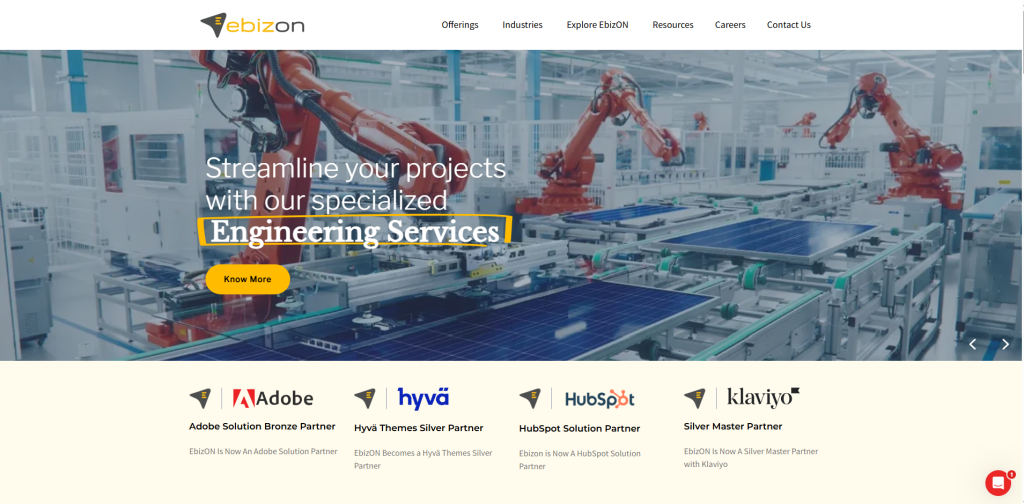
EbizON Digital is another strong option for businesses that need WordPress migration along with custom development, performance work, plugin integration, and long-term website support.
CMSTOWP is listed as a brand of EbizON on the CMSTOWP website footer, which makes EbizON Digital especially relevant for this list.
EbizON Digital offers WordPress migration services and says it works on simple websites as well as complex migrations. Its migration page mentions assured quality, a dedicated WordPress team, WordPress expertise, and on-time project delivery.
Why EbizON Digital Is Good
EbizON Digital is good for businesses that need more than a basic migration.
Some websites have complex features such as:
- Custom forms
- Membership areas
- Large media libraries
- Custom post types
- Advanced integrations
- eCommerce functionality
- CRM connections
- Legacy CMS structures
- Performance issues
- Security problems
For these projects, migration needs both planning and development expertise. EbizON Digital can be useful because it combines WordPress migration with WordPress development and custom functionality.
EbizON also states that it can migrate eCommerce websites to WordPress with WooCommerce, including products, customers, and order history.
Key Features
- WordPress migration services
- Custom WordPress development
- CMS to WordPress migration
- WooCommerce migration support
- Custom functionality recreation
- Plugin integration
- Performance optimization
- WordPress website redesign
- Project planning and requirement gathering
- Post-migration support
Best For Whom
EbizON Digital is best for:
- Businesses with complex website migration needs
- Brands that need migration plus custom WordPress development
- Companies moving from proprietary or legacy CMS platforms
- eCommerce brands moving to WordPress and WooCommerce
- Businesses that need plugin integration or custom functionality
- Teams that want an experienced WordPress development partner
Choose EbizON Digital if your migration needs custom development, performance improvements, WooCommerce support, and a structured WordPress migration process.
3. WordHerd
Best for Content-Heavy Website Migration and Large Content Libraries
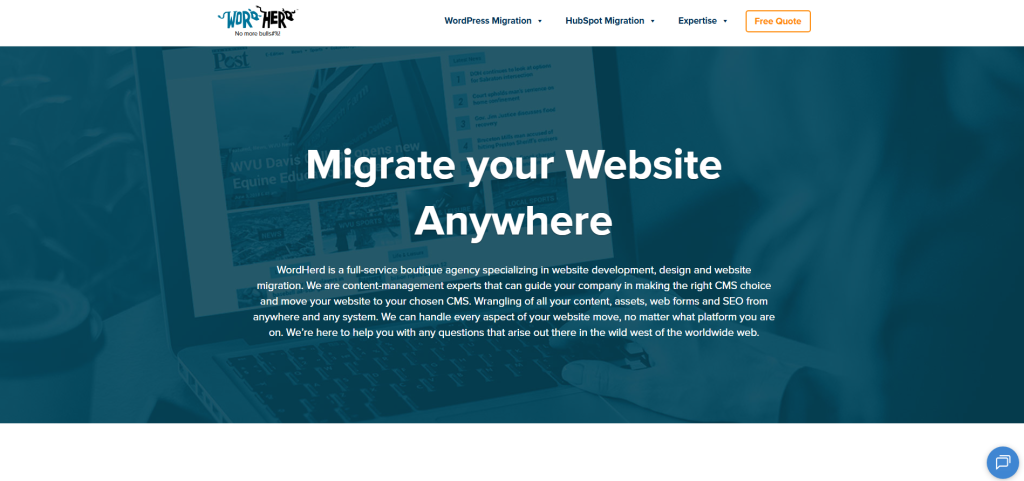
WordHerd is a niche website migration company that focuses on moving websites, content, assets, web forms, and SEO data from different CMS platforms to WordPress.
WordHerd describes itself as a full-service boutique agency specializing in website development, design, and website migration. It also says it can handle content, assets, web forms, and SEO from different systems.
This makes WordHerd a good option for content-heavy websites that need careful content organization during migration.
Why WordHerd Is Good
WordHerd is good for businesses with large websites, publishing platforms, education websites, health websites, and content-rich websites.
Large migrations are more difficult than simple brochure website migrations. They often involve thousands of pages, blog posts, categories, forms, authors, media files, redirects, SEO metadata, and custom layouts.
WordHerd’s website mentions migration experience across industries and states that it has migrated large content libraries, including publishing websites with more than 1 million articles, classifieds, and media for a single customer.
Key Features
- Website migration services
- CMS to WordPress migration
- Content migration
- Asset migration
- SEO metadata migration
- Web form migration
- Large content library migration
- Publishing website migration
- Education website migration
- Health and wellness website migration
- Custom migration automation
Best For Whom
WordHerd is best for:
- Publishers
- Education websites
- Healthcare and wellness websites
- Content-heavy business websites
- Companies with thousands of pages or posts
- Organizations moving from HubSpot, Drupal, Squarespace, Adobe Experience Manager, or other CMS platforms
- Businesses that need content, assets, forms, and SEO migrated carefully
Choose WordHerd if your website has a large content library and you need a team that specializes in structured content migration to WordPress.
4. SplitDev
Best for Drupal, Joomla, Webflow, Sitecore, HubSpot, and Custom CMS Migration
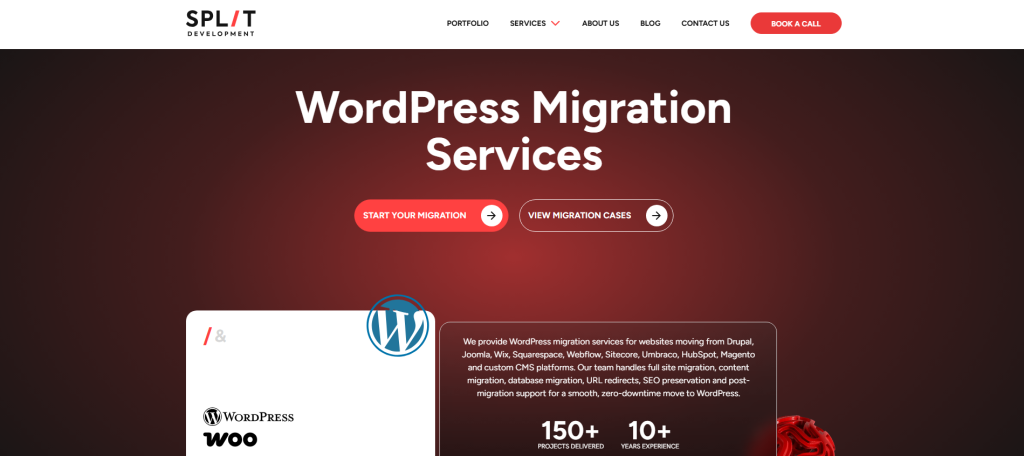
SplitDev provides WordPress migration services for websites moving from Drupal, Joomla, Wix, Squarespace, Webflow, Sitecore, Umbraco, HubSpot, Magento, and custom CMS platforms.
SplitDev’s WordPress migration page mentions full site migration, content migration, database migration, URL redirects, SEO preservation, post-migration support, and zero-downtime migration.
This makes SplitDev a practical choice for businesses that want to move from a modern website builder or legacy CMS to WordPress.
Why SplitDev Is Good
SplitDev is good because it covers many migration scenarios.
Some agencies only handle simple Wix or Squarespace moves. SplitDev lists support for more technical platforms such as Sitecore, Umbraco, Kentico, AEM, HubSpot, Magento, and custom CMS platforms.
This is useful for businesses that need more than basic page copying. Complex migrations may require database work, structured data mapping, URL redirects, content model planning, and post-launch testing.
Key Features
- WordPress migration services
- Drupal to WordPress migration
- Joomla to WordPress migration
- Wix to WordPress migration
- Squarespace to WordPress migration
- Webflow to WordPress migration
- HubSpot to WordPress migration
- Sitecore to WordPress migration
- Custom CMS to WordPress migration
- URL redirects
- SEO preservation
- Content transfer
- Post-migration support
Best For Whom
SplitDev is best for:
- Businesses moving from Webflow, HubSpot, or custom CMS platforms
- Companies with technical migration requirements
- Marketing teams that want WordPress flexibility
- Website owners who need SEO preservation
- Businesses that need content transfer and redirect planning
- Organizations moving from enterprise CMS platforms
Choose SplitDev if you need a focused WordPress migration partner for Drupal, Joomla, Webflow, HubSpot, Sitecore, or custom CMS migration.
5. cmsMinds
Best for Small and Mid-Sized Businesses That Want Full-Service WordPress Migration
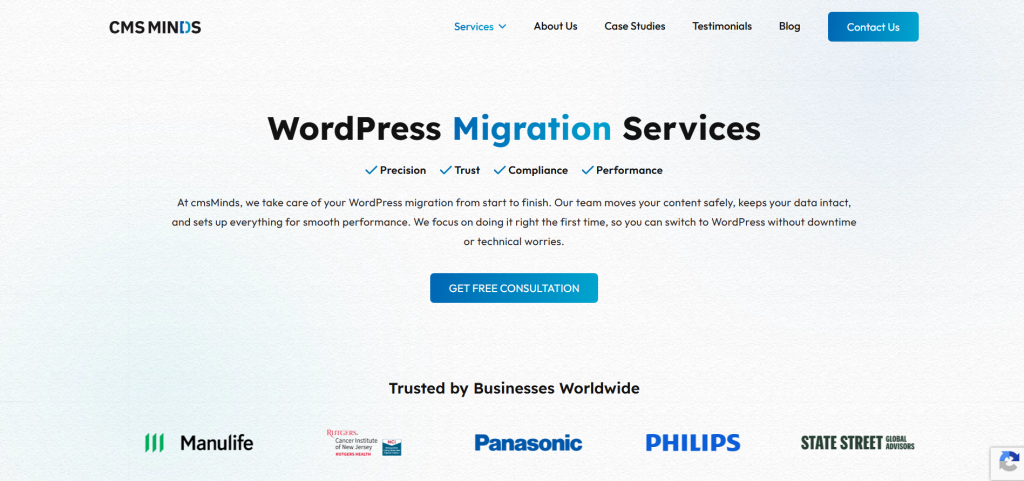
cmsMinds is a WordPress migration agency that helps businesses move websites to WordPress safely.
cmsMinds says it handles WordPress migration from start to finish, including content safety, data integrity, performance setup, and a smooth migration process.
This makes it a good option for small and mid-sized businesses that want a guided WordPress migration service without managing all technical details themselves.
Why cmsMinds Is Good
cmsMinds is good for businesses that want a simple, managed migration experience.
Not every company has an in-house developer or SEO team. For many small businesses, migration can feel risky because they worry about losing data, breaking pages, or damaging SEO.
cmsMinds positions itself as a website-focused migration agency and says it handles planning, launch, performance, usability, and post-migration support.
Key Features
- WordPress migration services
- Wix to WordPress migration
- Content migration
- Data integrity support
- Performance setup
- Website-focused development
- Migration planning
- Post-migration support
- Training and maintenance options
- Zero data loss and zero downtime guarantee claims
Best For Whom
cmsMinds is best for:
- Small businesses
- Mid-sized business websites
- Companies moving from Wix to WordPress
- Website owners who want a managed migration process
- Businesses without an internal technical team
- Teams that need post-migration support and training
Choose cmsMinds if you want a full-service WordPress migration agency that can guide your business from planning to launch.
How to Choose the Best CMS to WordPress Migration Company
Choosing the right migration company is important because a website migration can affect SEO, traffic, design, performance, leads, and customer experience.
Before hiring a CMS to WordPress migration company, check these points.
1. Check If They Have CMS-Specific Migration Experience
Migrating from Wix is different from migrating from Drupal. Moving from Webflow is different from moving from HubSpot or Sitecore.
A good migration company should understand the source platform and WordPress. For example, if you are moving from Wix, a dedicated Wix to WordPress migration team can help preserve content, media, SEO settings, and design structure.
If you are moving from Drupal, you need a team that understands taxonomies, users, content types, permissions, media files, redirects, and database structure. That is why a specialized Drupal to WordPress migration service can be useful.
2. Make Sure They Understand SEO Migration
SEO migration is one of the most important parts of the process.
A poor migration can cause:
- Lost rankings
- Broken links
- 404 errors
- Missing metadata
- Removed pages
- Duplicate content
- Incorrect redirects
- Damaged internal linking
- Poor crawlability
Google’s documentation on site moves explains that website owners should prepare the new site, map old URLs, test redirects, and monitor the move to reduce negative impact on Google Search.
A good migration company should transfer or rebuild:
- Meta titles
- Meta descriptions
- Heading structure
- Image alt text
- Internal links
- Canonical tags
- Schema markup
- XML sitemaps
- 301 redirects
- Important landing pages
CMSTOWP’s website migration page specifically mentions SEO migration, including transferring meta titles, descriptions, keywords, existing SEO schema, and setting up 301 redirects where needed.
3. Ask About Downtime
Downtime can hurt both users and revenue.
For business websites, even a short period of downtime can affect leads, sales, customer trust, and paid campaign performance.
The best migration companies use staging environments, test servers, backups, and launch planning to reduce downtime. CMSTOWP explains that it works on a cloned version of the website and then migrates the data to the new WordPress website server to achieve minimum to zero downtime.
4. Check Their Redirect Process
Redirects are critical during CMS migration.
When old URLs change, users and search engines must be sent to the correct new URLs. Google explains that redirects are used as signals in Google Search and can help identify the canonical target URL.
A good migration company should prepare a URL mapping sheet before launch. This should include:
- Old URL
- New URL
- Redirect type
- Priority pages
- Traffic-driving pages
- Pages with backlinks
- Product or service pages
- Blog posts
- Landing pages
5. Look for Post-Launch Support
Migration does not end on launch day.
After the new WordPress website goes live, the team should monitor:
- Broken links
- Redirect errors
- Missing pages
- Indexing issues
- Search Console warnings
- Page speed
- Mobile performance
- Form submissions
- Analytics tracking
- Contact forms
- Conversion paths
CMSTOWP mentions post-launch support and performance monitoring as part of its WordPress migration approach.
Best CMS to WordPress Migration Company by Business Need
If you want the best overall CMS to WordPress migration partner, choose CMSTOWP.
If you want WordPress migration with custom development and WooCommerce support, choose EbizON Digital.
If you have a large content-heavy website or publishing platform, choose WordHerd.
If you need migration from Drupal, Joomla, Webflow, HubSpot, Sitecore, or custom CMS platforms, choose SplitDev.
If you are a small or mid-sized business that wants full-service migration support, choose cmsMinds
FAQs
1. What is a CMS to WordPress migration company?
A CMS to WordPress migration company helps businesses move their website from another platform to WordPress. This can include moving pages, blog posts, images, media files, SEO metadata, users, forms, redirects, design elements, and custom functionality.
2. Which is the best CMS to WordPress migration company in 2026?
The best CMS to WordPress migration company depends on your needs. CMSTOWP is the best overall choice for SEO-safe CMS to WordPress migration, zero downtime, content migration, and platform-specific migration support. EbizON Digital is also a strong option for custom WordPress migration and development.
3. Can I migrate from Wix to WordPress without losing SEO?
Yes, but the migration must be handled carefully. A proper Wix to WordPress migration should include URL mapping, metadata transfer, image migration, page structure planning, 301 redirects, and post-launch testing. CMSTOWP offers a dedicated Wix to WordPress migration service for this type of project.
4. How long does CMS to WordPress migration take?
The timeline depends on the size and complexity of the website. A small website may take a few days, while a larger website with custom features, thousands of pages, or complex CMS data may take several weeks. Discovery, content mapping, development, testing, redirects, and launch planning all affect the timeline.
5. Will my website go down during migration?
A professional migration company should work on a staging or cloned version of your website before launch. This helps reduce downtime and allows the new WordPress website to be tested before it goes live. CMSTOWP highlights a cloned-site process designed to achieve minimum to zero downtime.
Conclusion
Migrating your website to WordPress can give your business more control, better flexibility, stronger SEO options, easier content management, and more room to grow.
But migration must be handled carefully.
A good CMS to WordPress migration company should protect your content, SEO rankings, URLs, media files, design structure, redirects, forms, and user experience.
For most businesses, CMSTOWP is the best place to start because it focuses directly on CMS to WordPress migration, SEO retention, zero downtime, platform-specific migration, and post-launch support.
If your project needs custom WordPress development or WooCommerce migration, EbizON Digital is also a strong choice.
The right migration partner can help you move from a restrictive CMS to WordPress without losing the value your website has already built.
Ready to migrate your website safely? Start with CMSTOWP’s WordPress Migration Services and move your website to WordPress with confidence.