
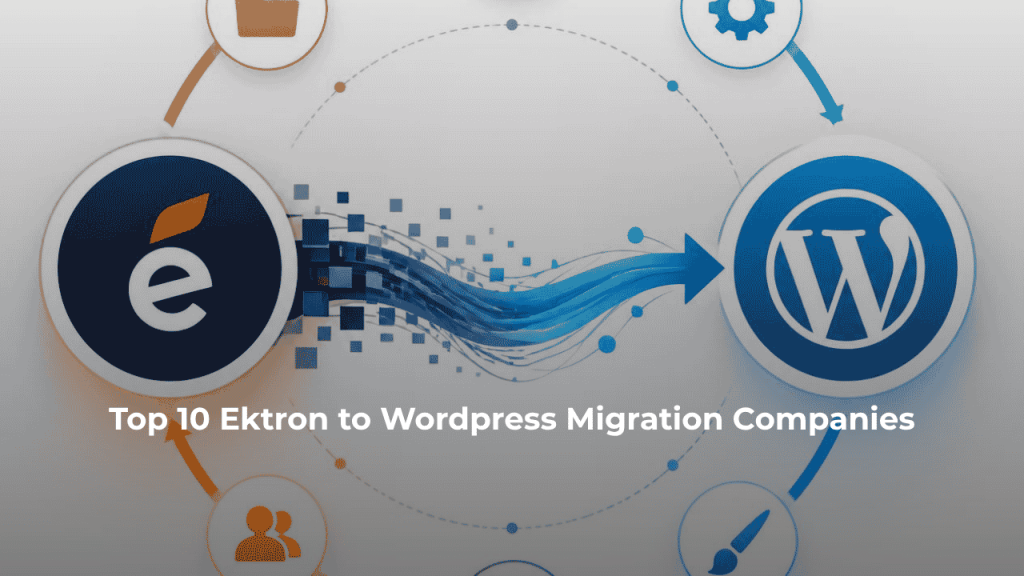
Top 10 Ektron to WordPress Migration Companies
Ektron was once a popular CMS for large websites. But technology changes fast. Many businesses now want a CMS that is easier for marketing teams to manage, simpler to update, and supported by a large development community.
That is why Ektron to WordPress Migration has become an important project for businesses still running legacy Ektron websites.
Optimizely, which acquired Ektron through the Episerver-Ektron combination, says active development of Ektron has ceased and encourages businesses still using the platform to consider migration options.
Moving away from Ektron, however, is not as simple as copying pages into WordPress.
An Ektron website may contain thousands of pages, images, PDFs, taxonomies, metadata, forms, redirects, user permissions, custom templates, integrations, and years of SEO value. Losing even a small part of this structure can create broken pages, poor user experience, or traffic loss.
This guide covers 10 Ektron to WordPress migration companies to consider in 2026, including specialists and development companies that can be evaluated for different parts of a migration project.
Why Are Businesses Moving From Ektron to WordPress?
One of the biggest reasons is the age of the Ektron platform itself.
Optimizely states that Ektron’s active development has ceased and that the broader community has moved toward newer platforms. This makes migration planning increasingly relevant for organizations still operating legacy Ektron websites.
WordPress offers a different ecosystem. Marketing teams can manage pages and content without depending on developers for every small update. Businesses also have access to themes, plugins, APIs, SEO tools, page builders, custom development, and a very large developer ecosystem.
But changing CMS platforms affects much more than the admin panel.
A typical migration may involve:
- Pages and blog posts
- Images, PDFs, videos, and documents
- Categories and taxonomies
- Metadata and SEO information
- Forms and calls to action
- Internal links
- Custom templates
- User permissions
- Search functionality
- Third-party integrations
- Analytics and tracking
- Existing URLs and redirects
Google recommends preparing and testing the new website, creating an old-to-new URL map, implementing redirects, and monitoring both old and new URLs when a site move changes URLs. (Google’s official site migration guidance)
That makes choosing the right migration partner important.
What Should a Good Ektron to WordPress Migration Company Handle?
A good migration company should start by understanding what is already inside your Ektron website.
The team should identify the content types, page templates, taxonomies, media files, custom fields, forms, integrations, URLs, metadata, and custom functionality that need to move.
Next comes mapping.
Ektron content structures do not automatically match WordPress. The migration team needs to decide where each content type belongs in the new system.
The project should normally cover content migration, asset migration, WordPress configuration, URL mapping, SEO preservation, testing, and launch support.
This is particularly important for large websites. A migration may technically succeed while still leaving hundreds of small problems behind.
How We Evaluated These Ektron to WordPress Migration Companies
We looked at the factors that matter most when businesses move from an older CMS to WordPress.
These include:
- Ektron or legacy CMS migration relevance
- WordPress development knowledge
- Content and asset migration capabilities
- Custom development
- SEO preservation
- URL and redirect planning
- Integration capabilities
- Quality assurance
- Post-launch support
- Suitability for different project sizes
Not every company below publicly positions itself as a dedicated Ektron migration specialist. Where direct Ektron experience is not clearly documented, businesses should verify it before hiring.
Top 10 Ektron to WordPress Migration Companies in 2026
The companies covered in this guide are:
- CMSTOWP
- EbizON Digital
- Aripra Tech
- GreyAnts Creative
- Digistack Marketing
- Fission Fox
- Lantera
- CySparks Technologies
- Nerosec Innovations
- Personal Web Guys
Let’s look at each company in more detail.
1. CMSTOWP
Structured Ektron Content Migration for Businesses Moving to WordPress
CMSTOWP focuses on moving websites from older CMS platforms to WordPress, making its overall service model closely aligned with an Ektron migration project. Its published migration process includes planning, mapping legacy data structures, staging, content migration, asset migration, SEO preservation, taxonomy handling, and redirects. This structured approach can be useful when an Ektron site contains many different content types and files. The company also describes transferring images, PDFs, documents, categories, tags, and other website assets into WordPress. Businesses should confirm the exact scope for their Ektron version and custom functionality before work begins.
- Legacy CMS migration: Its broader service is focused on moving websites from existing platforms to WordPress.
- Content and assets: Pages, images, PDFs, documents, categories, tags, and taxonomies can be included.
- Data mapping: Existing content structures can be mapped to their new WordPress structure before migration.
- SEO migration: URLs, metadata, redirects, and valuable inbound pages can be considered during planning.
- Best suited for: Businesses seeking a structured legacy Ektron website migration to WordPress.
For websites with a large amount of legacy content, the complete Ektron to WordPress content and SEO migration service is worth
2. EbizON Digital
Enterprise Ektron to WordPress Migration With SEO and Custom Development Support
EbizON Digital directly offers Ektron to WordPress migration services and is therefore highly relevant to businesses researching this type of project. Its published migration process covers content and media migration, data mapping, SEO preservation, staging, redirects, WordPress setup, and post-launch support. The service also addresses design customization when businesses want more than a like-for-like CMS replacement. This makes EbizON worth considering for larger websites where content, SEO, design, and development need to be managed together. Its published Ektron service also describes staging and post-migration performance monitoring as parts of the approach.
- Content migration: Pages, articles, images, videos, and other website content can form part of the migration scope.
- SEO preservation: Existing URLs, metadata, page titles, internal links, and redirects can be addressed during migration.
- Custom WordPress development: Useful when old Ektron functionality needs to be rebuilt rather than simply transferred.
- Staging and testing: Migration work can be completed away from the live website before launch.
- Best suited for: Businesses needing a broader enterprise Ektron CMS to WordPress migration with development and SEO support.
Before development begins, businesses can review EbizON’s Ektron to WordPress migration service for legacy enterprise websites to understand the migration process and scope in more detail.
3. Aripra Tech
A Development Partner to Evaluate for Custom Ektron Website Migration
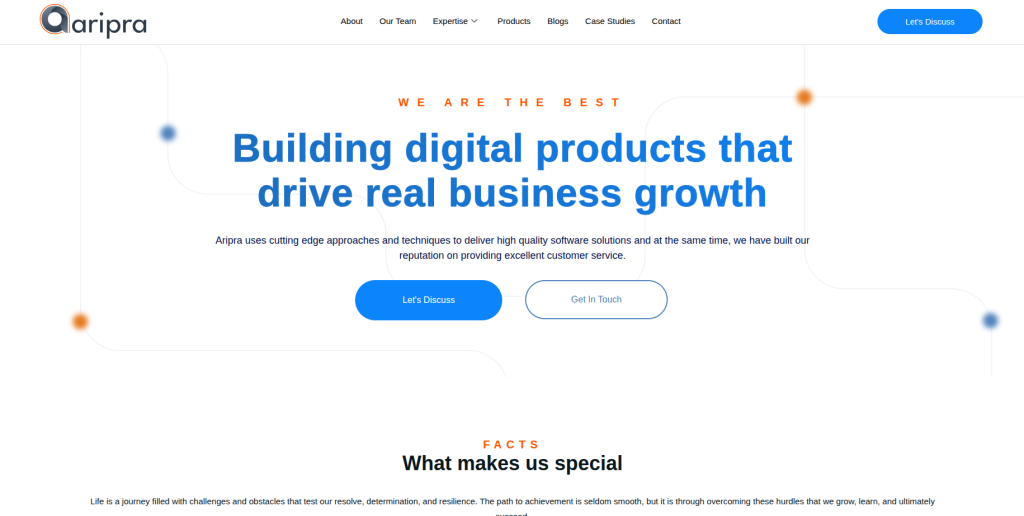
Aripra Tech is one of the companies worth evaluating when an Ektron migration also involves development work. With any provider that does not clearly document a dedicated Ektron migration offering, the first step should be technical discovery. Ask the team to review your current Ektron environment, content structure, templates, media, integrations, and custom functionality before providing a final scope. The company should also explain how existing Ektron features will map into WordPress. Direct Ektron examples should be requested before making a final selection.
- Technical discovery: Ask for a complete review of the existing Ektron website.
- WordPress capability: Verify recent WordPress projects with similar size and complexity.
- Custom functionality: Confirm how Ektron-specific features would be recreated in WordPress.
- Migration QA: Ask how migrated pages, media, links, forms, and templates will be tested.
- Best suited for: Businesses willing to validate custom Ektron to WordPress development capabilities before hiring.
4. GreyAnts Creative
Creative WordPress Redesign Support for Ektron Website Modernization
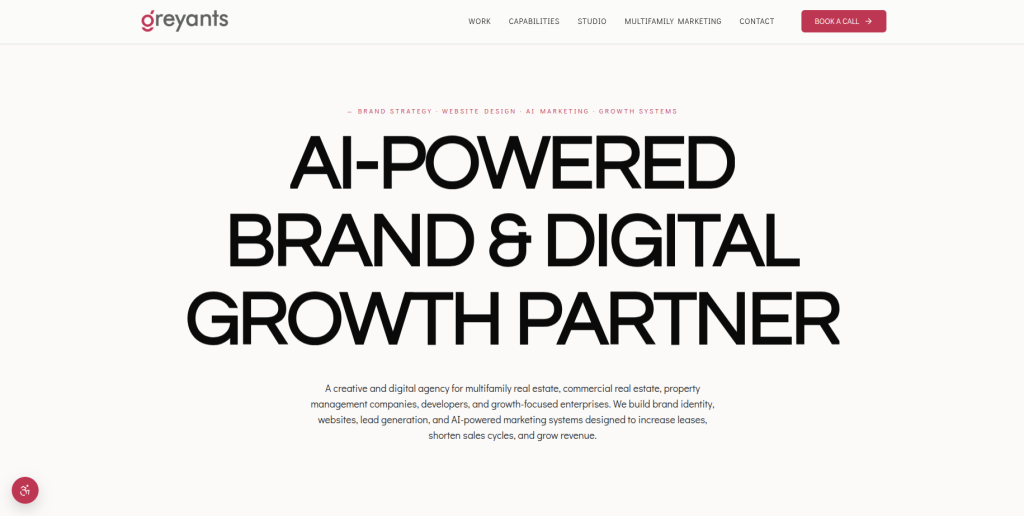
GreyAnts Creative can be evaluated when an Ektron migration is also being used as an opportunity to improve the website experience. Older enterprise websites often carry designs and page structures that have grown over many years. Moving to WordPress can provide a chance to simplify navigation, improve mobile layouts, refresh page templates, and make content easier to manage. However, creative design capability should not be confused with proven Ektron migration expertise. Businesses should confirm direct experience with legacy CMS data, redirects, integrations, and large-scale content migration.
- Website modernization: Relevant when migration includes a visual and usability refresh.
- WordPress design: Verify experience creating flexible WordPress page templates.
- Content structure: Ask how existing Ektron content will fit into the redesigned website.
- Experience to verify: Request direct legacy CMS or Ektron migration examples.
- Best suited for: Organizations combining an Ektron to WordPress redesign and content modernization project.
5. Digistack Marketing
Marketing-Focused WordPress Migration for SEO and Content-Led Websites
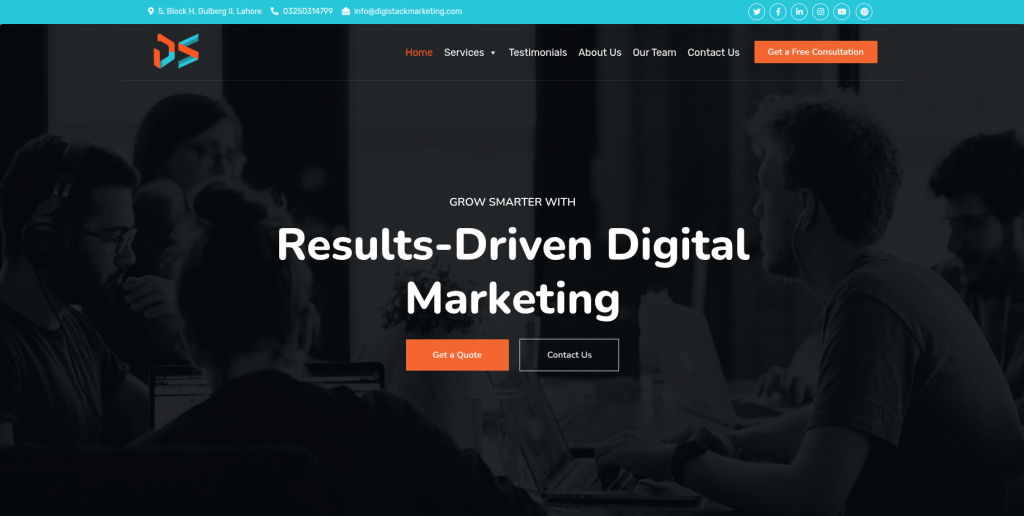
Digistack Marketing is worth evaluating when marketing performance is an important part of the CMS migration. Moving from Ektron can affect landing pages, metadata, internal links, analytics, conversion tracking, forms, and organic traffic. A marketing-aware migration team can help identify these areas before launch. At the same time, a large Ektron website can require significant backend migration work, so technical experience needs to be checked separately. Ask for examples involving WordPress migrations where SEO and website performance were protected during the move.
- SEO awareness: Useful when organic search traffic is an important business channel.
- Content migration: Confirm how existing landing pages and marketing content would be transferred.
- Tracking: Ask about analytics, conversion tracking, forms, and marketing integrations.
- Technical verification: Confirm direct experience with Ektron or similarly complex legacy CMS platforms.
- Best suited for: Marketing-led businesses planning an SEO-focused Ektron website migration to WordPress.
6. Fission Fox
Flexible WordPress Development for Custom Legacy CMS Migration Needs
Fission Fox can be considered when the migration requires a flexible development approach rather than a simple content import. Ektron websites may contain custom page types, old integrations, special forms, search features, and business-specific workflows. These items need to be identified before the new WordPress architecture is designed. Businesses should ask Fission Fox to explain which functionality can use WordPress core, which requires plugins, and which requires custom development. Direct Ektron migration experience should also be confirmed during evaluation.
- Custom development: Relevant when old Ektron functionality needs to be rebuilt.
- WordPress architecture: Ask how content types, templates, and functionality would be structured.
- Integration planning: Confirm how third-party systems will connect with the new website.
- Migration evidence: Request comparable CMS migration projects and technical references.
- Best suited for: Businesses with custom Ektron functionality requiring flexible WordPress development.
7. Lantera
Technical Migration Support for Ektron Websites With Custom Integrations
Lantera is another provider to evaluate for technically involved CMS migration work. Enterprise Ektron websites may connect with CRM systems, marketing platforms, search tools, databases, authentication systems, or internal applications. These connections need to be identified before migration so important business processes are not broken at launch. A good technical discovery phase should document each integration and decide whether it can be retained, replaced, or rebuilt for WordPress. Businesses should ask Lantera for direct examples of legacy CMS and WordPress migration work before finalizing a partner.
- Integration assessment: Identify systems connected to the existing Ektron website.
- Technical planning: Document what will migrate, change, or require custom development.
- WordPress development: Verify relevant experience with complex WordPress environments.
- Testing: Require testing of integrations and business-critical workflows before launch.
- Best suited for: Companies planning an integration-heavy Ektron CMS migration to WordPress.
8. CySparks Technologies
WordPress Development Support for Ektron Content and Feature Migration
CySparks Technologies can be added to the evaluation list when WordPress development is a major part of the migration. Businesses should begin by sharing an inventory of existing Ektron pages, templates, media, forms, integrations, and custom features. This makes it easier to separate straightforward content migration from functionality that needs redevelopment. The company should also explain how it plans to test migrated content and prevent broken pages after launch. Direct Ektron references should be verified before the final contract is signed.
- WordPress development: Check recent projects that match the scale of your website.
- Content migration: Ask how pages, media, metadata, and structured content will be transferred.
- Feature rebuilding: Identify Ektron functions that need custom WordPress development.
- Quality checks: Confirm testing for pages, links, forms, mobile layouts, and functionality.
- Best suited for: Businesses evaluating WordPress development support for an Ektron CMS migration.
9. Nerosec Innovations
Security-Aware WordPress Migration for Legacy Ektron Websites
Nerosec Innovations can be evaluated when security and technical cleanup are important parts of moving away from a legacy website. A CMS migration is a useful time to review old code, unnecessary functionality, user access, integrations, hosting, and third-party components rather than moving every legacy element into WordPress. Businesses should ask how the new WordPress environment will be secured and maintained after launch. Migration experience still matters, so direct Ektron or comparable legacy CMS projects should be requested. Security should support the migration process rather than replace proper content, SEO, and functional planning.
- Security review: Useful when moving away from an older website environment.
- Technical cleanup: Migration can be used to remove unnecessary legacy components.
- WordPress setup: Ask about secure configuration, access control, backups, and maintenance.
- Experience to verify: Request direct legacy CMS migration and WordPress examples.
- Best suited for: Organizations considering a security-conscious Ektron to WordPress migration.
10. Personal Web Guys
Hands-On WordPress Migration Support for Smaller Ektron Websites

Personal Web Guys may suit businesses that prefer a smaller and more hands-on website development relationship. Not every Ektron installation is a huge enterprise portal. Some organizations have smaller legacy websites that mainly need pages, images, documents, forms, and SEO information transferred into an easier WordPress setup. In those situations, direct communication and practical WordPress support can be valuable. Businesses should still confirm that the team has enough migration, SEO, testing, and technical capacity for the size of the existing Ektron website.
- Hands-on support: Potentially useful for smaller and more clearly defined migration projects.
- WordPress setup: Verify experience building manageable WordPress websites.
- Content transfer: Ask how pages, media, documents, and metadata will be migrated.
- Capacity check: Make sure the team can manage SEO, redirects, QA, and post-launch fixes.
- Best suited for: Smaller organizations seeking hands-on Ektron website migration to WordPress support.
What Content Should You Move From Ektron to WordPress?
Do not start migration by asking, “How many pages do we have?”
Ask, “What does our website actually contain?”
Your inventory may include:
- Standard pages
- News and articles
- Blog posts
- Images
- Videos
- PDFs
- Documents
- Categories
- Tags
- Taxonomies
- Metadata
- Forms
- User accounts
- Custom content types
- Internal links
- Redirects
- Structured data
- Integrations
- Search functionality
- Tracking scripts
This inventory becomes the base for your migration plan.
EbizON’s published WordPress migration process, for example, describes preserving content and HTML structure while moving images, PDFs, documents, categories, tags, and taxonomies.
The same principle applies regardless of which migration company you choose: know what you have before deciding how to move it.
How to Protect SEO During Ektron to WordPress Migration
SEO should be planned before the new website launches, not fixed afterward.
Start by crawling the existing Ektron website. Export all indexable URLs and identify the pages bringing organic traffic, backlinks, leads, or conversions.
Then map old pages to new WordPress URLs.
If a URL changes, redirect the old page to its closest relevant replacement. Google explains that permanent redirects are appropriate when URLs have moved and recommends preparing a URL mapping before a site move. (Google’s guide to redirects and Search)
Your SEO migration checklist should cover:
- Old and new URLs
- Page titles
- Meta descriptions
- H1 headings
- Canonical tags
- Image alt text
- Internal links
- Structured data
- XML sitemaps
- Robots directives
- Redirects
- Analytics
- Search Console
- Important backlinks
Google also recommends testing the new site thoroughly and monitoring traffic after the move.
Do not redirect every old page to the homepage. Map pages to the closest useful destination.
Should You Redesign the Website During Migration?
Maybe, but be careful.
A CMS migration already changes a major part of your website. A full redesign, domain change, content rewrite, and CMS migration happening at the same time can make problems harder to diagnose.
Google’s migration guidance recommends changing one major thing at a time where possible.
For some businesses, redesigning during migration still makes sense. An old Ektron site may have outdated navigation, poor mobile layouts, old templates, and content structures that should not be carried into WordPress.
The important thing is to decide what changes are necessary and document them before development starts.
How to Choose an Ektron to WordPress Migration Partner
Start with your website, not the agency presentation.
Ask each shortlisted company to review your Ektron environment and explain what needs to happen.
A useful discovery process should answer questions such as:
- How much content needs to move?
- What Ektron version are we using?
- Which content types are custom?
- What third-party integrations exist?
- Which URLs receive organic traffic?
- What custom functionality must be rebuilt?
- Will existing designs be retained or replaced?
- How will redirects be created?
- How will migrated content be tested?
- What happens after launch?
For providers without clearly documented Ektron migration experience, ask for examples before signing the contract.
General WordPress development experience is useful, but it is not the same as understanding a complex legacy CMS migration.
Ektron to WordPress Migration Process
A well-planned migration usually follows several clear stages.
1. Audit the Existing Ektron Website
Create an inventory of content, assets, templates, URLs, users, integrations, and custom features.
2. Plan the WordPress Architecture
Decide how Ektron content types will map into WordPress pages, posts, custom post types, fields, categories, and taxonomies.
3. Build a Staging Environment
Develop and test the WordPress website away from the live Ektron website.
4. Migrate Content and Assets
Move pages, images, documents, metadata, and structured content while preserving relationships between them.
5. Rebuild Required Functionality
Replace Ektron-specific features with suitable WordPress functionality, plugins, APIs, or custom development.
6. Create the SEO Migration Map
Match existing URLs with their new destinations and prepare required redirects.
7. Test the New Website
Check content, images, forms, search, integrations, responsive layouts, tracking, URLs, redirects, and important user journeys.
8. Launch and Monitor
Move the new website live and monitor crawl errors, indexing, analytics, rankings, forms, integrations, and server performance.
WordPress itself notes that moving a WordPress installation requires care around URLs, files, permalinks, and media references.
Common Ektron Migration Mistakes to Avoid
The first mistake is migrating everything without checking whether it is still useful.
Old CMS websites often contain duplicate pages, outdated PDFs, old campaigns, broken links, and content nobody needs anymore.
The second mistake is forgetting SEO until launch day.
Redirect planning, URL mapping, metadata, internal links, and crawlability should be part of the project from the beginning.
The third mistake is rebuilding every Ektron customization exactly as it exists today.
Ask why the feature exists. WordPress may provide a simpler way to solve the same problem.
The fourth mistake is skipping staging.
A live production website should not be your testing environment.
The fifth mistake is treating launch as the end of the project.
After launch, monitor redirects, 404 errors, indexing, analytics, forms, integrations, page speed, and user behavior.
FAQs
1. What is Ektron to WordPress Migration?
Ektron to WordPress migration is the process of moving a website from the Ektron CMS to WordPress. It can include pages, articles, images, documents, metadata, categories, forms, URLs, redirects, integrations, and custom functionality.
2. Why are companies moving away from Ektron?
Optimizely says active development of Ektron has ceased and the broader community has moved toward newer platforms. This makes it reasonable for organizations still using Ektron to evaluate newer CMS options.
3. Can all Ektron content be moved to WordPress?
Much of the content can usually be migrated, but the exact result depends on the Ektron implementation. Standard pages and media may be straightforward, while custom content types, integrations, workflows, and functionality may require mapping or redevelopment.
4. Can an Ektron to WordPress migration preserve SEO?
SEO risk can be reduced with careful planning. Important steps include keeping valuable content, mapping old URLs, implementing appropriate permanent redirects, preserving metadata where needed, testing internal links, submitting updated sitemaps, and monitoring Search Console after launch. Google notes that ranking fluctuations can still happen during a significant site move while pages are recrawled and reindexed.
5. Do we need 301 redirects after migrating from Ektron?
If existing URLs change, permanent redirects are normally needed so visitors and search engines can reach the correct replacement pages. Google recommends mapping old URLs to their corresponding new destinations as part of a site move.
6. How long does an Ektron to WordPress migration take?
It depends on the size and complexity of the website. The number of pages, custom content types, media assets, integrations, templates, forms, SEO requirements, and custom features can all affect the timeline. A technical audit should happen before a reliable timeline is agreed.
7. Should we redesign our Ektron website while moving to WordPress?
You can, especially if the current design is outdated. However, changing the CMS, design, content, URLs, and domain at the same time adds complexity. Where possible, separate major changes or create a detailed testing plan.
8. What should be tested before launching the new WordPress website?
Test important pages, navigation, search, images, PDFs, forms, redirects, internal links, mobile layouts, integrations, analytics, tracking, metadata, sitemaps, page speed, and business-critical user journeys.
9. What information should we give an Ektron migration company?
Provide the Ektron version, website URL, page count, content types, custom templates, integrations, forms, user roles, media volume, SEO requirements, analytics information, and any custom functionality that must remain after migration.
10. How should we compare Ektron to WordPress migration companies?
Compare their direct Ektron or legacy CMS experience, WordPress expertise, migration methodology, data mapping, SEO process, custom development capability, QA process, project ownership, security approach, and post-launch support. Ask each company for examples that are similar to the size and complexity of your own website.
Conclusion
Moving away from Ektron is more than changing the CMS behind your website.
Your pages, files, SEO value, URLs, integrations, forms, content structure, and custom functionality all need a clear destination in WordPress.
Optimizely itself notes that Ektron’s active development has ceased, making migration planning increasingly relevant for businesses still running the platform.
Start by auditing your existing website. Decide what needs to move, what needs to be rebuilt, what should be improved, and what can be removed.
Then compare migration partners using the same requirements.
A well-planned Ektron to WordPress Migration should leave your business with more than a new CMS. It should give your marketing and content teams a WordPress website that is easier to manage, easier to improve, and ready for the next stage of the business.