
Top 10 Grav to WordPress Migration Companies
Moving a website from Grav to WordPress may sound simple at first. You have pages, images, menus, and content, so you might think everything can just be copied into the new website.
But Grav and WordPress work differently.
Grav is a flat-file CMS. Its content can live in Markdown files, while WordPress organizes website content differently. A migration may also involve templates, URLs, metadata, images, forms, plugins, scripts, navigation, and custom features.
That is why choosing the right Grav to WordPress Migration company matters.
A good migration partner should not only move your content. The team should also protect important URLs, rebuild needed functionality, test the new website, check mobile layouts, and make sure users and search engines can reach the right pages.
Below are the Top 10 Grav to WordPress Migration Companies worth considering in 2026.
Best Grav to WordPress Migration Companies in 2026
Here are the 10 companies covered in this guide:
- CMSTOWP
- EbizON
- JMPress
- We Are SALT
- idaWebHost
- Addison Hall Design
- Kool Kat Web Designs
- Grandesco Music
- MESDAC
- SuperWebPros
The first two companies are included because they directly match the migration services being compared. For the remaining companies, businesses should verify direct Grav migration experience, recent WordPress projects, migration methods, and technical responsibilities before hiring.
Why Move From Grav to WordPress?
Grav is a modern flat-file CMS. Instead of depending on a traditional database for content, Grav can store content in files. Its official documentation describes Grav as a fast and flexible file-based web platform.
That structure can be useful for developers and technically managed websites.
WordPress takes a different approach and has a huge ecosystem around website management, themes, plugins, publishing, SEO, forms, ecommerce, and other common business requirements.
A company may therefore consider moving from Grav to WordPress when it wants:
- Easier content editing
- A familiar admin dashboard
- More plugin choices
- More theme options
- Easier marketing integrations
- Better access for non-technical teams
- More WordPress developers to choose from
- Easier landing page creation
- Flexible SEO management
- More options for future website growth
This does not mean WordPress is automatically better than Grav.
The better CMS depends on the business, website, technical team, security needs, publishing workflow, and future plans.
Why Grav to WordPress Migration Needs Proper Planning
Grav’s architecture makes this migration different from simply moving one WordPress website to another.
Content may exist as Markdown files. Configuration can involve YAML. Themes may use Twig. The existing website can also depend on Grav-specific plugins or custom development.
WordPress cannot automatically understand every Grav-specific feature.
The migration team therefore needs to identify what exists and decide how each part will work in WordPress.
A migration inventory may include:
- Pages
- Blog posts
- Markdown content
- Images
- Documents
- Menus
- Metadata
- Headings
- Internal links
- Forms
- Categories
- Tags
- Authors
- Custom templates
- Grav plugins
- Custom scripts
- Analytics
- Tracking codes
- SEO settings
- Existing URLs
WordPress’s official documentation explains that content can be imported from WordPress and other publishing systems, but the exact procedure varies by source platform.
This is why discovery should happen before anyone promises a one-click migration.
SEO Should Be Part of the Migration From Day One
A CMS migration is not only a development project.
It is also an SEO project.
If an existing Grav website receives organic traffic, changing page URLs without a proper plan can create unnecessary problems.
Google provides detailed guidance on planning site moves with URL changes, including preparing URL mappings, implementing redirects, testing the move, and monitoring the new website.
Before migration starts, create a list of important Grav URLs.
Then decide whether each page will:
- Keep the same URL
- Move to a new URL
- Merge with another page
- Be removed
- Redirect somewhere else
Where possible, keeping useful URLs consistent can make the migration simpler.
WordPress also allows custom permalink structures, so URL planning should happen before hundreds of pages are imported or created.
Now let us look at the companies.
1. CMSTOWP
Migration-Focused Support for Moving Grav Websites to WordPress
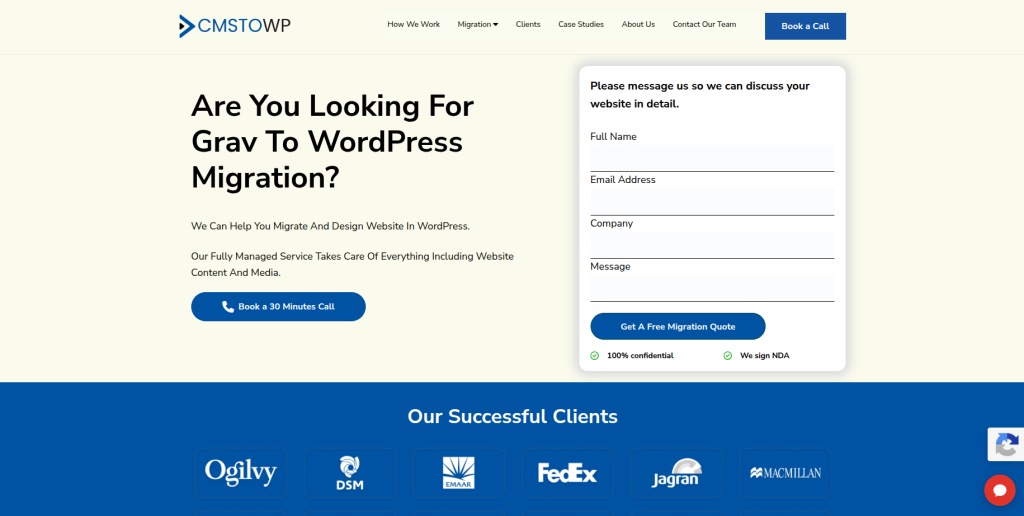
CMSTOWP is a strong company to consider when the main goal is moving an existing Grav website to WordPress. A Grav migration can involve Markdown content, media, URLs, metadata, templates, navigation, and functionality that must be reviewed before the new site is built. Instead of treating the project as a simple content copy, the migration should map important website elements into a suitable WordPress structure. This can also include checking pages and links after the new website is prepared. CMSTOWP is therefore worth considering for businesses that want migration to remain the main focus of the project.
- Migration-focused approach: Suitable for businesses moving an established website from one CMS to another.
- Content transfer planning: Pages, posts, images, documents, and other important website content can be mapped before migration.
- WordPress setup: The destination website can be planned around WordPress content and management requirements.
- SEO preservation: Existing URLs, metadata, internal links, and redirects should be reviewed during the move.
- Best suited for: Businesses looking for a focused Grav CMS to WordPress migration partner.
Before selecting a provider, ask for a clear migration inventory and testing plan. Businesses that need a dedicated solution can review this professional Grav website migration to WordPress service for content and SEO preservation.
2. EbizON
End-to-End Grav Migration for WordPress Redesign and Custom Development
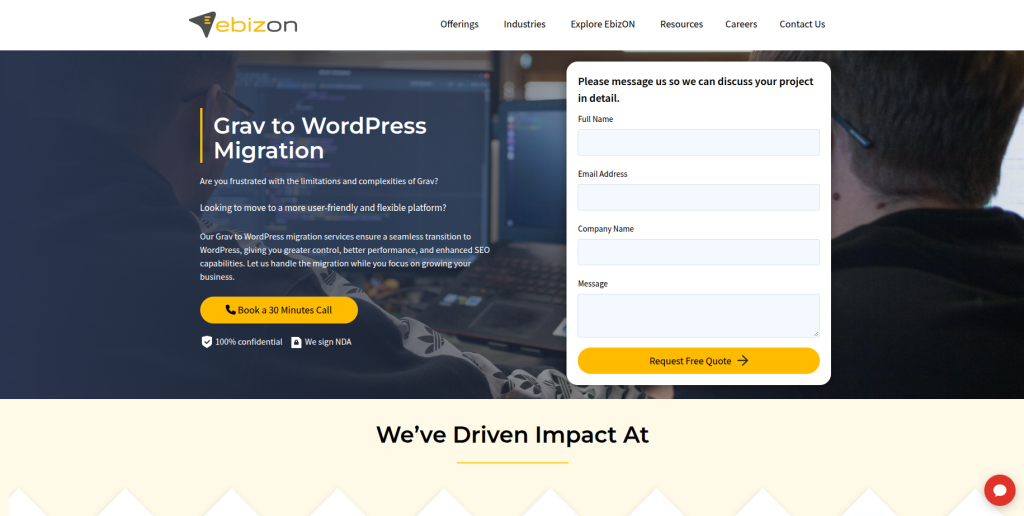
EbizON is worth considering when the project goes beyond transferring content from Grav into WordPress. Some businesses use migration as a chance to redesign an old website, improve navigation, rebuild templates, add integrations, or make content easier for marketing teams to manage. In these situations, WordPress development becomes as important as the migration itself. Existing Grav functionality should first be reviewed so the team can decide what can be recreated with WordPress, what needs a plugin, and what requires custom development. This approach can suit businesses with more complicated website requirements.
- Migration and redevelopment: Useful when the project includes both CMS migration and a wider website rebuild.
- Custom WordPress development: Relevant when Grav functionality cannot be replaced by standard WordPress features.
- Integration planning: Suitable when the website connects with forms, CRM systems, marketing tools, APIs, or other platforms.
- Testing and launch support: Important for checking functionality, mobile layouts, forms, links, and other website elements.
- Best suited for: Companies with complex Grav to WordPress redevelopment and integration requirements.
If the existing website has custom features, document them before requesting a quote. Businesses planning a broader rebuild can explore this end-to-end Grav CMS migration with custom WordPress development support.
3. JMPress
WordPress-Focused Development for Businesses Rebuilding a Grav Website
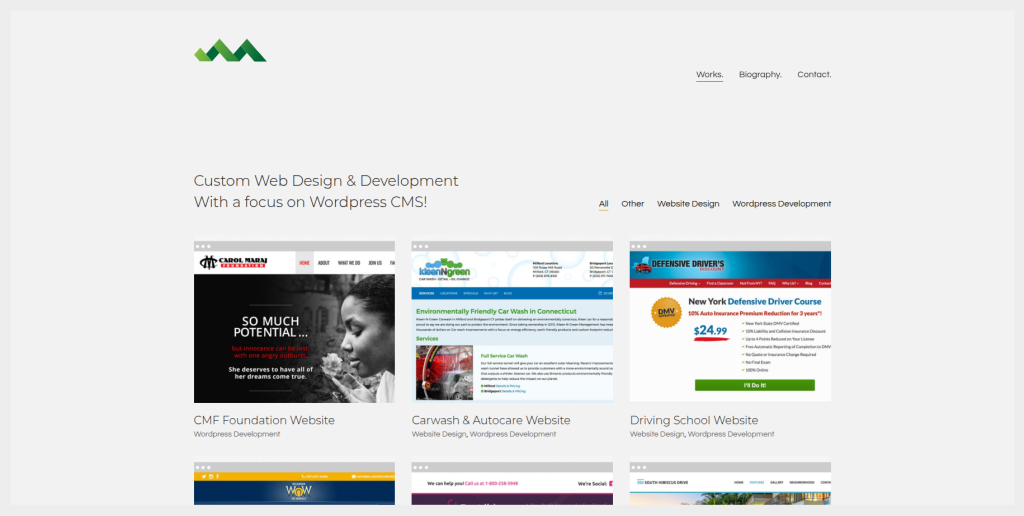
JMPress publicly presents WordPress as a key focus of its custom web design and development work. Its portfolio includes WordPress development across different types of websites, making it relevant to businesses that need a WordPress destination built as part of a CMS move. For a Grav project, however, WordPress experience alone does not prove direct Grav migration expertise. The source website may contain Markdown content, Grav-specific templates, plugins, or custom features that need separate planning. Ask JMPress for examples of comparable CMS migrations before making a final decision.
- WordPress development: Public work shows a clear focus on building WordPress websites.
- Custom web development: Useful when the destination requires more than a standard WordPress theme.
- Website redesign: Worth considering when migration also involves changing the site’s visual presentation.
- Experience to verify: Ask specifically about Grav, Markdown migration, redirects, and content mapping.
- Best suited for: Businesses combining a Grav CMS move with a custom WordPress website rebuild.
4. We Are SALT
A Digital Partner to Evaluate for Grav to WordPress Website Transformation
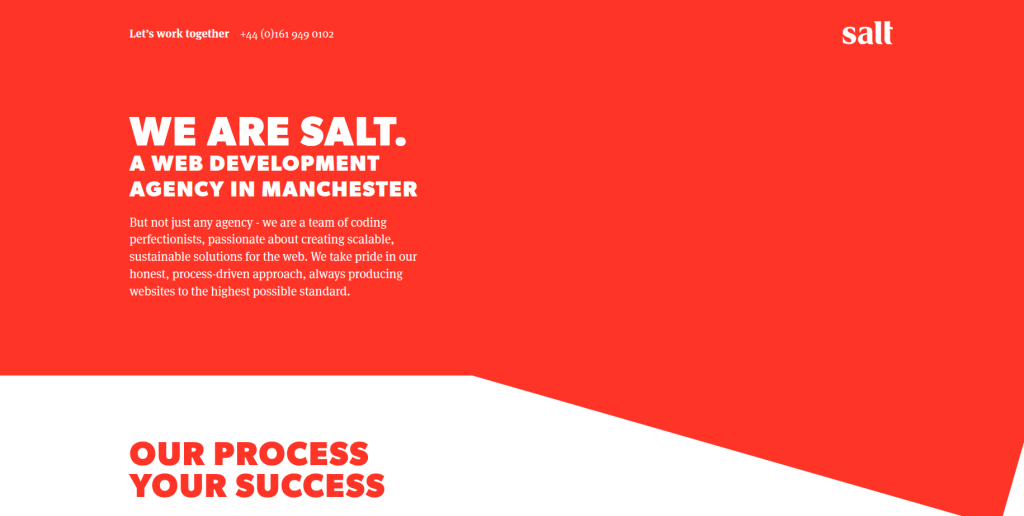
We Are SALT is another company from the requested shortlist to evaluate when planning a Grav to WordPress project. The key is to look beyond general web design and ask how the team would approach the actual migration. A useful proposal should explain how existing Grav pages, media, URLs, metadata, templates, and functionality will be mapped into WordPress. It should also explain which parts can be transferred and which parts need to be rebuilt. Before choosing the company, request recent WordPress migration examples that are close to your website in size and complexity.
- Website planning: Ask how the current Grav structure would be documented before development begins.
- WordPress capability: Request recent examples of WordPress websites with similar functionality.
- Content mapping: Confirm how Markdown content and website media would move into WordPress.
- Experience to verify: Ask for direct Grav or comparable flat-file CMS migration experience.
- Best suited for: Businesses willing to validate technical migration capabilities during discovery.
5. idaWebHost
WordPress and Hosting Support for Small Business Grav Website Migration
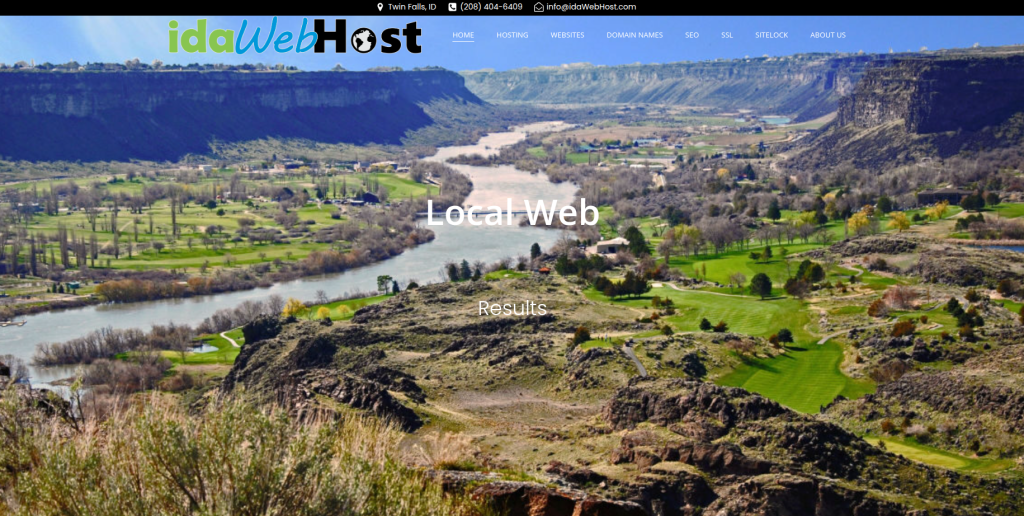
idaWebHost publicly promotes custom website development, hosting, and WordPress support. This combination may appeal to smaller businesses that want website migration and hosting help from the same provider. Hosting matters during migration because the new WordPress environment needs to be prepared, secured, tested, and made ready before launch. Still, general WordPress support should not be treated as proof of Grav migration experience. Businesses should ask how Grav content, files, URLs, images, and custom functionality would be handled before agreeing to a project.
- WordPress support: Relevant for businesses that also need help managing the destination CMS.
- Web hosting: Useful when hosting setup forms part of the migration project.
- Custom websites: Suitable when the WordPress site needs a refreshed design or structure.
- Experience to verify: Confirm direct Grav migration and Markdown content handling experience.
- Best suited for: Small businesses seeking WordPress website and hosting support around a CMS migration.
6. Addison Hall Design
A Design-Led Option for Rebuilding the User Experience During Migration
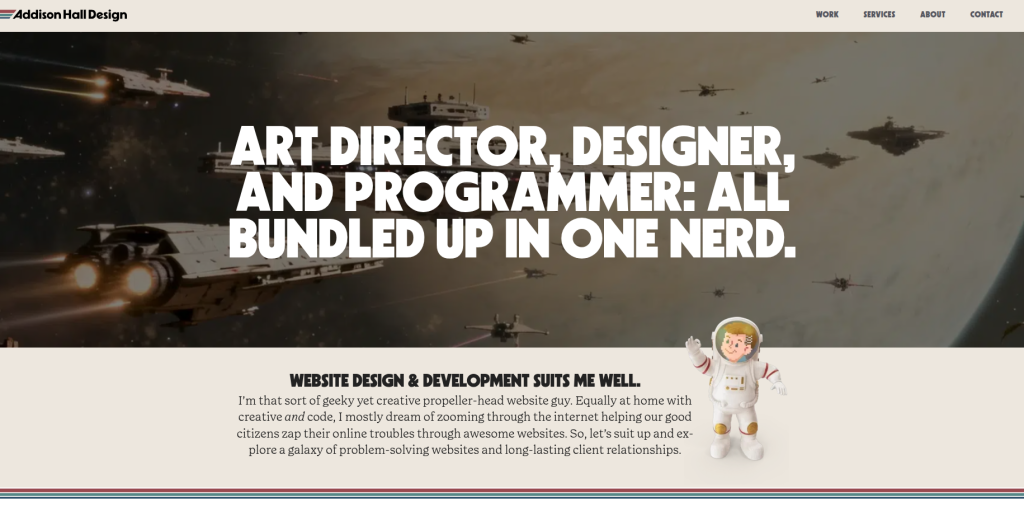
Addison Hall Design can be evaluated when the move to WordPress is also being used to rethink the website’s design. Migration can be a useful time to improve navigation, page layouts, calls to action, mobile usability, and visual consistency. But design is only one part of moving from Grav. The migration team still needs a technical plan for content, media, URLs, metadata, forms, scripts, and any Grav-specific functionality. Ask who will own those technical tasks and whether the company has completed similar CMS migration projects before.
- Design-led approach: Relevant when the existing Grav website also needs a visual refresh.
- User experience planning: Useful for improving navigation and important website journeys.
- WordPress implementation: Confirm how approved designs will be developed and managed in WordPress.
- Migration experience to verify: Ask who handles Grav content extraction, mapping, redirects, and QA.
- Best suited for: Brands combining a Grav to WordPress move with a website design refresh.
7. Kool Kat Web Designs
Practical WordPress Data Migration and Website Rebuild Experience
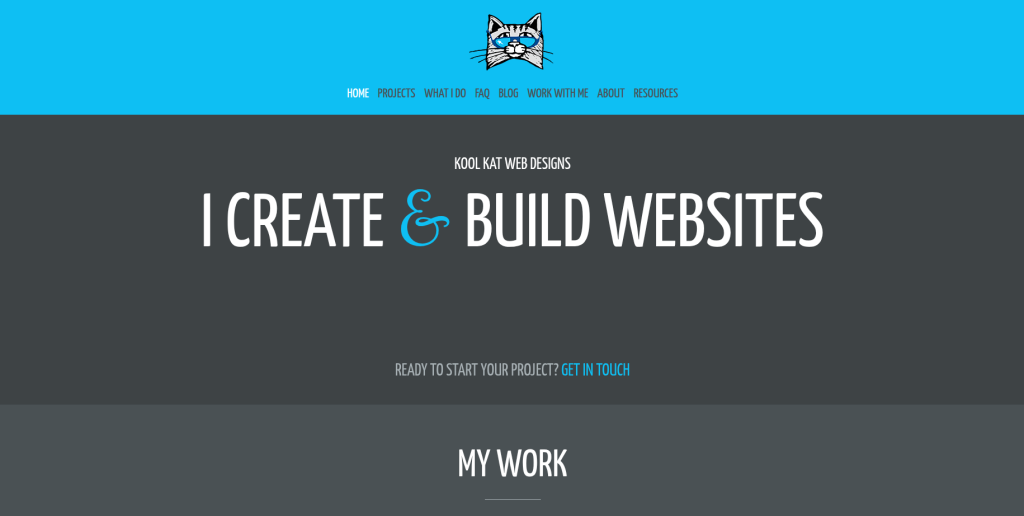
Kool Kat Web Designs is interesting because its public portfolio includes WordPress work and a case study involving the movement of legacy MySQL data into WordPress. In that project, the company describes importing thousands of listings from an older database into WordPress using an import workflow. That is not the same as a Grav migration, but it does show experience thinking about data structure rather than only visual website design. A Grav project would still require a different process because Grav content can be file-based. Businesses should therefore verify direct Grav or Markdown migration experience before hiring.
- WordPress experience: The company publicly discusses WordPress development and related website work.
- Legacy data migration: A published case study describes moving older database information into WordPress.
- Website redevelopment: Relevant when an outdated website needs both technical and visual improvement.
- Grav expertise to verify: Ask specifically about Markdown, YAML, Grav themes, plugins, and URL mapping.
- Best suited for: Businesses looking for hands-on WordPress migration and website redevelopment support.
8. Grandesco Music
A Provider to Qualify Carefully for Content-Focused Grav Website Migration
Grandesco Music is included because it is part of the requested company shortlist, but businesses should qualify its migration capabilities carefully before selection. The first step should be confirming recent WordPress development experience and whether the team has handled migrations from Grav or another flat-file CMS. Content-heavy sites need careful treatment of headings, media, page hierarchy, internal links, metadata, and URLs. The provider should also explain how any Grav-specific functions will be replaced in WordPress. Do not choose based only on a general website portfolio when the migration itself is important.
- WordPress capability: Ask for recent WordPress projects similar to the planned destination website.
- Content handling: Confirm how pages, Markdown, images, files, and metadata would be transferred.
- URL preservation: Ask for a page-by-page URL and redirect plan before launch.
- Experience to verify: Request direct Grav or comparable CMS migration examples.
- Best suited for: Organizations prepared to verify migration experience before selecting a development provider.
9. MESDAC
A Technical Partner to Assess for Structured Grav Content Migration

MESDAC should also be assessed through a structured technical discovery process before being selected for a Grav to WordPress project. Start by asking the team to review the existing Grav installation rather than quoting only from the number of visible pages. Themes, plugins, scripts, forms, metadata, media files, and custom code can make two similar-looking Grav sites very different behind the scenes. The WordPress build should then have a clear plan for each important feature. Businesses should request direct evidence of relevant CMS migration and WordPress experience before making the final choice.
- Technical discovery: The existing Grav environment should be reviewed before the final scope is agreed.
- Content inventory: Pages, media, metadata, forms, and custom functionality should be documented.
- WordPress architecture: Ask how content types, templates, plugins, and custom functionality will be structured.
- Experience to verify: Request examples involving WordPress and comparable CMS migrations.
- Best suited for: Businesses that want a structured technical assessment before starting their CMS migration.
10. SuperWebPros
WordPress-Focused Support for Business Website Migration and Growth
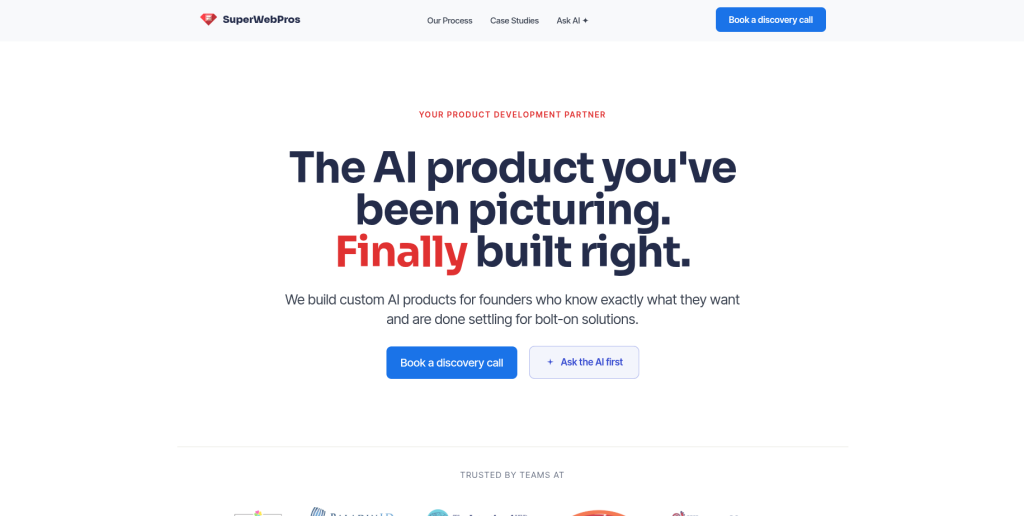
SuperWebPros completes our list of companies to consider for a Grav to WordPress migration. For businesses evaluating the company, the most important question is how its WordPress capabilities translate into a structured CMS migration process. The team should be able to explain discovery, content mapping, development, redirects, testing, launch, and post-launch support. If the Grav website has custom templates or functionality, those items should be discussed before the project is priced. Direct Grav migration experience should be verified rather than assumed from general WordPress work.
- WordPress focus: Relevant when WordPress is the chosen destination for the new business website.
- Website improvement: Useful when migration is also intended to improve the site’s structure or presentation.
- Migration process: Ask for clear discovery, development, QA, launch, and support stages.
- Experience to verify: Request direct Grav or similar CMS migration examples.
- Best suited for: Businesses seeking WordPress-focused website migration and ongoing improvement support.
What Should Be Migrated From Grav to WordPress?
Every website is different, so the migration scope should be based on an audit.
A simple Grav website might have only a few pages and images. A larger site can contain years of articles, custom templates, downloads, scripts, forms, integrations, multilingual content, and hundreds of URLs.
Your migration checklist should consider:
Content
Check:
- Pages
- Blog posts
- Markdown files
- Headings
- Lists
- Tables
- Categories
- Tags
- Authors
- Publication dates
Media
Review:
- Images
- PDFs
- Videos
- Downloadable files
- Image alt text
- Image captions
- Embedded media
Do not only check whether files exist.
Make sure they are connected to the correct WordPress pages.
SEO Information
Review:
- Page titles
- Meta descriptions
- Headings
- Canonical URLs
- Indexing settings
- Internal links
- Image alt text
- Structured data
- XML sitemap
- Robots settings
URLs
URLs deserve their own migration plan.
WordPress describes permalinks as the permanent URLs used for posts, pages, categories, and other website content. Its documentation also allows website owners to configure custom permalink structures.
If the existing Grav URLs are already clean and useful, consider whether they can be preserved.
If they need to change, build a redirect map.
Functionality
Create a list of everything visitors can do on the Grav website.
Examples include:
- Contact forms
- Search
- Filters
- Login areas
- Calculators
- Newsletter forms
- Maps
- Galleries
- Downloads
- Multilingual features
- API connections
- CRM integrations
Do not assume a Grav plugin can simply be installed on WordPress.
The feature may need a WordPress plugin, custom code, or a different solution.
How to Choose the Best Grav to WordPress Migration Company
Choosing the right migration company becomes easier when every provider answers the same questions.
1. Ask About Direct Grav Experience
Do not stop at:
“Do you develop WordPress websites?”
Ask:
“Have you migrated a Grav website to WordPress?”
Then ask what was moved.
Did the project involve Markdown files? Custom Grav themes? YAML configuration? Plugins? Media? Redirects? Custom scripts?
The answers will tell you much more than a portfolio homepage.
2. Request a Migration Inventory
A professional team should understand what it is moving.
Before development starts, ask for an inventory covering:
- Number of pages
- Number of posts
- Media files
- Downloads
- Forms
- Templates
- Plugins
- Custom features
- Integrations
- Important URLs
- SEO metadata
This helps reduce surprises later.
3. Protect Existing URLs
Changing CMS does not always mean every URL has to change.
Where possible, preserving existing useful URLs can reduce unnecessary migration work.
If URLs must change, redirects should be planned before launch.
Google’s official documentation on redirects and Google Search explains the role redirects play in sending visitors and search engines to the correct destination.
Create a spreadsheet containing the old Grav URL and its new WordPress destination.
Test it after launch.
4. Ask How Content Will Be Imported
WordPress provides import tools and supports content coming from different publishing systems, but the correct approach depends on the source and content structure.
The official WordPress guide to importing content from other publishing systems also warns that large imports can run into resource limits and failed imports can create duplicate content.
For Grav, the provider should explain how Markdown content will become the correct WordPress pages or posts.
Ask what will happen to:
- Headings
- Images
- Links
- Metadata
- Page hierarchy
- Categories
- Tags
- Authors
- Dates
- Custom fields
Do not accept “we have a migration tool” as the complete technical plan.
5. Review Grav-Specific Functionality
Grav is not simply WordPress without a database.
Its architecture and ecosystem are different.
Grav’s official documentation describes it as a file-based platform, and current Grav documentation also discusses Markdown and YAML as important parts of its content structure.
That means the migration team needs to understand what the existing site is actually doing.
For every Grav plugin or custom function, decide whether the WordPress version will:
- Use WordPress core
- Use a plugin
- Use custom code
- Use an external service
- Be removed
This feature map should be agreed before development gets too far.
6. Test the New WordPress Website
A migration is not complete when all the pages appear in WordPress.
The site needs testing.
Check:
- Desktop pages
- Mobile pages
- Navigation
- Internal links
- Images
- Downloads
- Forms
- Search
- Plugins
- Integrations
- Tracking
- Redirects
- Page titles
- Metadata
- Indexability
- XML sitemap
- Analytics
- Search Console
The team should also compare important old Grav pages with their new WordPress versions.
7. Ask About Post-Launch Support
Some problems only appear after real users reach the new website.
Ask how long migration-related fixes are covered after launch.
You should also know who is responsible for:
- Broken redirects
- Missing images
- Form errors
- Plugin conflicts
- Tracking issues
- Mobile problems
- Missing content
- Server problems
- Search indexing issues
A clear support period is better than trying to negotiate every small fix after launch.
Common Grav to WordPress Migration Mistakes
Moving Content Without Auditing It
Do not automatically move every old page.
Migration is a good time to find:
- Duplicate content
- Thin pages
- Old announcements
- Broken downloads
- Unused images
- Outdated staff pages
- Old campaign pages
Decide what should move before the migration begins.
Changing Every URL Without a Reason
A new CMS does not automatically require completely new URLs.
Changing useful URLs creates more work and more opportunities for mistakes.
Preserve them where practical.
Forgetting Internal Links
A page may migrate correctly but still contain links pointing to old URLs.
Check internal links after content is moved.
Rebuilding the Design but Forgetting SEO
A beautiful WordPress website can still perform badly in search if important content, headings, metadata, URLs, or internal links disappear.
Design and SEO should be reviewed together.
Launching Without a Backup
Never make the old website disappear before the new site is properly checked.
Keep a reliable backup and make sure rollback options are understood.
WordPress’s own migration guidance stresses the importance of backups when moving websites and changing configurations.
Grav vs WordPress: What Changes After Migration?
The biggest difference your content team may notice is the editing workflow.
Grav is designed around a flat-file approach. WordPress gives users a dashboard-based content management experience that many marketing teams already know.
After migration, businesses may find it easier to:
- Create pages
- Edit existing content
- Publish blog posts
- Add users
- Manage media
- Install plugins
- Build landing pages
- Manage SEO settings
- Connect marketing tools
- Update navigation
But WordPress also needs ongoing care.
Plugins, themes, WordPress core, backups, security, hosting, and performance should be maintained.
Migration is not the end of website management. It is the start of a new management process.
Which Grav to WordPress Migration Company Should You Choose?
The right company depends on what your existing Grav website contains.
If your main requirement is a focused CMS migration, CMSTOWP should be on the shortlist.
If the project includes migration, redesign, custom development, integrations, or a larger WordPress redevelopment, EbizON is another option to consider.
JMPress has visible WordPress development work, while Kool Kat Web Designs publicly documents experience moving legacy data into WordPress.
For We Are SALT, idaWebHost, Addison Hall Design, Grandesco Music, MESDAC, and SuperWebPros, businesses should ask for relevant migration examples and confirm their exact role before hiring.
The most important thing is evidence.
Do not select a company only because it says “WordPress development.”
Ask how it will handle your Grav website.
Questions to Ask Before Signing a Migration Contract
Before selecting a provider, ask:
- Have you migrated Grav websites to WordPress before?
- How will you migrate Markdown content?
- How will you handle images and downloadable files?
- Can existing URLs remain the same?
- Who creates the redirect map?
- How will SEO metadata be handled?
- What happens to Grav-specific plugins?
- How will custom functionality be rebuilt?
- Will you create a staging website?
- How will you test migrated content?
- Who checks forms and integrations?
- What happens if content changes during development?
- Who manages the final launch?
- How long is post-launch support included?
- What is excluded from the migration price?
Put the answers into the project scope.
That makes comparing proposals much easier.
FAQs
1. What is Grav to WordPress Migration?
Grav to WordPress Migration is the process of moving a website from the Grav CMS to WordPress. It can involve pages, Markdown content, images, files, URLs, metadata, menus, forms, templates, integrations, and custom functionality. The exact migration process depends on how the existing Grav website was built.
2. Can a Grav website be migrated to WordPress?
Yes. A Grav website can be moved to WordPress, but the migration needs planning because the two platforms organize content differently. Grav uses a flat-file approach, while WordPress uses its own content and database structure. Content and functionality therefore need to be mapped into suitable WordPress equivalents.
3. Can Grav Markdown content be moved to WordPress?
Yes, Markdown content can be transformed or imported into WordPress, but the process depends on how the content is structured. The migration team should test headings, links, images, formatting, metadata, and page relationships rather than assuming every Markdown file will convert perfectly.
4. Will I lose SEO when moving from Grav to WordPress?
You do not have to lose SEO simply because you change CMS. However, poor URL planning, missing redirects, lost metadata, changed content, broken internal links, and indexing mistakes can create problems. An SEO-aware migration should review these items before and after launch.
5. Should my Grav URLs stay the same after migration?
Where practical, keeping important URLs the same can make the migration simpler. WordPress supports custom permalink structures, which can help match an existing URL plan. If URLs must change, map old URLs to suitable new pages and implement appropriate redirects.
6. Can Grav themes be moved directly to WordPress?
Usually, you should not assume a Grav theme can simply be installed in WordPress. Grav and WordPress have different theme systems. The existing design may need to be recreated as a WordPress theme, block-based design, page-builder layout, or another suitable implementation.
7. What happens to Grav plugins after migration?
Grav plugins do not automatically become WordPress plugins. Each important feature should be reviewed. It may be replaced with WordPress core functionality, a WordPress plugin, custom development, or an external service.
8. How long does a Grav to WordPress migration take?
The timeline depends on the size and complexity of the website. A small content site can be much simpler than a large website with hundreds of pages, custom templates, plugins, integrations, multilingual content, or special functionality. A technical audit is the best way to estimate the project.
9. What should I test after moving from Grav to WordPress?
Test pages, posts, images, downloads, menus, internal links, forms, search, mobile layouts, integrations, redirects, metadata, analytics, tracking, XML sitemaps, and important SEO pages. Also compare high-value pages against the old Grav website to make sure important information was not lost.
10. Which is the best Grav to WordPress migration company?
There is no single company that is best for every project. CMSTOWP is worth considering for a migration-focused project, while EbizON can be considered when migration is combined with broader WordPress development. For any provider, ask for relevant experience, a detailed migration plan, SEO handling, testing steps, and post-launch support before making your decision.
Conclusion
Moving from Grav to WordPress can make sense when your business wants a different content management experience, more WordPress integrations, easier marketing workflows, or a larger ecosystem of developers and plugins.
But a successful migration requires more than copying text.
Grav and WordPress have different architectures. Your migration plan needs to cover content, media, templates, plugins, URLs, metadata, forms, integrations, tracking, SEO, and custom functionality.
For a migration-focused project, CMSTOWP is a strong option to investigate. For projects that combine migration with broader WordPress development and redevelopment, EbizON is also worth considering.
The other eight companies in this guide can be evaluated based on your exact requirements, but always ask for evidence of relevant migration experience.
Most importantly, protect what already works.
Audit the Grav website, decide what needs to move, preserve useful URLs where possible, plan redirects before launch, test the WordPress website carefully, and monitor it after it goes live.
A good migration should not simply give you a new CMS.
It should give you a WordPress website that is easier for your team to manage and ready for the next stage of your business.