
Top 10 Prismic to WordPress Migration Companies
Prismic can be a good CMS for teams that use a headless setup. It keeps content separate from the website front end and works with modern development frameworks. But this setup can also require more developer support than some businesses want.
As a business grows, its content team may want an easier way to create pages, publish blogs, update landing pages, manage SEO, and make small website changes without depending on developers every time.
That is where Prismic to WordPress Migration becomes useful.
WordPress brings content, pages, media, users, plugins, themes, and website management into one familiar system. However, moving from a structured headless CMS such as Prismic is not simply a copy-and-paste project.
Prismic content may include custom types, reusable Slices, relationships, images, links, localization, metadata, and content delivered through APIs. Prismic itself describes Slices as reusable page sections and explains that content is stored separately and delivered to the website through API calls.
A poor migration can leave you with missing pages, broken images, lost metadata, incorrect URLs, broken internal links, missing content relationships, and SEO problems.
A good migration should move the content while also rebuilding the website structure properly inside WordPress.
Below are the Top 10 Prismic to WordPress Migration Companies in 2026 to consider when planning your move.
Best Prismic to WordPress Migration Companies in 2026
The companies covered in this guide are:
- CMSTOWP
- EbizON Digital
- Ryse Design
- Timely Coders
- SV Computers
- WebRaiser
- SoftSyncDev
- DevSpark
- The Vate Agency
- Blackbird Marketing
CMSTOWP and EbizON Digital have been included because they provide relevant Prismic to WordPress migration services. The remaining companies should be evaluated based on their development capabilities and your exact migration requirements. Direct Prismic migration experience should always be confirmed before hiring.
Why Move From Prismic to WordPress?
Prismic is a headless CMS. Content is managed in Prismic and delivered to a separate front end through APIs. Its developer tools support frameworks such as Next.js, Nuxt, and SvelteKit.
This approach can work very well for development-led teams.
But not every company needs a headless architecture forever.
Marketing teams may want more direct control over pages. SEO teams may want easier access to metadata and URLs. Content writers may want to publish without waiting for developers. Business owners may also want a larger plugin ecosystem and simpler day-to-day website management.
This is where WordPress can make sense.
Businesses commonly consider moving when they want:
- Easier content publishing
- More control over landing pages
- Simpler blog management
- More SEO tools
- A large plugin ecosystem
- Easier media management
- Less developer dependency
- Familiar website administration
- Flexible page-building options
- Easier website maintenance
The right choice still depends on your website.
A highly customized application using Prismic with a modern frontend framework may benefit from staying headless. A content-heavy marketing website that needs frequent non-technical updates may have a stronger reason to consider WordPress.
What Needs to Be Migrated From Prismic to WordPress?
Before choosing a migration company, understand what is actually being moved.
Prismic content can be highly structured. It may contain page types, fields, Slices, relationships, images, links, localization, and other structured information.
The migration team first needs to understand this structure and decide where everything belongs inside WordPress.
A typical project may include:
- Pages
- Blog posts
- Custom content types
- Images
- Documents
- Videos and embedded media
- Categories
- Tags
- Authors
- Metadata
- SEO titles
- Meta descriptions
- Internal links
- External links
- Content relationships
- Reusable content sections
- Multilingual content
- Existing URLs
WordPress officially supports importing content from different publishing systems. Its documentation also notes that migration methods differ depending on the source system, which is why a Prismic migration often requires a custom mapping and import process rather than a simple one-click importer.
How We Selected These Prismic to WordPress Migration Companies
A CMS migration company should not be selected only because it builds WordPress websites.
Migration requires a different set of skills.
For this list, the important areas to consider include:
- Prismic CMS understanding
- WordPress development
- Structured content migration
- Custom post type planning
- Media migration
- Content relationship mapping
- URL preservation
- SEO migration
- Redirect planning
- QA and testing
- Custom development
- Post-launch support
For companies where direct Prismic migration work is not clearly established, businesses should request relevant case studies or technical examples before signing a contract.
1. CMSTOWP
Migration-Focused Support for Moving Structured Prismic Content to WordPress
CMSTOWP is a relevant option for businesses that want a focused CMS migration rather than a complete digital transformation project. A Prismic website may contain structured pages, reusable sections, images, metadata, relationships, and custom content models that need to be mapped carefully into WordPress. The migration should also protect existing URLs and important SEO elements wherever possible. CMSTOWP can be considered when the main goal is to move content into a WordPress setup that is easier for marketing and content teams to manage. Businesses should define the complete content inventory and testing requirements before migration starts.
- CMS migration focus: Relevant for businesses moving from a headless CMS environment to WordPress.
- Content mapping: Prismic content types can be reviewed and mapped to suitable WordPress structures.
- Media migration: Images and other important media assets should be included in the migration plan.
- SEO planning: Existing URLs, metadata, internal links, and redirects should be reviewed before launch.
- Best suited for: Businesses looking for a focused Prismic CMS to WordPress migration partner.
2. EbizON Digital
Custom WordPress Development for Complex Prismic Website Migration Projects
EbizON Digital is worth considering when the project involves both CMS migration and broader WordPress development. Some Prismic websites use custom frontend components, integrations, complex content models, or special business functionality that cannot simply be imported into WordPress. In these cases, the new WordPress website may need custom post types, templates, plugins, integrations, or custom development. This makes a broader development team useful when migration is only one part of the project. Businesses should document the current Prismic architecture and the functionality they expect WordPress to reproduce.
- End-to-end migration: Useful when content migration and WordPress development need to happen together.
- Custom WordPress development: Relevant for websites with functionality that needs to be rebuilt.
- Integration planning: Helpful when the existing website connects with CRM, analytics, marketing, or business systems.
- Frontend redevelopment: Suitable when moving away from a custom headless frontend at the same time.
- Best suited for: Businesses with complex Prismic to WordPress migration and development requirements.
3. Ryse Design
A Web Design and Development Option to Evaluate for Prismic Replatforming

Ryse Design is one of the providers businesses can investigate when building a shortlist for a Prismic migration. When evaluating the company, focus on whether its development team can work with structured content rather than only designing a new WordPress website. A Prismic migration can require content extraction, field mapping, media handling, URL preservation, and template rebuilding. Ask for examples of CMS migration work involving similar content complexity. Direct Prismic to WordPress experience should be confirmed during technical discovery.
- Website development: Review its ability to build the destination WordPress website.
- Content structure: Ask how Prismic custom types and reusable content would be mapped.
- Design migration: Confirm whether existing layouts can be recreated or improved in WordPress.
- Experience to verify: Request examples of headless CMS or Prismic migration projects.
- Best suited for: Businesses evaluating design-led Prismic website replatforming to WordPress.
4. Timely Coders
Development Support for Custom Prismic Content Migration to WordPress
Timely Coders can be evaluated when a migration needs technical development support as well as content transfer. The main question is how the team would extract structured information from Prismic and rebuild it inside WordPress without losing important relationships. Businesses should also ask how images, URLs, metadata, and reusable content blocks would be handled. A test migration is useful before moving the full website. Direct Prismic migration examples should be requested before making a final decision.
- Development support: Relevant when migration requires custom coding or data transformation.
- Content migration: Ask for a clear plan for pages, posts, media, and structured data.
- WordPress setup: Confirm how the new content architecture will be created.
- Testing: Look for staging, sample imports, and post-import content checks.
- Best suited for: Companies seeking a development-led approach to Prismic content migration.
5. SV Computers
Technical WordPress Support for Moving Content Away From Prismic
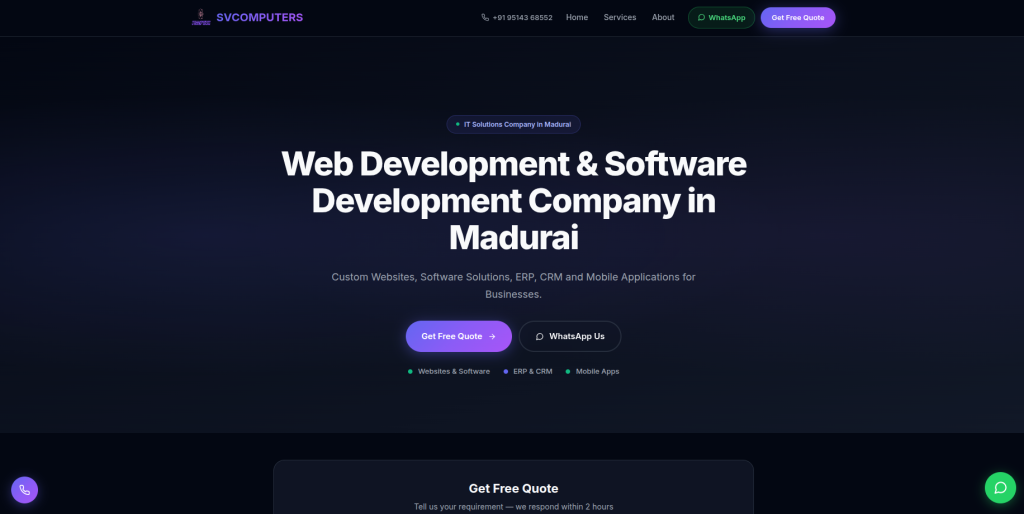
SV Computers is another company to assess based on the technical requirements of your project. The team should first review how the existing Prismic website stores content and how the frontend currently displays it. That information can then be used to create a WordPress content model that is easy for editors to manage. Businesses should also discuss URLs, media files, forms, plugins, tracking, and integrations before requesting a final quote. Direct Prismic migration capability should be verified during the selection process.
- Technical assessment: Ask for a review of the current Prismic setup before migration.
- WordPress configuration: Confirm how pages and reusable content will be managed after migration.
- Media handling: Make sure images and important downloadable assets are included.
- Experience to verify: Request relevant CMS migration examples.
- Best suited for: Businesses comparing technical WordPress migration and implementation support.
6. WebRaiser
WordPress Development Support for Content-Heavy Prismic Websites
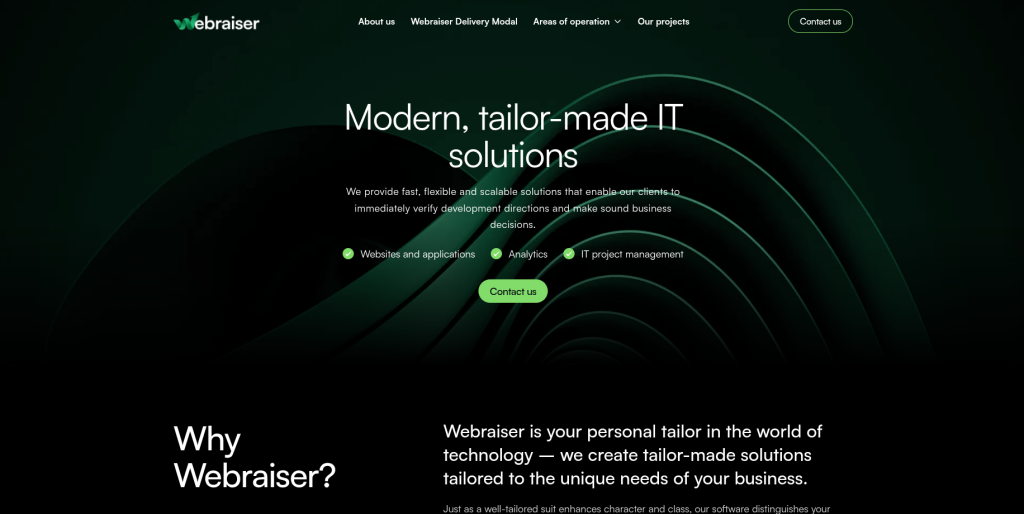
WebRaiser can be considered when a Prismic website contains a large amount of marketing or editorial content that needs to be reorganized inside WordPress. Content-heavy migrations need more than a simple page import because the team must understand content types, templates, media, categories, internal links, and SEO information. The new WordPress structure should also make future editing easier rather than recreating unnecessary complexity. Businesses should ask how content validation will be handled after migration. Relevant Prismic and headless CMS experience should be confirmed before hiring.
- Content-heavy migration: Worth evaluating for websites containing many pages or articles.
- WordPress development: Confirm how templates and content structures will be created.
- Content QA: Ask how migrated pages, images, links, and metadata will be checked.
- SEO review: Existing URLs and important organic pages should be protected.
- Best suited for: Businesses moving a content-rich Prismic website into WordPress.
7. SoftSyncDev
Custom Development Support for Structured CMS to WordPress Migration
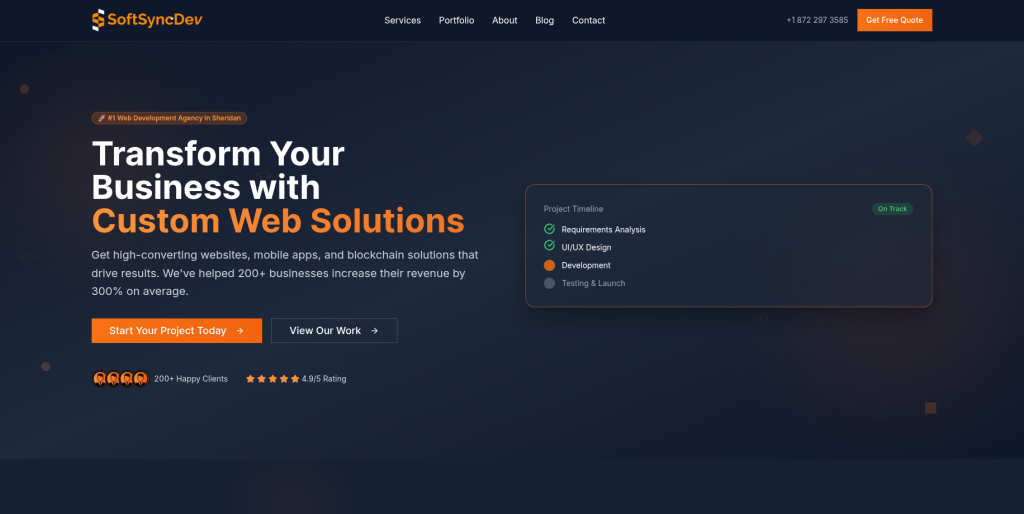
SoftSyncDev can be assessed for projects where custom development is an important part of the migration. A Prismic website may rely on API-driven content, custom frontend components, forms, third-party tools, or special integrations. These elements need to be identified before the old platform is replaced. The new WordPress website may use plugins for some functions and custom development for others. Businesses should verify the company’s direct experience with Prismic or comparable headless CMS migration projects.
- Custom development: Relevant when existing functionality must be rebuilt.
- Data mapping: Ask how structured Prismic fields will map into WordPress.
- Integration planning: Review all third-party systems before development begins.
- Migration testing: A sample content import should be tested before the full move.
- Best suited for: Websites needing custom development during a headless CMS to WordPress migration.
8. DevSpark
Technical Migration Support for Rebuilding Prismic Websites on WordPress
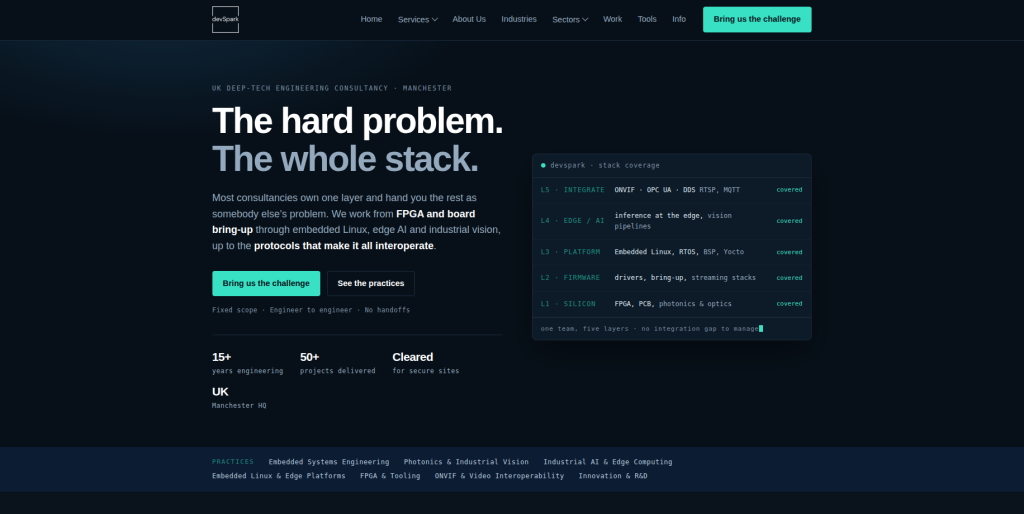
DevSpark is another development company businesses can evaluate for a Prismic to WordPress project. The first step should be technical discovery covering Prismic content models, frontend components, media, URLs, integrations, and website functionality. From there, the team should explain what can be migrated automatically and what needs to be rebuilt manually. A clear migration plan makes it easier to estimate time, cost, and risk. Businesses should request direct examples of relevant CMS migration work before selecting the company.
- Technical discovery: Useful for understanding the existing website before rebuilding it.
- WordPress architecture: Ask how custom content will be organized in the new CMS.
- Migration automation: Confirm which content can be transferred programmatically.
- Experience to verify: Look for Prismic or similar headless CMS migration examples.
- Best suited for: Businesses needing technical planning for Prismic website migration to WordPress.
9. The Vate Agency
Digital Agency Support for Prismic Website Migration and WordPress Redesign
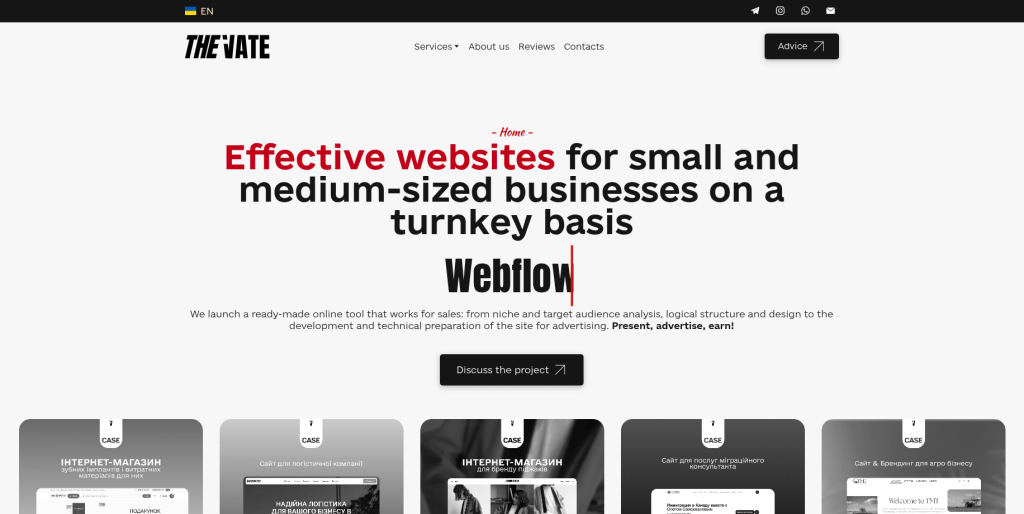
The Vate Agency can be evaluated when the move to WordPress is also a chance to improve the overall website experience. Some businesses do not want to reproduce their old Prismic site exactly. They want to improve navigation, page layouts, content structure, calls to action, and the editing experience at the same time. Combining redesign and migration can work well, but it also increases project complexity. Direct experience with Prismic content extraction and WordPress migration should therefore be checked before the project begins.
- Website redesign: Relevant when migration also includes a visual or UX refresh.
- Content restructuring: Useful when old Prismic content needs to be reorganized.
- WordPress implementation: Confirm how the redesigned pages will be managed by editors.
- Experience to verify: Ask for CMS migration examples with similar complexity.
- Best suited for: Brands combining Prismic to WordPress migration with website redesign.
10. Blackbird Marketing
Marketing-Focused Website Support for Moving From Prismic to WordPress
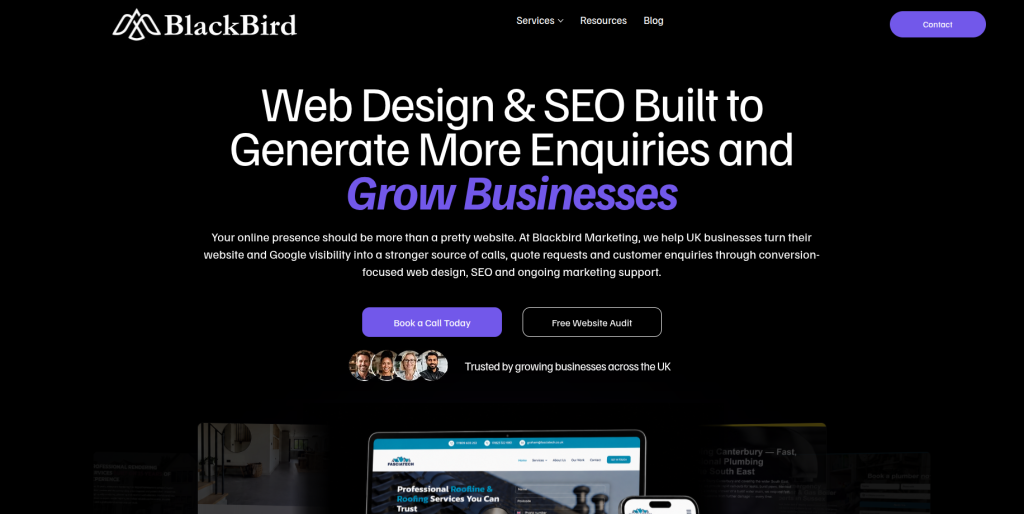
Blackbird Marketing can be considered when marketing goals are a major reason for moving to WordPress. A migration can be a good time to review landing pages, content hierarchy, calls to action, organic search pages, tracking, and the overall customer journey. However, marketing expertise alone is not enough for a structured Prismic migration. Businesses should confirm who will handle technical content extraction, WordPress data mapping, development, testing, and redirects. Relevant Prismic or headless CMS migration examples should also be requested.
- Marketing perspective: Useful when improving content and conversion paths is part of the project.
- Content planning: Relevant for reorganizing pages and marketing content during migration.
- SEO considerations: Important URLs, metadata, internal links, and organic landing pages should be reviewed.
- Technical experience to verify: Confirm who owns the Prismic extraction and WordPress migration work.
- Best suited for: Businesses combining CMS migration with marketing website improvements.
How Does Prismic to WordPress Migration Work?
A good migration starts with discovery, not development.
The team first needs to understand the existing Prismic repository and the website that uses it.
Step 1: Audit the Prismic Website
Create an inventory of:
- Custom types
- Pages
- Blog posts
- Slices
- Images
- Documents
- Relationships
- Languages
- Metadata
- Existing URLs
- Forms
- Integrations
- Frontend components
Prismic’s own migration tooling highlights the importance of mapping structured content, media, links, and localized content during CMS migration work.
Step 2: Design the WordPress Content Structure
Do not start importing content until you know where it will live.
Prismic custom types might become:
- WordPress pages
- Posts
- Custom post types
- Categories
- Tags
- Custom fields
- Reusable blocks
- Custom Gutenberg blocks
The exact structure depends on the website.
The goal should be to make WordPress easier to manage than the old setup.
Step 3: Create a Content Mapping Document
A mapping document connects every important Prismic field with its destination in WordPress.
For example:
Prismic Blog Title → WordPress Post Title
Prismic Publication Date → WordPress Publish Date
Prismic Featured Image → WordPress Featured Image
Prismic SEO Description → WordPress Meta Description
This reduces guesswork during migration.
Step 4: Export or Retrieve Prismic Content
Because Prismic is API-based, developers can retrieve structured website content and transform it into a format suitable for WordPress.
The exact process depends on the current Prismic implementation and the destination WordPress architecture.
WordPress provides tools for importing content from other publishing systems, and its developer documentation notes that different source systems may require different migration procedures.
Step 5: Migrate Images and Media
Do not forget media.
Images need to be downloaded or transferred and connected with the correct WordPress pages.
Check:
- Featured images
- Inline images
- Image galleries
- PDFs
- Documents
- Image alt text
- Captions
- File links
A migration can look successful while hundreds of pages are still loading media from the old system.
Step 6: Rebuild Templates and Components
Prismic Slices cannot simply become WordPress Slices because WordPress uses a different architecture.
The migration team needs to decide how reusable Prismic components should work in WordPress.
They may become Gutenberg blocks, reusable patterns, custom blocks, templates, or custom fields.
This is an important part of making the new site easy for your marketing team to manage.
Step 7: Protect SEO During Migration
SEO should be part of the migration from day one.
Before launch, create a list of existing URLs.
Then compare them with the new WordPress URLs.
Where a URL changes, plan the correct redirect.
Also review:
- Page titles
- Meta descriptions
- H1 headings
- Canonical URLs
- Internal links
- Image alt text
- XML sitemap
- Robots settings
- Structured data
- Analytics
- Search Console
- Indexability
Changing CMS does not mean you need to change every URL.
Keeping important URLs the same can make the migration simpler.
Step 8: Test Before Launch
Never treat the first import as the final migration.
Use a staging environment.
Check important pages manually and use automated checks where possible.
WordPress documentation also recommends careful handling and verification during import processes because failed imports can create incomplete or duplicate content.
Where Should You Place Your Internal Service Links?
Internal links should help the reader rather than interrupt them.
For example, after you have explained the migration process and the risks involved, a service link becomes useful because the reader already understands why professional help may be needed.
If your team does not want to manage content extraction, mapping, media transfer, redirects, and WordPress setup internally, you can explore a specialized Prismic to WordPress migration service for content-heavy business websites that covers the move from planning through implementation.
Notice that the link is not forced into the opening paragraph or placed immediately after the company name.
The anchor also explains what the linked page offers.
What Should You Ask a Prismic Migration Company?
Before hiring a company, ask these questions:
- Have you migrated a Prismic website before?
- How will you extract content from Prismic?
- How will Prismic Slices be handled in WordPress?
- How will custom content types be mapped?
- Can you migrate images and media?
- Can you preserve existing URLs?
- How will redirects be handled?
- How will SEO metadata be transferred?
- Will you perform a test migration?
- How will you check migrated content?
- Who handles WordPress development?
- How will integrations be rebuilt?
- What happens to multilingual content?
- What support is included after launch?
- Who fixes migration errors found after launch?
The answers will tell you much more than an agency homepage.
Prismic to WordPress Migration Checklist
Before migration:
- Back up important website data
- Create a complete URL inventory
- Audit Prismic custom types
- Document Slices
- Identify integrations
- Identify forms
- Record analytics setup
- Record SEO metadata
- Review multilingual content
- Create the WordPress architecture
- Create a content mapping document
During migration:
- Transfer content
- Transfer media
- Map authors
- Build templates
- Rebuild reusable components
- Configure plugins
- Recreate integrations
- Test internal links
- Review metadata
- Check images
Before launch:
- Crawl the staging website
- Compare old and new URLs
- Test redirects
- Test forms
- Check mobile pages
- Check navigation
- Test search
- Check analytics
- Review robots settings
- Generate the XML sitemap
- Test important conversion paths
After launch:
- Crawl the live website
- Check broken links
- Check redirects
- Review analytics
- Monitor indexing
- Check Search Console
- Review high-traffic pages
- Fix missing images
- Check forms and conversions
- Monitor organic traffic
How Much Does Prismic to WordPress Migration Cost?
There is no single price that fits every project.
A small marketing website with 50 pages is very different from a multilingual website with thousands of Prismic documents, custom Slices, several content types, integrations, and a custom frontend.
Cost usually depends on:
- Number of pages
- Number of content types
- Number of Slices
- Amount of media
- Languages
- Custom functionality
- Integrations
- WordPress design requirements
- SEO migration complexity
- Redirect requirements
- Custom plugin development
- Testing requirements
Do not compare quotes only by price.
Compare what is included.
A cheap quote that covers only copying visible page content may become expensive when you later discover missing metadata, broken URLs, missing images, or functionality that was never included.
When Do You Need a Custom WordPress Development Team?
Not every migration can be handled by a basic import tool.
If your Prismic website uses a custom frontend, advanced integrations, unusual content relationships, complex page components, or business-specific functionality, you may need a broader development team.
For projects where migration needs to be combined with custom templates, integrations, functionality, and technical redevelopment, businesses can consider end-to-end Prismic website migration with custom WordPress development support.
This link appears later in the article because the reader is now considering a different problem: not just content migration, but development complexity.
How to Choose the Right Prismic to WordPress Migration Company
Start with your website, not the agency.
First, document what you have.
How many pages exist? How many content types? How many Slices? How many languages? Which pages receive organic traffic? Which integrations are critical?
Then give the same information to every shortlisted company.
Ask each provider to explain:
- What will be migrated
- What will be rebuilt
- What will not be migrated
- How data will be mapped
- How SEO will be protected
- How testing will work
- Who owns QA
- How launch will happen
- What happens after launch
This gives you a much better comparison than simply asking, “How much does migration cost?”
FAQs
1. What is Prismic to WordPress Migration?
Prismic to WordPress Migration is the process of moving website content, media, metadata, URLs, and required functionality from Prismic into WordPress. Because Prismic is a headless CMS, the project may also involve rebuilding templates and frontend components.
2. Can Prismic content be migrated to WordPress?
Yes. Prismic content can be retrieved and mapped into WordPress, but the process depends on how the Prismic repository is structured. Custom types, Slices, media, relationships, and localized content may require custom migration work.
3. Can Prismic Slices be migrated to WordPress?
The content inside Slices can be migrated, but Prismic Slices and WordPress blocks use different systems. A developer may recreate them as Gutenberg blocks, patterns, templates, custom fields, or another suitable WordPress structure.
4. Will we lose SEO when moving from Prismic to WordPress?
Not necessarily. SEO risk can be reduced by preserving important URLs where possible and carefully handling redirects, metadata, internal links, canonical URLs, structured data, sitemaps, and indexability.
5. Can images be moved from Prismic to WordPress?
Yes. Images and other media can generally be moved into the WordPress Media Library. The migration team should also check image references, alt text, captions, featured images, and embedded media after migration.
6. How long does Prismic to WordPress migration take?
It depends on the size and complexity of the website. A small marketing site can be much simpler than a large multilingual site containing many custom content types, Slices, integrations, and thousands of documents.
7. Can we keep the same URLs after migrating to WordPress?
In many cases, yes. Keeping valuable URLs unchanged can simplify the SEO migration. When a URL must change, the old URL should normally be mapped to the most relevant new destination.
8. Is WordPress easier to manage than Prismic?
It depends on your team and website architecture. WordPress can be easier for teams that want pages, content, media, plugins, and website management in one CMS. Prismic can be a better fit for teams that specifically want a headless architecture and modern frontend framework.
9. Should we redesign the website during migration?
You can, but it adds complexity. Some businesses use migration as a chance to redesign the website, while others keep the design close to the existing site so they can focus first on a safe CMS migration.
10. What should we check after Prismic to WordPress migration?
Check pages, posts, images, menus, internal links, metadata, forms, redirects, analytics, mobile layouts, page templates, search, integrations, sitemap, robots settings, structured data, and important organic landing pages.
Conclusion
Moving from Prismic to WordPress can give content and marketing teams a simpler way to manage pages, blogs, media, SEO, and everyday website updates.
But the migration needs proper planning.
Prismic is a structured headless CMS, so your content may be connected to custom types, reusable Slices, relationships, media, localization, and a separate frontend. Prismic’s own documentation shows how structured and API-driven its content model can be.
WordPress can import content from other publishing systems, but its official documentation also makes clear that procedures differ depending on the source.
That is why a good Prismic to WordPress Migration should start with content discovery and mapping before anything is imported.
Compare CMSTOWP, EbizON Digital, Ryse Design, Timely Coders, SV Computers, WebRaiser, SoftSyncDev, DevSpark, The Vate Agency, and Blackbird Marketing against the same requirements.
Ask for relevant migration examples. Check who owns SEO and QA. Understand what will be automated and what will be rebuilt. Make sure post-launch support is clear.
The goal is not simply to leave Prismic.
The goal is to arrive in WordPress with your content, URLs, media, SEO value, and website functionality working the way your business needs.