

Top 10 Wix to WordPress Migration Companies in 2026 for SEO-Safe, AI-Ready Website Growth
Wix is a popular website builder for small businesses, creators, startups, agencies, and service providers. It is simple to use, quick to launch, and useful for basic websites.
But as a business grows, many website owners need more control over SEO, content, design, speed, plugins, custom features, and long-term website ownership.
That is why many businesses choose Wix to WordPress Migration.
WordPress gives businesses more flexibility for content management, SEO, landing pages, custom development, integrations, blogging, schema, and website growth. It is also a strong option for companies that want their content to be easier for search engines, AI search engines, and large language models to understand.
But moving from Wix to WordPress must be handled carefully.
A poor migration can cause broken URLs, missing images, lost metadata, damaged rankings, broken forms, missing blog posts, poor mobile layouts, redirect problems, and traffic loss. Google’s official guide on site moves with URL changes explains why URL mapping, redirects, testing, and monitoring are important during a website migration.
That is why choosing the right Wix to WordPress migration company matters.
Below are the Top 10 Wix to WordPress Migration Companies in 2026 for businesses that want a smooth, SEO-safe, EEAT-friendly, and AI-ready move to WordPress.
Best Wix to WordPress Migration Companies in 2026
The top 10 Wix to WordPress migration companies in 2026 are:
- CMSTOWP: Best overall for Wix to WordPress migration, structured content transfer, SEO retention, and post-launch support
- EbizON Digital: Best for Wix to WordPress migration, custom WordPress development, and business website redesign
- Cryptoggy: Best for crypto, Web3, and technology websites needing WordPress migration support
- Brain Agency: Best for branding, strategy, creative websites, and digital experience improvement
- Developers Hub: Best for technical WordPress setup, web development, and migration support
- Gladius Agency: Best for marketing websites, brand visibility, and growth-focused website improvement
- Codelinear: Best for custom development, product websites, and technical WordPress migration support
- Techpinite: Best for IT support, web development, and post-migration technical assistance
- Bikare: Best for service websites, business websites, and digital presence improvement
- C-Ovanlig: Best for creative website design, visual identity, and modern WordPress presentation
This list includes CMSTOWP and EbizON Digital first because they fit the Wix to WordPress migration topic most closely. Competitor company links are not included.
How We Selected These Wix to WordPress Migration Companies
This list is based on what matters most during a Wix to WordPress migration:
- Wix to WordPress migration relevance
- WordPress migration experience
- SEO preservation process
- URL mapping and redirect planning
- Content, blog, image, and media transfer
- Website redesign capability
- WordPress development support
- Post-launch technical support
- Ability to improve EEAT signals
- Ability to support AI Overview and LLM-friendly content structure
- Fit for small businesses, startups, service companies, technology brands, and growing websites
A good migration company should not only move content. It should protect search value, improve content structure, fix weak page layouts, create a better WordPress foundation, and make the website easier to manage.
1. CMSTOWP
Best for Wix to WordPress Migration, Structured Content Transfer, SEO Retention, and Post-Launch Support
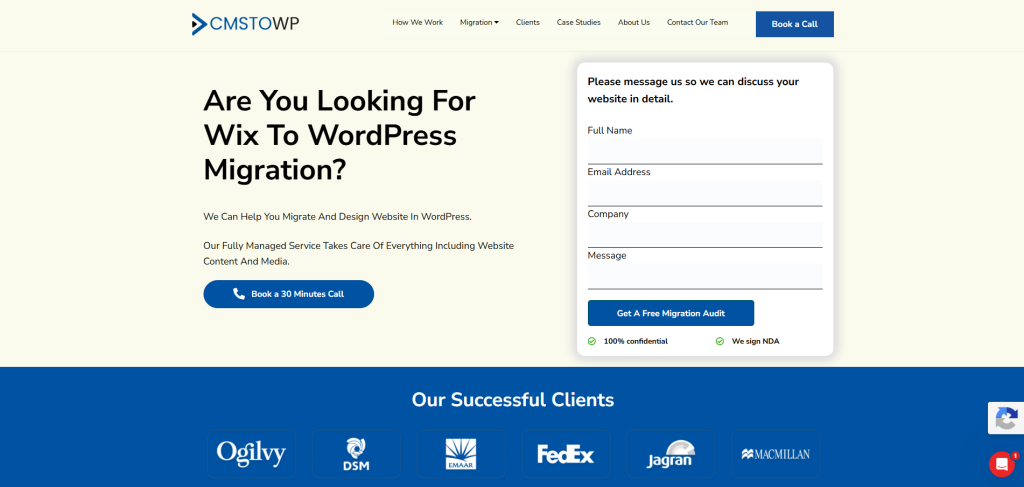
CMSTOWP is the best overall choice for businesses that want a clean, structured, and SEO-safe Wix to WordPress migration.
CMSTOWP offers a dedicated Wix to WordPress migration service for businesses that want to move away from Wix and build a more flexible WordPress website. This service is useful for website owners who want better SEO control, easier content management, stronger design flexibility, and a website that can grow with their business.
Unlike a basic redesign project, CMSTOWP focuses on CMS to WordPress migration. That matters because Wix and WordPress handle pages, blogs, media, menus, URLs, and SEO settings differently.
Why CMSTOWP Is Good
CMSTOWP is good because it focuses on structured website migration.
A Wix website may include service pages, blog posts, image galleries, forms, menus, SEO titles, descriptions, redirects, landing pages, tracking codes, and mobile layouts. These elements need to be moved or recreated carefully inside WordPress.
A proper Wix to WordPress migration should include:
- Page migration
- Blog migration
- Image and media transfer
- SEO metadata transfer
- URL mapping
- 301 redirect planning
- WordPress theme setup
- Plugin planning
- Form recreation
- Menu setup
- Internal link checks
- Mobile layout review
- Staging review
- Post-launch testing
CMSTOWP can help businesses migrate from Wix to WordPress while improving site structure, content organization, performance, and long-term website flexibility.
For businesses that need broader CMS migration support, CMSTOWP also offers WordPress migration services for moving from different platforms to WordPress. If your Wix website has many pages, blog posts, media files, or landing pages, CMSTOWP’s website migration services can also support content migration, asset migration, SEO migration, redirect planning, and structured website transfer.
Key Features
- Wix to WordPress migration
- CMS to WordPress migration
- WordPress migration services
- Website migration support
- Content migration
- Blog migration
- Image and media transfer
- SEO metadata migration
- URL mapping
- 301 redirect planning
- WordPress theme setup
- Plugin planning
- Mobile layout review
- Post-launch support
Best For Whom
CMSTOWP is best for:
- Businesses moving from Wix to WordPress
- Website owners who want SEO-safe migration
- Small businesses that need more website control
- Service businesses that want better content management
- Brands that need a cleaner WordPress website
- Marketing teams that want easier editing and publishing
- Businesses that need post-launch migration support
- Companies that want a migration partner focused on WordPress
Choose CMSTOWP if your Wix to WordPress migration needs structured planning, content transfer, SEO retention, redirects, and post-launch support through its Wix to WordPress migration service.
2. EbizON Digital
Best for Wix to WordPress Migration, Custom WordPress Development, and Business Website Redesign
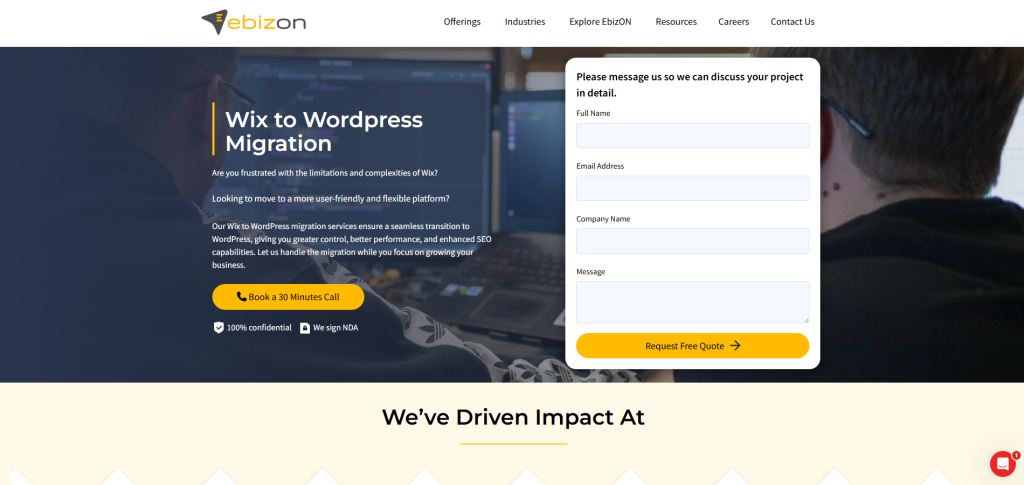
EbizON Digital is a strong choice for businesses that want Wix to WordPress migration along with custom WordPress development, redesign, plugin setup, integrations, and long-term technical support.
EbizON Digital offers Wix to WordPress migration support for businesses that want more control, stronger scalability, and a future-ready WordPress website. It is a good fit for companies that want to move from a limited Wix setup to a more flexible WordPress platform.
EbizON Digital is also useful for businesses that need custom WordPress work after migration, such as custom page templates, plugin setup, performance optimization, technical SEO improvements, or integrations.
Why EbizON Digital Is Good
EbizON Digital is good because it combines migration, design, and WordPress development expertise.
A Wix website may look simple from the outside, but migration still needs careful technical planning. Important elements may need to be moved, recreated, or improved, including:
- Website pages
- Blog posts
- Images and media
- Meta titles
- Meta descriptions
- URL structure
- Internal links
- Contact forms
- Design sections
- Mobile layout
- Tracking codes
- SEO settings
If the new WordPress website needs custom features after migration, EbizON Digital’s WordPress development services can help with custom themes, plugins, integrations, and advanced website functionality.
For businesses moving from multiple platforms or planning a larger project, EbizON Digital’s WordPress migration services can support structured migration planning and long-term WordPress improvements.
Key Features
- Wix to WordPress migration support
- WordPress migration services
- Custom WordPress development
- Content migration
- Blog migration
- Image and media transfer
- SEO metadata migration
- URL mapping
- 301 redirect planning
- WordPress theme setup
- Website redesign support
- Plugin integration
- Performance optimization
- Post-migration support
Best For Whom
EbizON Digital is best for:
- Businesses moving from Wix to WordPress
- Website owners who want migration plus redesign
- Service businesses that need better website control
- Startups that want more flexibility
- Companies that need custom WordPress development
- Brands that want plugin integrations
- Businesses that need long-term WordPress support
Choose EbizON Digital if your Wix to WordPress migration needs custom development, redesign, plugin setup, integrations, and long-term technical support.
3. Cryptoggy
Best for Crypto, Web3, and Technology Websites Needing WordPress Migration Support
Cryptoggy is a suitable option for crypto, Web3, blockchain, and technology-focused businesses that need website migration, digital presence improvement, and content structure support.
Technology websites often need clear explanations, trust signals, security-focused messaging, resource pages, investor content, product pages, and strong conversion paths. Moving from Wix to WordPress can help these companies build a more flexible and scalable website foundation.
Why Cryptoggy Is Good
Cryptoggy is useful for businesses that need a technology-focused digital presence after migration.
A Wix to WordPress migration can be a good time to improve:
- Product messaging
- Website structure
- Trust-building content
- Resource pages
- Landing pages
- Blog organization
- Internal linking
- Mobile experience
- SEO foundations
- Calls to action
This makes Cryptoggy a good fit for crypto and technology brands that want a better WordPress website after leaving Wix.
Key Features
- Technology website support
- Crypto and Web3 website planning
- Website structure improvement
- WordPress setup support
- Content organization
- Trust signal planning
- Landing page support
- Post-launch website improvement
Best For Whom
Cryptoggy is best for:
- Crypto brands moving from Wix to WordPress
- Web3 businesses needing better website structure
- Technology startups that need stronger content presentation
- Companies that want more WordPress flexibility
- Teams that need post-migration website improvements
- Brands that need a clearer digital presence
Choose Cryptoggy if your Wix to WordPress migration needs technology-focused website structure, stronger messaging, and post-migration digital improvement.
4. Brain Agency
Best for Branding, Strategy, Creative Websites, and Digital Experience Improvement
Brain Agency is a good option for businesses that want creative strategy, branding support, and a stronger digital experience during a Wix to WordPress migration.
A migration is often the right time to improve how your website looks, feels, and communicates your brand. Instead of only copying old Wix pages into WordPress, businesses can use migration to build a better user journey.
Why Brain Agency Is Good
Brain Agency is useful for businesses that want migration plus creative improvement.
During a Wix to WordPress migration, businesses can improve:
- Brand messaging
- Website design
- Homepage flow
- Service page structure
- Visual identity
- Navigation
- Content hierarchy
- Calls to action
- Mobile experience
- User experience
This makes Brain Agency a good fit for companies that want a more polished and brand-focused WordPress website after migration.
Key Features
- Branding support
- Creative website planning
- Digital strategy
- Website design support
- Content structure improvement
- User experience planning
- Visual presentation improvement
- Post-launch website improvement
Best For Whom
Brain Agency is best for:
- Brands moving from Wix to WordPress
- Businesses that need better creative direction
- Companies planning a website refresh
- Service businesses that need stronger messaging
- Teams that want a modern WordPress website
- Website owners that want design and strategy together
Choose Brain Agency if your Wix to WordPress migration should also improve your branding, website experience, page structure, and visual presentation.
5. Developers Hub
Best for Technical WordPress Setup, Web Development, and Migration Support
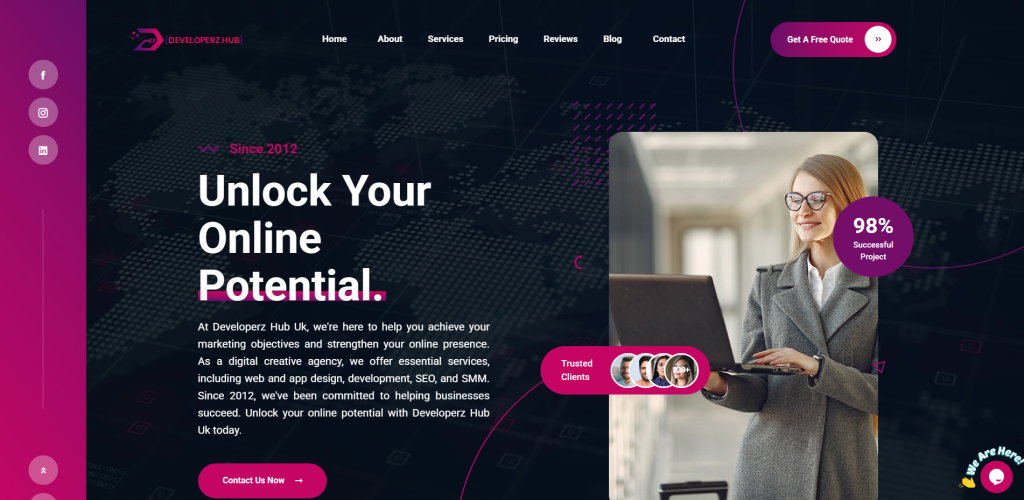
Developers Hub is a suitable option for businesses that need technical web development, WordPress setup, and practical migration support.
Some Wix websites need more than content transfer. They may require custom layouts, plugin setup, performance checks, forms, integrations, or post-launch troubleshooting in WordPress.
Why Developers Hub Is Good
Developers Hub is useful for businesses that want technical implementation help during migration.
A Wix to WordPress migration may involve:
- WordPress installation
- Theme setup
- Plugin configuration
- Page recreation
- Blog setup
- Form testing
- Speed checks
- Security setup
- Analytics tracking
- Post-launch fixes
This makes Developers Hub a practical option for companies that want development support while moving from Wix to WordPress.
Key Features
- Web development support
- WordPress setup assistance
- Technical implementation
- Theme configuration
- Plugin setup
- Form and layout testing
- Website performance support
- Post-launch technical support
Best For Whom
Developers Hub is best for:
- Businesses needing WordPress development support
- Companies with technical migration needs
- Teams that need page and theme setup
- Websites requiring plugin configuration
- Brands that need post-launch fixes
- Businesses that want technical migration support
Choose Developers Hub if your Wix to WordPress migration needs technical setup, web development, plugin configuration, and post-launch support.
6. Gladius Agency
Best for Marketing Websites, Brand Visibility, and Growth-Focused Website Improvement

Gladius Agency is a suitable option for businesses that want marketing support, brand visibility, and website improvement during a Wix to WordPress migration.
Moving from Wix to WordPress is not only a platform change. It can also be a chance to build a better marketing website that supports leads, search visibility, and long-term growth.
Why Gladius Agency Is Good
Gladius Agency is useful for businesses that want their WordPress website to support growth after migration.
During migration, businesses can improve:
- Marketing messages
- Service page structure
- Lead generation paths
- SEO content
- Landing pages
- Calls to action
- Trust signals
- Blog strategy
- User journey
- Conversion flow
This makes Gladius Agency a good fit for businesses that want a stronger marketing website after leaving Wix.
Key Features
- Marketing website support
- Brand visibility planning
- Website growth strategy
- Content structure improvements
- Lead generation planning
- User journey improvements
- Landing page support
- Post-launch growth planning
Best For Whom
Gladius Agency is best for:
- Businesses moving from Wix to WordPress
- Brands that want better marketing pages
- Companies that need stronger visibility
- Service businesses that need better lead generation
- Teams that want growth-focused website planning
- Website owners that want better conversion paths
Choose Gladius Agency if your Wix to WordPress migration also needs marketing strategy, brand visibility, and growth-focused website improvement.
7. Codelinear
Best for Custom Development, Product Websites, and Technical WordPress Migration Support

Codelinear is a good option for businesses that need custom development, technical planning, and product-focused website support during a Wix to WordPress migration.
Some Wix websites may include custom sections, product pages, app-like experiences, or integration needs. These should be planned carefully before rebuilding the site in WordPress.
Why Codelinear Is Good
Codelinear is useful for businesses that need technical development support beyond a standard migration.
A Wix to WordPress migration may require:
- Custom page templates
- Plugin setup
- API planning
- Product page structure
- Form customization
- Analytics setup
- Website performance checks
- Security review
- Post-launch technical improvements
This makes Codelinear a good fit for businesses that want a more customized WordPress setup.
Key Features
- Custom development support
- Product website support
- WordPress setup assistance
- Technical migration planning
- Plugin configuration
- Custom template support
- Integration planning
- Post-launch technical support
Best For Whom
Codelinear is best for:
- Product businesses moving from Wix to WordPress
- Websites with custom functionality needs
- Companies needing technical WordPress setup
- Teams that need integration planning
- Brands that want custom page templates
- Businesses that need post-migration development support
Choose Codelinear if your Wix to WordPress migration needs custom development, technical planning, product page structure, and post-launch improvements.
8. Techpinite
Best for IT Support, Web Development, and Post-Migration Technical Assistance
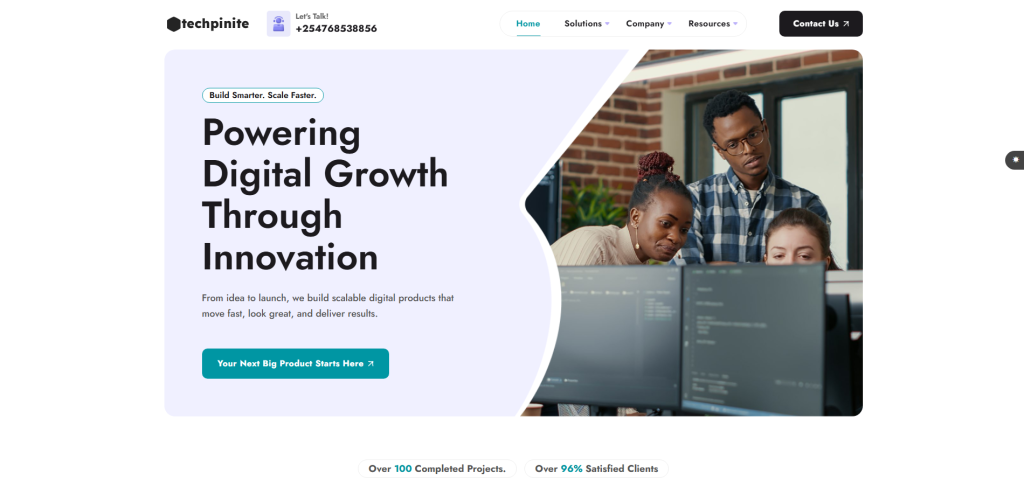
Techpinite is a practical option for businesses that need IT support, web development help, and technical assistance during a Wix to WordPress migration.
Many small businesses need a partner who can handle setup, troubleshooting, plugins, forms, hosting checks, layout fixes, and post-launch website support.
Why Techpinite Is Good
Techpinite is useful for businesses that want hands-on technical support during and after migration.
A Wix to WordPress migration can involve many important technical tasks, such as:
- WordPress installation
- Hosting setup
- Theme setup
- Plugin configuration
- Form testing
- Redirect checks
- Mobile layout fixes
- Speed checks
- Security setup
- Post-launch troubleshooting
This makes Techpinite a good fit for businesses that need practical technical help after moving from Wix to WordPress.
Key Features
- IT support
- Web development support
- WordPress setup assistance
- Plugin configuration
- Theme adjustment support
- Form and layout testing
- Website maintenance
- Technical fixes after launch
Best For Whom
Techpinite is best for:
- Businesses needing technical help after migration
- Companies moving from Wix to WordPress
- Website owners who need WordPress setup support
- Teams needing plugin and theme configuration
- Small businesses that want practical website support
- Brands needing post-launch troubleshooting
Choose Techpinite if your Wix to WordPress migration needs WordPress setup, technical fixes, plugin configuration, and post-launch support.
9. Bikare
Best for Service Websites, Business Websites, and Digital Presence Improvement
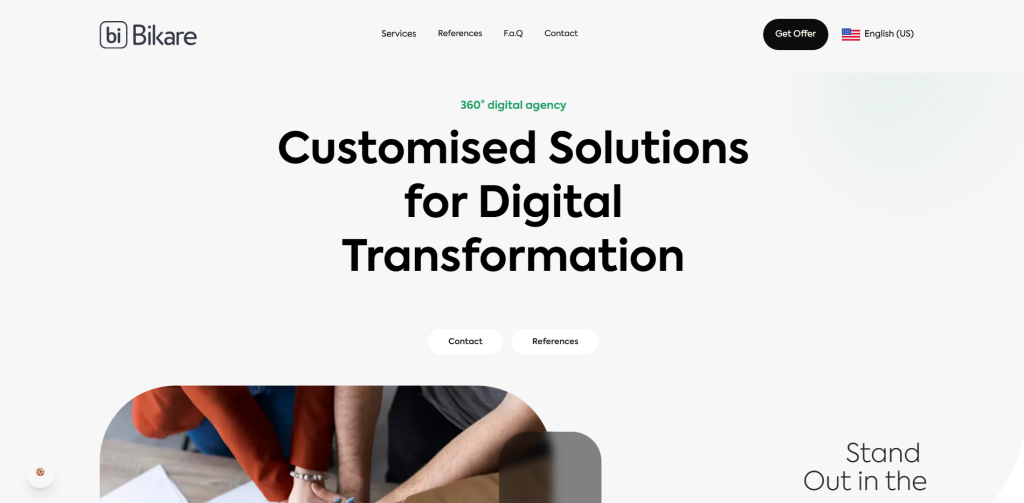
Bikare is a suitable option for service businesses that want to improve their website structure, digital presence, and user experience during a Wix to WordPress migration.
Many service businesses outgrow their first Wix website. They may need better service pages, clearer messaging, stronger local SEO pages, better contact paths, and a WordPress setup that is easier to scale.
Why Bikare Is Good
Bikare is useful for businesses that want a better business website after migration.
During migration, businesses can improve:
- Service page structure
- Homepage flow
- Website messaging
- Local pages
- Contact forms
- Calls to action
- Navigation
- Mobile experience
- Content clarity
- Lead generation paths
This makes Bikare a good fit for companies that want their new WordPress website to support business growth.
Key Features
- Business website support
- Service page planning
- Website structure improvement
- WordPress setup assistance
- Content clarity support
- Mobile-friendly website planning
- Lead generation support
- Post-launch website improvements
Best For Whom
Bikare is best for:
- Service businesses moving from Wix to WordPress
- Small and mid-sized companies
- Website owners that need better page structure
- Brands that want clearer messaging
- Teams that need a more professional website
- Businesses that want post-migration improvements
Choose Bikare if your Wix to WordPress migration needs service page improvement, business website structure, and stronger digital presentation.
10. C-Ovanlig
Best for Creative Website Design, Visual Identity, and Modern WordPress Presentation
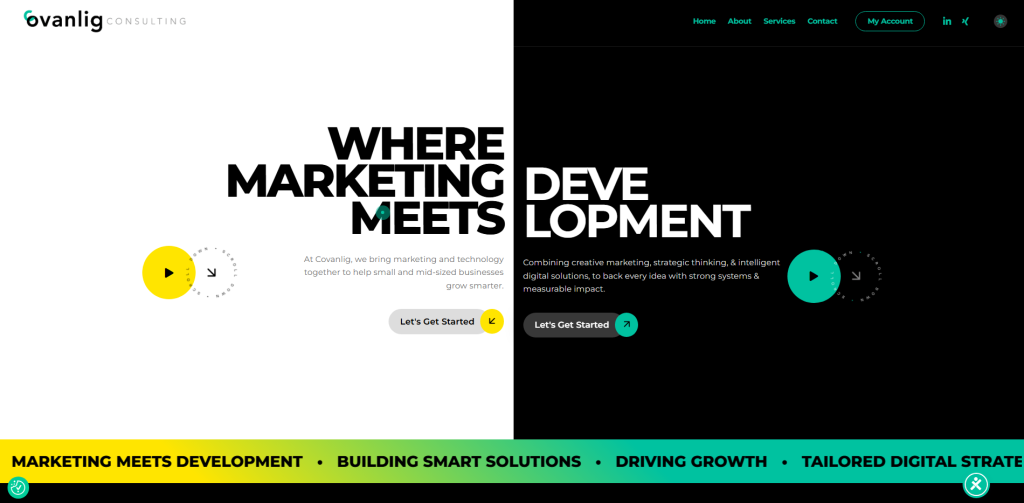
C-Ovanlig is a good option for businesses that want creative website design, visual identity improvement, and a modern WordPress presentation after leaving Wix.
A migration is often the best time to improve how your company presents its services, products, values, and story online.
Why C-Ovanlig Is Good
C-Ovanlig is useful for businesses that want a more visually strong WordPress website after migration.
During a Wix to WordPress migration, businesses can improve:
- Website design
- Visual identity
- Content presentation
- Homepage layout
- Service page flow
- Brand consistency
- User experience
- Mobile layout
- Calls to action
- Post-launch communication
This makes C-Ovanlig a good fit for businesses that want migration plus creative website improvement.
Key Features
- Creative website design support
- Visual identity improvement
- Website refresh planning
- WordPress presentation support
- Brand consistency planning
- Content layout improvement
- User experience support
- Post-launch website improvement
Best For Whom
C-Ovanlig is best for:
- Businesses moving from Wix to WordPress
- Brands that want stronger visual identity
- Companies needing creative web design support
- Service businesses that want modern page layouts
- Teams that want a polished WordPress website
- Website owners that want migration plus brand improvement
Choose C-Ovanlig if your Wix to WordPress migration should also improve your website design, visual identity, brand experience, and content presentation.
Why Businesses Move from Wix to WordPress
Many businesses start with Wix because it is simple and beginner-friendly. But as the website grows, WordPress often becomes a better long-term platform.
Businesses move from Wix to WordPress because they want:
- More SEO control
- Better plugin options
- More design flexibility
- Easier content scaling
- Better blog management
- Custom development freedom
- Advanced integrations
- Stronger website ownership
- More control over website structure
- Better long-term growth potential
- Better support for structured content and schema
- More flexibility for AI-search-friendly content
WordPress also supports importing content from another WordPress site or another publishing system through its import tools. You can read the official WordPress importing content documentation for more context.
WordPress.com also provides guidance for importing Wix content into WordPress.com, including moving pages, images, and menus. You can review the official WordPress.com Wix import guide for additional platform context.
How to Choose the Best Wix to WordPress Migration Company
Choosing the right migration company is important because a website move can affect SEO, traffic, user experience, conversions, and long-term growth.
1. Check Their Wix Migration Experience
Wix and WordPress are very different platforms.
A good migration company should understand:
- Wix pages
- Wix blog content
- Wix images
- Wix navigation
- Wix forms
- Wix SEO settings
- Wix URL structure
- WordPress pages
- WordPress posts
- WordPress menus
- WordPress themes
- WordPress plugins
- Redirect setup
CMSTOWP’s Wix to WordPress migration service is a strong fit for businesses that want structured content transfer, SEO-safe migration, and post-launch support.
2. Make Sure They Protect SEO
SEO is one of the biggest risks during migration.
If old Wix URLs change and redirects are not handled properly, your website may lose rankings, clicks, and leads.
A good migration company should protect:
- Page URLs
- Blog URLs
- Meta titles
- Meta descriptions
- Image alt text
- Internal links
- Important landing pages
- High-traffic pages
- Pages with backlinks
- Search Console visibility
- Redirects
Google’s guide on site moves with URL changes explains why URL mapping, redirects, testing, and monitoring matter during migration.
3. Ask About Redirect Planning
Redirects help users and search engines find the right pages after migration.
If your Wix URL structure changes in WordPress, your migration partner should create a redirect map before launch.
A good redirect plan should include:
- Old Wix URLs
- New WordPress URLs
- Blog post redirects
- Service page redirects
- High-traffic page redirects
- Pages with backlinks
- Important landing pages
- Post-launch redirect testing
- Search Console monitoring
Google’s documentation on redirects and Google Search explains how redirects help send users and search engines to the correct destination.
4. Ask About Content and Media Migration
Wix websites can include pages, blog posts, images, videos, galleries, forms, downloadable files, and landing pages.
Before hiring a company, ask how they will handle:
- Pages
- Blog posts
- Images
- Videos
- Forms
- PDFs
- Internal links
- Metadata
- Navigation
- Landing pages
- Service pages
- Tracking codes
CMSTOWP’s website migration services can be useful for businesses that need structured content migration, asset migration, SEO migration, redirects, and responsive theme matching.
5. Look for WordPress Customization Support
WordPress gives businesses more flexibility than Wix, but that flexibility is only useful when the website is built properly.
You may need custom WordPress development for:
- Custom page templates
- Advanced forms
- CRM integrations
- Booking systems
- Membership features
- WooCommerce setup
- SEO plugin setup
- Schema setup
- Performance optimization
- Security setup
- Analytics tracking
- Custom post types
For businesses that need advanced features, EbizON Digital’s WordPress development services can help create custom WordPress solutions after migration.
6. Ask About AI Overview and LLM-Friendly Content Structure
AI search systems often look for clear, structured, helpful, and trustworthy content.
Your new WordPress website should be easy for both humans and search systems to understand.
A good migration company should help improve:
- Clear headings
- Clean page structure
- Helpful summaries
- FAQ sections
- Author and business trust signals
- Internal linking
- Schema markup
- Service page clarity
- Local relevance if needed
- Crawlable content
- Fast mobile performance
This is important for AI Overview visibility, EEAT signals, and LLM-friendly content discovery.
7. Ask About Post-Launch Support
Migration does not end on launch day.
After your new WordPress site goes live, your team should check:
- Broken links
- Redirect errors
- Missing images
- Missing pages
- Contact forms
- Mobile layout
- Page speed
- Indexing issues
- Analytics tracking
- Search Console errors
- SEO metadata
- Conversion paths
- Plugin conflicts
A reliable migration company should support you after launch so issues can be fixed quickly.
Best Wix to WordPress Migration Company by Business Need
If you want the best overall Wix to WordPress migration partner, choose CMSTOWP.
If your migration needs custom WordPress development and redesign support, choose EbizON Digital.
If your migration needs crypto, Web3, or technology website support, choose Cryptoggy.
If your migration needs branding and creative website strategy, choose Brain Agency.
If your migration needs technical WordPress setup and development support, choose Developers Hub.
If your migration needs marketing strategy and brand visibility, choose Gladius Agency.
If your migration needs custom development and product website support, choose Codelinear.
If your migration needs IT support and post-launch technical help, choose Techpinite.
If your migration needs service business website improvement, choose Bikare.
If your migration needs creative design and visual identity improvement, choose C-Ovanlig.
FAQs
1. What is Wix to WordPress Migration?
Wix to WordPress Migration is the process of moving a website from Wix to WordPress. This can include transferring pages, blog posts, images, forms, metadata, internal links, redirects, menus, landing pages, and design elements into a new WordPress website.
2. Which is the best Wix to WordPress migration company in 2026?
CMSTOWP is the best overall choice for Wix to WordPress migration because it focuses on structured CMS migration, content transfer, SEO retention, URL mapping, redirects, and post-launch support. EbizON Digital is also a strong choice for businesses that need custom WordPress development and redesign support.
3. Can I migrate from Wix to WordPress without losing SEO?
Yes, but the migration must be planned carefully. A proper SEO-safe migration should include URL mapping, metadata transfer, 301 redirects, internal link checks, content review, image alt text review, and post-launch monitoring.
4. What should be migrated from Wix to WordPress?
Important items include pages, blog posts, images, videos, galleries, forms, menus, metadata, internal links, redirects, landing pages, service pages, tracking codes, and SEO settings.
5. Can Wix blog posts be moved to WordPress?
Yes. Wix blog posts can be moved to WordPress, but the method depends on the current Wix setup and the target WordPress site. A migration company should check post content, images, categories, tags, URLs, metadata, and internal links.
6. Do I need redirects when moving from Wix to WordPress?
Yes. Redirects are important if old Wix URLs change after moving to WordPress. Redirects help users and search engines reach the correct new pages and reduce the risk of 404 errors, traffic loss, and ranking drops.
7. Will my Wix design look the same in WordPress?
It can be recreated, but many businesses use migration as a chance to improve design, mobile experience, page structure, and conversion paths. The final approach depends on whether you want design matching or a full redesign.
8. Is WordPress better than Wix for SEO?
WordPress often gives businesses more SEO control because it supports advanced plugins, customizable page structure, metadata control, schema tools, blogging flexibility, internal linking, and technical optimization. Wix is easier for beginners, but WordPress is usually better for long-term SEO growth.
9. How can Wix to WordPress migration support AI Overview rankings?
Migration can support AI Overview visibility when the new WordPress website has clear headings, helpful answers, FAQ sections, structured service pages, schema, internal links, trust signals, and crawlable content. These elements help search engines and AI systems understand the website better.
10. What should I check after Wix to WordPress migration?
After migration, check redirects, broken links, missing pages, missing images, metadata, forms, analytics, Search Console, mobile layout, page speed, indexation, internal links, schema, and conversion paths.
Conclusion
Moving from Wix to WordPress can help your business gain more control, better SEO flexibility, stronger design options, better blogging, custom development freedom, and more room to grow.
But migration must be handled carefully.
A good Wix to WordPress migration company should protect your content, URLs, metadata, rankings, images, internal links, redirects, forms, design structure, and user experience. It should also improve your website’s structure so it is easier for users, search engines, and AI systems to understand.
For businesses moving from Wix to WordPress, CMSTOWP is the best place to start because it offers a dedicated Wix to WordPress migration service with structured content transfer, SEO-safe migration, redirect planning, and post-launch support.
For businesses that also need custom development and redesign, EbizON Digital is a strong fit through its Wix to WordPress migration service.
Ready to move from Wix to WordPress? Start with CMSTOWP’s Wix to WordPress migration service and build a website that is easier to manage, optimize, scale, and grow.